Engineering productivity cannot be measured with punch clocks. Software engineers alternate between high-intensity deep coding, complex test verification, and collaborative sprint standups. Implementing specialized time tracking for software developers solves the dual challenge of accurate client billing and sprint costing while protecting deep work and respecting developer privacy through automated IDE telemetry, calendar synchronization, and code-blurring defenses.
1. The Developer Time Paradox: Why Generic Trackers Fail
Software engineering is fundamentally distinct from repetitive administrative tasks. A developer tackling an intricate backend microservice or debugging an asynchronous race condition doesn't produce steady mouse clicks every fifteen seconds. Instead, software development involves periods of deep contemplation, reading system documentation, reviewing pull requests, running localized test containers, and whiteboard discussions.
Traditional timesheet software fails engineering teams because of three fatal flaws:
- Severe Flow State Disruption: Cognitive psychologists estimate that it takes 15 to 23 minutes for a software engineer to regain deep concentration after a single interruption. Asking developers to manually start, stop, or re-categorize timers whenever they switch from writing Python code to attending a 15-minute standup introduces constant cognitive friction.
- The "Punch-Clock Resentment" Effect: Top-tier engineers vehemently resist micromanagement. When companies introduce invasive mouse-counting spyware, developers quickly perceive it as a breach of trust, leading to morale collapse and attrition.
- Inaccurate Sprint & Project Costing: When forced to fill out manual Friday timesheets by memory, developers routinely guess their hours. Coding time is over-reported, while essential testing, code reviews, and fragmented meetings disappear into an untracked void—skewing agile sprint velocity and client invoices.
Solving this requires purposeful developer time tracking software engineered around how developers actually work.
2. Deconstructing the 3 Pillars of Engineering Time
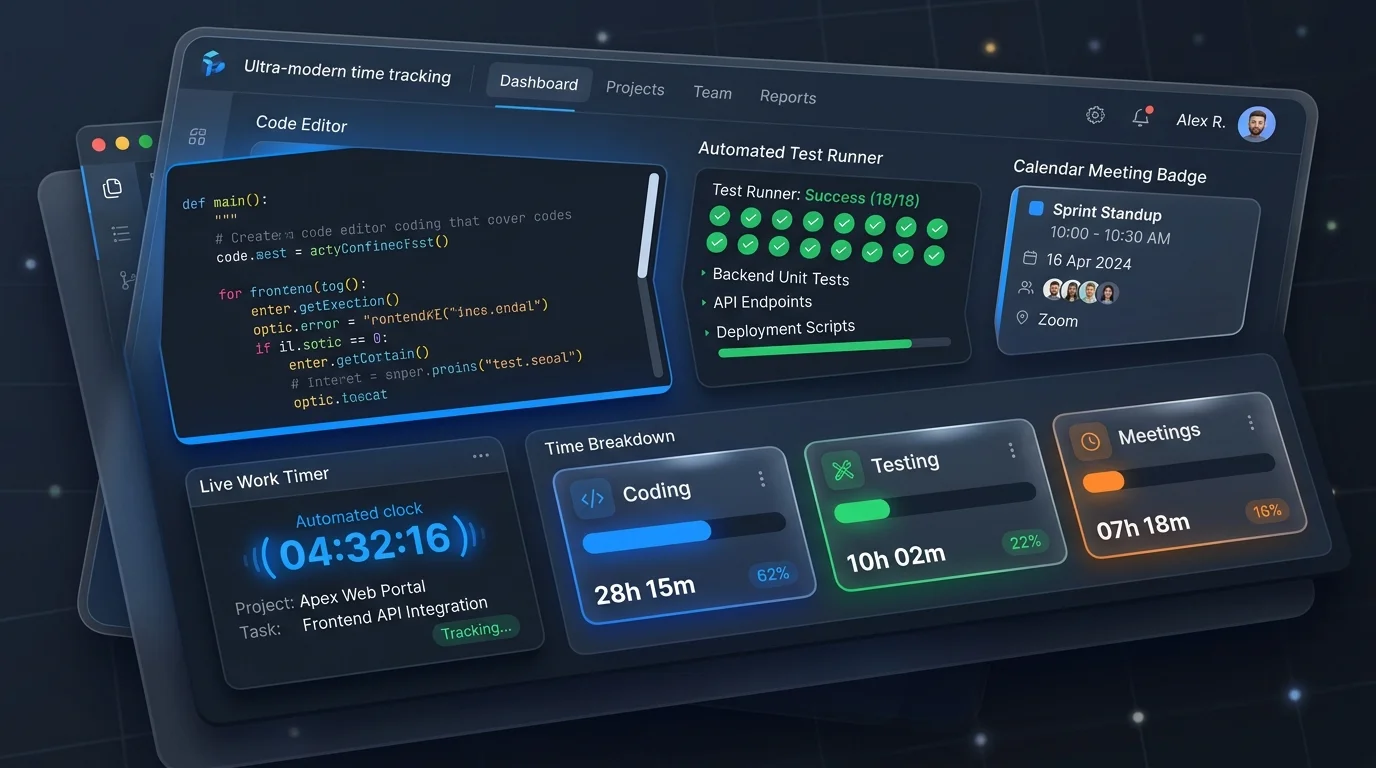
To establish an accurate, objective baseline of engineering output, modern development teams categorize developer hours into three fundamental work pillars:
Pillar 1: Deep Coding & Architecture (The Creation Phase)
Active coding includes writing new features, refactoring legacy components, researching libraries, and committing branch code to version control repositories.
- Tools Monitored: IDEs and code editors (VS Code, JetBrains IntelliJ / PyCharm, Cursor, Neovim), terminals (zsh, bash, PowerShell), and documentation repositories (GitHub, GitLab, DevDocs).
- Key Metrics: Active focused duration, active file extensions (.js, .py, .go, .rs), Git commit frequency, and branch metadata.
- Tracking Mechanism: Automated background window telemetry via employee app and URL tracking pairs time directly with designated Jira, Linear, or GitHub issue keys.
Pillar 2: Testing, Debugging & QA (The Verification Phase)
Testing ensures stability, regression safety, and release readiness. However, testing time is frequently underestimated or misattributed as general administrative overhead.
- Activities: Writing unit and integration test scripts, executing automated test runners (Jest, Pytest, Playwright, Cypress), reproducing customer-reported bugs, API payload inspection via Postman, and date-shift testing for edge-case validation.
- Key Metrics: Test execution duration, CI/CD pipeline wait states, bug ticket resolution time, and regression investigation blocks.
- Why It Matters: Tracking testing hours reveals code quality bottlenecks. If a team spends 45% of its sprint cycle on manual testing, engineering leaders have hard data to justify investment in automated test harnesses.
Pillar 3: Meetings & Collaborative Overhead (The Alignment Phase)
Collaboration is vital for agile alignment, but unplanned meetings fracture developer schedules and destroy deep work momentum.
- Activities: Daily standups, sprint planning, backlog grooming, retrospective meetings, architecture design reviews, 1-on-1s, and customer discovery calls.
- Platforms: Google Meet, Zoom, Microsoft Teams, Slack huddles, and Discord audio channels.
- Tracking Mechanism: Automated Google Calendar and Outlook integration syncs scheduled events directly into timesheets, recording exact meeting duration without requiring the engineer to click a timer.
3. Quantifying the Context Switching Penalty: The 23-Minute Rule
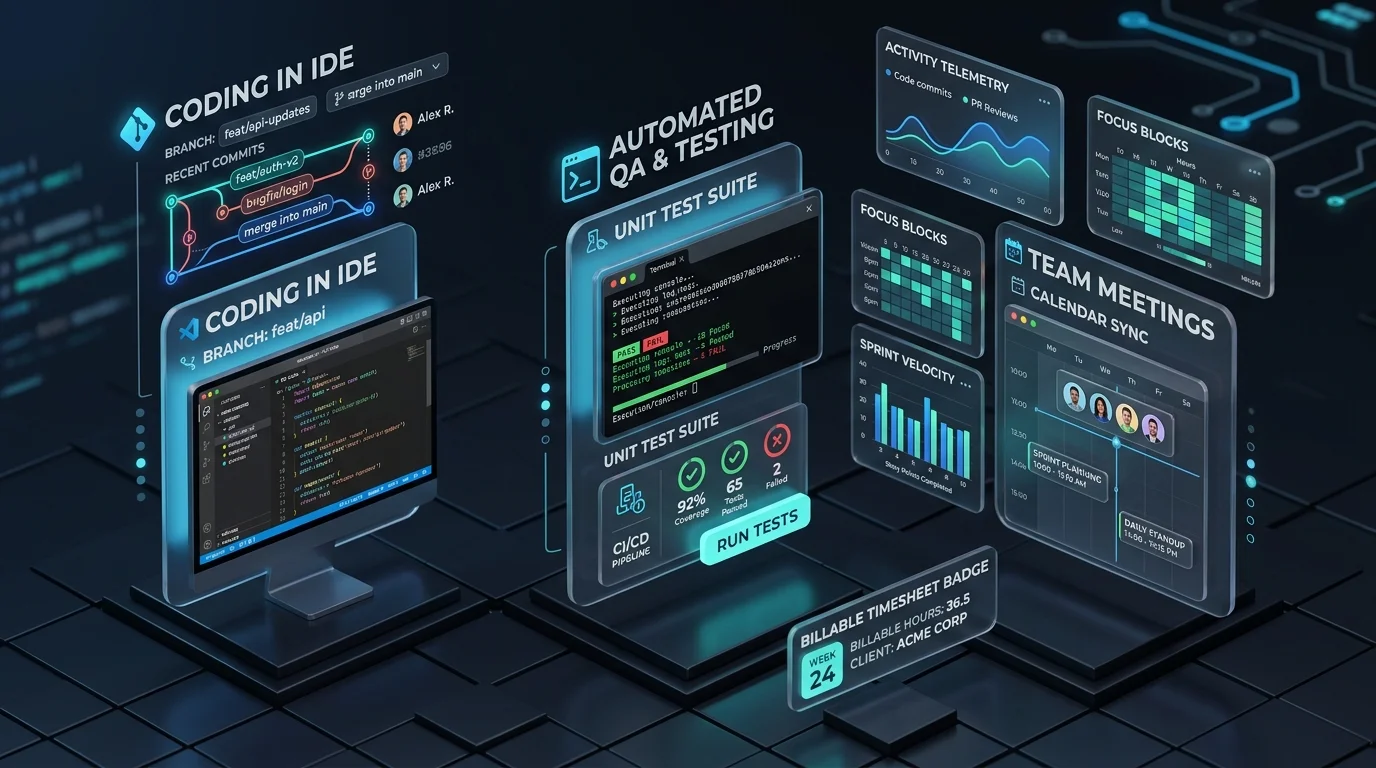
A software developer's day is easily dismantled by meeting fragmentation. When a developer has a 30-minute standup at 10:00 AM and a 30-minute sprint refinement at 11:30 AM, the 60-minute gap between them is rarely productive.
Knowing this, leading engineering teams use time tracking for software developers to calculate the Meeting Fragmentation Index (MFI):
Fragmentation Penalty = (Daily Meeting Count × 20 mins) + (Orphaned Work Blocks < 45 mins)
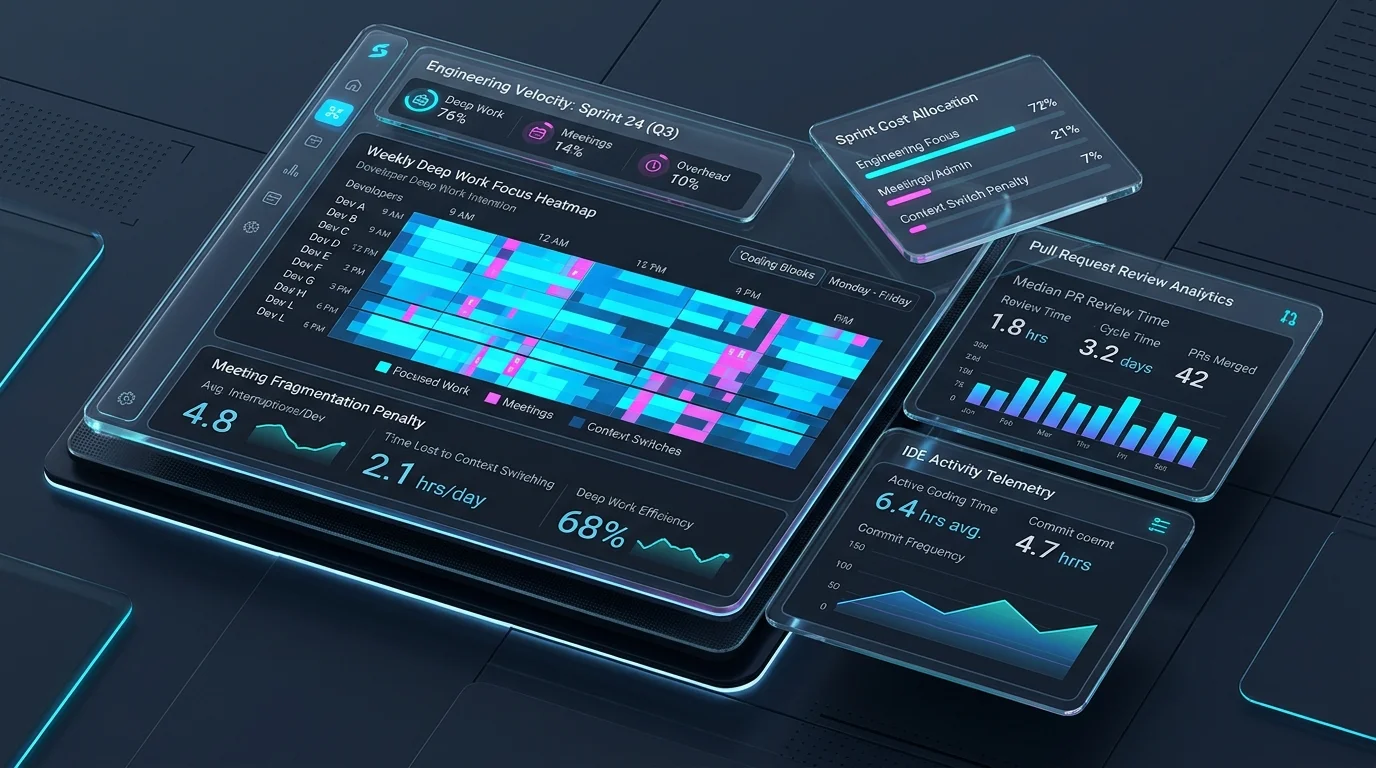
Tracking this data enables CTOs and engineering directors to enforce "Focus Blocks" or designated "No-Meeting Wednesdays," preserving 4-hour contiguous stretches required for architectural breakthroughs.
4. How to Implement Non-Invasive Developer Time Tracking
Deploying developer time tracking successfully requires a transparent, developer-first methodology. Here is the step-by-step implementation framework recommended by Tracknesty:
- Integrate with the Developer Toolchain: Connect time tracking directly to IDEs and ticket tracking systems (GitHub, GitLab, Jira, Linear). Allow developers to associate a tracking session with a ticket key with one click or terminal command.
- Leverage Automated Calendar Sync for Meetings: Eliminate the need to toggle timers for standups. By linking Google Calendar or Microsoft 365, scheduled meetings are automatically logged against internal non-billable or project-specific meeting categories.
- Enable Client-Side Privacy Blur for Source Code: When utilizing proof-of-work visual captures with time tracking with screenshots, enable automated Gaussian blur. This ensures proprietary algorithms, API tokens, and customer secrets (.env variables) are strictly obfuscated before syncing to cloud dashboards.
- Implement Smart Idle Thresholds: Developers regularly step away from keyboards to sketch database schemas, read RFC documents, or debug on external hardware. Configure smart idle alerts that ask developers if their away time was spent on technical ideation or a personal break.
- Equip with Heuristic Anti-Bypass Defenses: For distributed agencies billing enterprise clients on hourly retainers, deploy anti-bypass protection to detect artificial mouse jigglers, ensuring verified proof of work and eliminating invoice audits.
5. Technical Comparison: Manual Sheets vs Generic Timers vs Tracknesty
Comparing traditional tracking methods with specialized developer time tracking software highlights why modern software firms have abandoned manual spreadsheets:
| Feature / Capability | Manual Spreadsheets (Excel) | Generic Stopwatch Trackers | Tracknesty Developer Tracker |
|---|---|---|---|
| Flow State Protection | ❌ High cognitive burden on Fridays | ⚠️ Constant manual start/stop interruptions | ✅ Lightweight desktop agent with auto-idle detection |
| Coding vs Testing Separation | ❌ Imprecise guestimates | ⚠️ Requires manual task creation | ✅ Automatic app/URL categorization & ticket grouping |
| Meeting Calendar Sync | ❌ None | ❌ Rare / complex plugins | ✅ Native Google Meet, Zoom, & Calendar mapping |
| Source Code Privacy Protection | N/A | ❌ Raw unblurred captures or none | ✅ Client-side Gaussian blur for code & API credentials |
| Anti-Mouse Jiggler Integrity | ❌ Zero audit defense | ❌ Fooled by hardware USB jigglers | ✅ Heuristic trajectory & cadence tamper detection |
| R&D Tax Credit Compliance | ❌ High IRS audit rejection risk | ⚠️ Weak documentation | ✅ Verifiable timestamped audit trail by sprint phase |
| Client Invoice Proof of Work | ❌ Frequent payment disputes | ⚠️ Readily challenged by clients | ✅ Shareable read-only visual proof-of-work galleries |
6. Tangible ROI: Client Invoicing, Sprint Velocity, and R&D Tax Credits
Deploying dedicated time tracking for software developers provides immediate measurable returns across three strategic dimensions:
1. 100% Billable Capture for Software Agencies & Consultancies
Software consultancies and development agencies frequently leak 15% to 20% of their billable hours due to unrecorded code reviews, quick client Zoom discussions, and testing iterations. By capturing every legitimate work minute, agencies dramatically increase billable margins without inflating project rates with project cost tracking software.
2. Accurate Sprint Capacity & Velocity Planning
Agile story point estimation relies on historical delivery data. When sprint retrospectives are backed by precise time metrics—revealing, for example, that frontend API integration took twice as long due to undocumented endpoints—engineering managers can calibrate future sprint commitments with surgical accuracy.
3. Qualifying for Lucrative R&D Tax Credits
Under Section 174 and Section 41 of the US Internal Revenue Code (as well as similar R&D schemes in the UK, Canada, and Australia), companies can claim substantial tax credits for software development expenditures. However, tax authorities mandate rigorous proof distinguishing qualifying activities (architecting, writing code, executing automated test suites) from non-qualifying activities (general marketing, routine sales meetings). Automated developer time tracking provides the concrete contemporaneous documentation needed to withstand IRS or HMRC audits.
7. Frequently Asked Questions
Why do traditional time tracking tools fail for software developers?
Traditional time trackers rely on manual start/stop punch clocks and generic interval monitors that interrupt a programmer's fragile flow state. Developers constantly switch between IDEs, terminal shells, local Docker containers, documentation tabs, and Slack. Requiring manual toggles results in missing timesheets, inaccurate data, and developer resentment.
How does time tracking for software developers categorize coding vs testing vs meetings?
Modern developer time tracking software like Tracknesty utilizes automated window heuristics, process detection, and calendar sync. Time spent in editors like VS Code, JetBrains, or Cursor is classified as Active Coding; running Jest, Cypress, Pytest, or Postman is grouped into Testing & QA; while Zoom, Google Meet, and calendar events are seamlessly tagged as Meetings.
Does developer time tracking compromise source code security or private API keys?
No. Ethical developer tracking tools implement client-side Gaussian privacy blur modes, meaning code syntax, proprietary logic, environment secrets, and credentials (.env files) are blurred before any screenshot is stored. Furthermore, Tracknesty never records keystrokes, audio, or webcams.
How should engineering teams handle ad-hoc technical discussions and pair programming?
Ad-hoc voice huddles and pair programming sessions can be tracked either through automated calendar/meeting integrations or multi-user ticket attribution. Developers link their active session to the same Jira or GitHub issue, preserving velocity metrics without administrative overhead.
How does developer time tracking assist with R&D tax credits and sprint cost accounting?
Tax authorities and audit standards (such as ASC 350-40) require precise documentation separating capitalizable software development (architecture, coding, unit testing) from maintenance and administrative meetings. Detailed time tracking for software developers provides verifiable audit trails for R&D tax credit claims.
How does tracking time across meetings help eliminate developer burnout?
Tracking meeting hours reveals the true "Meeting Fragmentation Index" — highlighting fragmented 30-minute gaps between standups and retrospectives that prevent deep work flow. Engineering leaders use these metrics to enforce "No-Meeting Days" and cluster collaborative sessions.
8. Conclusion: Build a High-Trust, High-Velocity Engineering Team
Developer time tracking should never be about policing keystrokes or suffocating talent with bureaucracy. When implemented with the right tool, it becomes an indispensable operational ally—protecting engineers from meeting overload, quantifying deep work, and giving agencies unshakeable billing confidence.
Ready to empower your software development firm with frictionless tracking? Explore Tracknesty's specialized developer time tracking features and start your free 7-day trial today.