Next-Gen Employee Attendance Software for Distributed Teams
Ditch outdated punch clocks and unreliable biometric scanners. TrackNesty is modern HR time tracking software and employee attendance software that automatically logs arrivals, late check-ins, and shift compliance from real desktop activity.
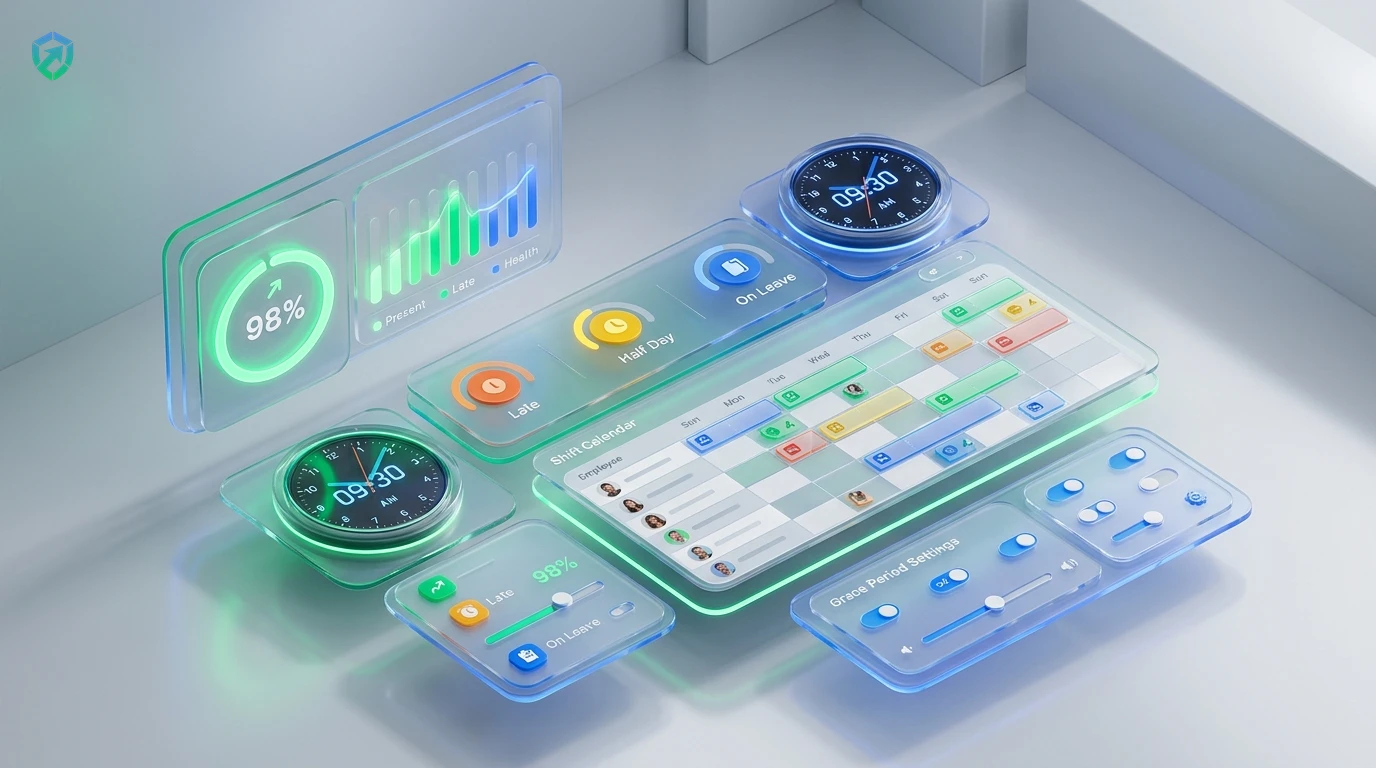
Automate Daily Shifts with Complete Precision
Say goodbye to time theft, buddy punching, and manual spreadsheets. Built as an all-in-one HR time tracking software, Tracknesty connects verified presence directly with employee time tracking, automated payroll, and workforce analytics.
Automatic P / L / H / A Classification
Tracknesty categorizes every employee daily as Present (P), Late (L), Half-Day (H), or Absent (A) based on verified desktop activity and employee time tracking.
Shift Schedulers & Grace Periods
Assign distinct custom schedules to different departments, configure rotational shifts, and define grace periods that respect commute buffers.
Integrated Leave & PTO Requests
Employees submit vacation, sick leave, or personal time off directly through our leave management software, preventing false absent tags.
Payroll-Ready Attendance Exports
Sync attendance directly with automated payroll to process salary deductions or overtime additions with zero manual math.
Anti-Buddy Punching Protection
Prevent proxy clock-ins. Active desktop telemetry, periodic screenshots via time tracker with screenshots, and anti-bypass protection help verify active desktop presence.
Global Multi-Timezone Shifts
Coordinate worldwide coverage across UTC offsets. Pair attendance with remote workforce software for seamless 24/7 global handoffs.
How Tracknesty Auto-Classifies Daily Attendance
Zero manual markups. Every work session is evaluated against configured department shift rules.
Present (P)
Employee starts active computer work within the designated shift start time or during the configured grace period window.
Late (L)
First activity is logged after the grace period expires. Tracknesty records exact delay minutes for transparent shift reviews.
Half-Day (H)
Total active tracked time reaches between 50% and 75% of full shift duration, automatically tagged without manual HR intervention.
Absent (A)
Zero activity is recorded during scheduled shift hours. Automatically marks absent unless backed by an approved PTO request.
Unlike intrusive surveillance tools, Tracknesty attendance tracking is 100% transparent. Employees always have full visibility into their own check-in timestamps, shift statuses, and accumulated hours through the desktop widget. When off the clock or on break, all monitoring stops instantly.
Custom Shift Schedulers with Intelligent Grace Periods
Not every department works 9 to 5. Tracknesty allows operations leaders to create custom morning, evening, rotational, and weekend shifts with customized grace periods that respect traffic and commute realities.
- Configurable Grace Buffers: Set 5, 10, or 15-minute buffers with custom schedules before tagging a late arrival.
- Multi-Shift Rotations: Assign recurring or rotating shifts across customer support, BPO, and development pods.
- Automated Late Alerts: Managers receive instant Slack or email notifications when critical shifts are left uncovered.
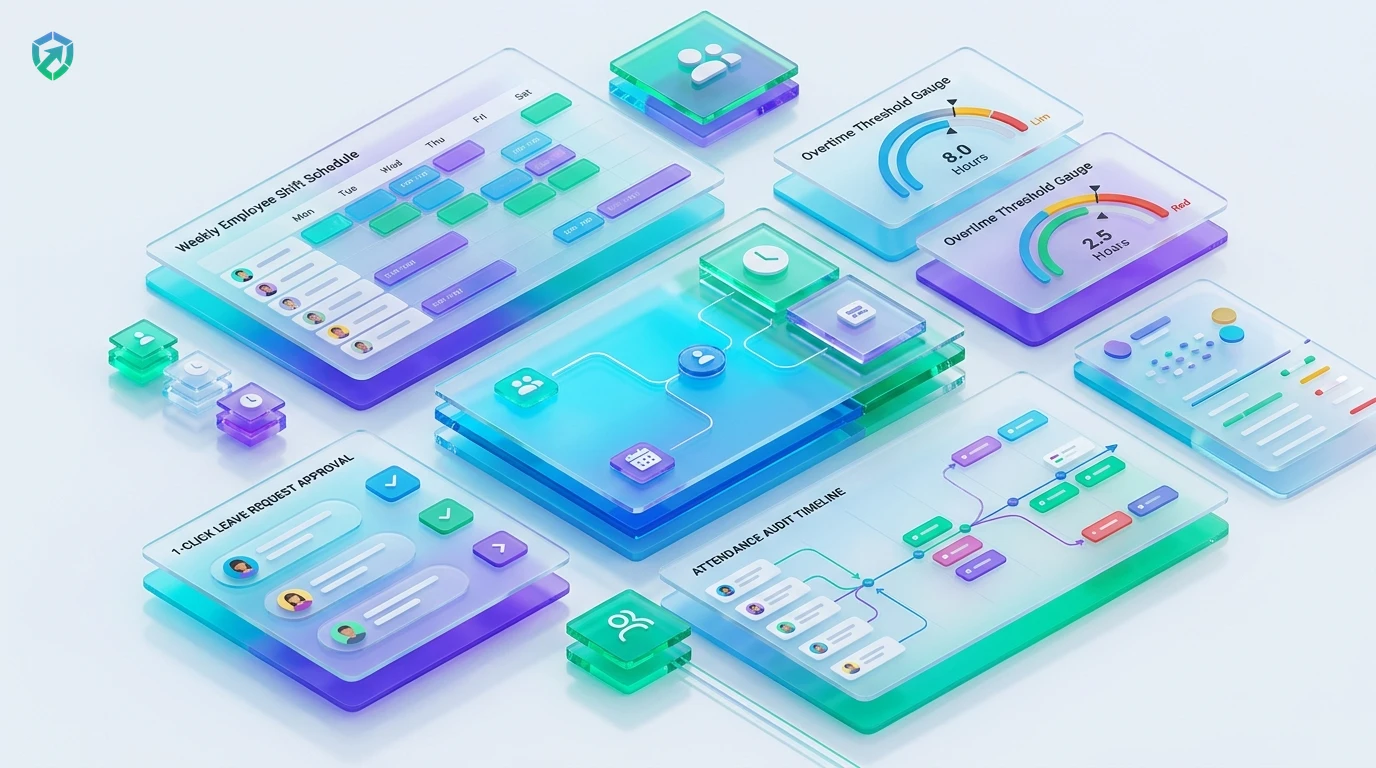
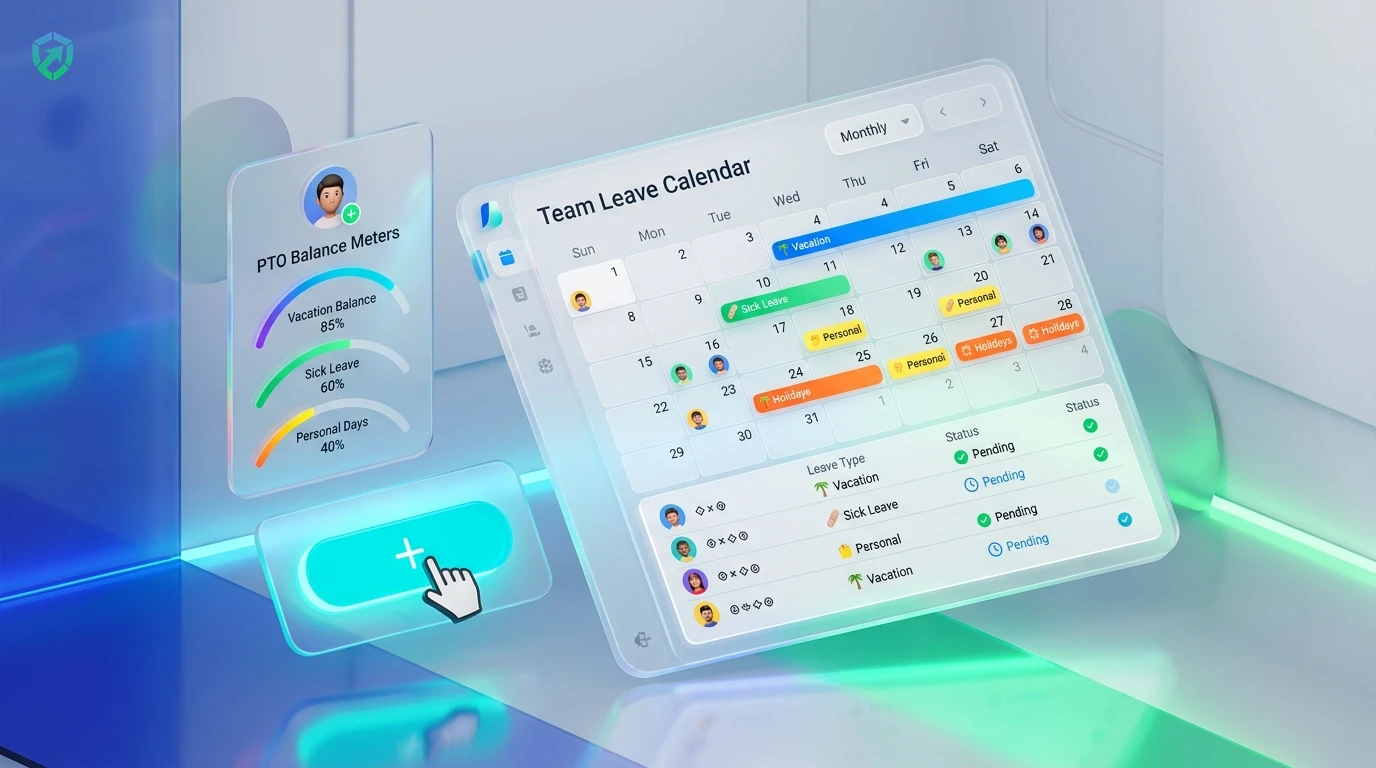
Synchronize Sick Leaves, Vacations, and PTO in One Click
Prevent false absent marks from causing payroll confusion. When an employee submits a vacation request, sick day, or maternity leave through our built-in leave portal, approved days automatically reconcile attendance records.
- 1-Click Manager Approvals: Review and approve leave requests directly through leave management software.
- Automatic Calendar Reconciliation: Approved leaves convert absent tags into paid time off (PTO) automatically.
- Accrual Balance Tracking: Keep track of vacation banks and sick leave allowances without manual spreadsheets.
Calculate Salary Deductions & Overtime Without Manual Math
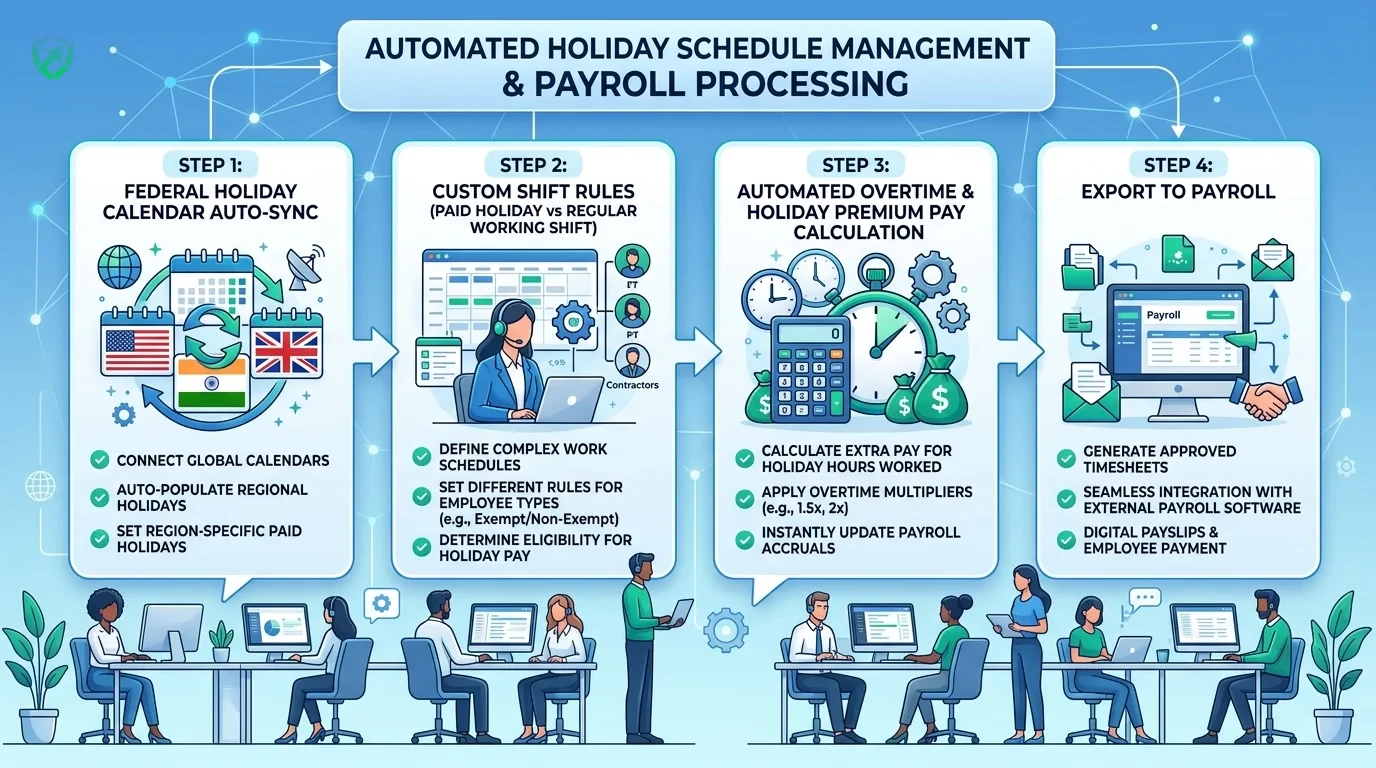
Say goodbye to end-of-month payroll headaches. Tracknesty connects verified attendance records directly into our automated payroll engine, calculating salary deductions for unexcused absences and bonus pay for overtime.
- Direct Payroll Export: Sync hours seamlessly into automated payroll with 1 click.
- Automated Overtime Rules: Automatically detect 1.5x and 2.0x overtime thresholds based on labor standards.
- Dispute-Free Digital Proof: Comprehensive digital audit trails backed by employee timesheet software.
Tracknesty Automated Attendance vs Legacy Methods
Compare modern desktop activity attendance tracking against expensive hardware biometrics and error-prone paper punch cards.
| Attendance Capability | Tracknesty Automated Software | Biometric Hardware Scanners | Manual Punch Cards & Sheets |
|---|---|---|---|
| Check-In Mechanism | Automatic: checks in on active desktop work | Physical fingerprint / facial kiosk scanner | Paper punch card or manual honor sheet |
| Buddy Punching Risk | Zero: verified by ongoing active telemetry | Low (but requires physical presence in office) | Very High (coworkers easily clock in for peers) |
| Remote & Hybrid Team Fit | 100% Native across global time zones | Impossible (requires on-site physical hardware) | Broken (requires unverified remote self-reports) |
| Grace Period Flexibility | Custom minutes buffer per department | Rigid binary hardware timestamps | Subjective manual dispute prone |
| Leave & PTO Synchronization | Direct 1-click sync auto-updates timesheets | Requires separate paper forms and HR entry | Manual spreadsheet reconciliation |
| Direct Payroll Integration | Instant export to automated payroll engine | Manual CSV export and formatting headaches | Hours of manual calculator math each month |
| Hardware & Setup Cost | $0 hardware cost; $5/user/month | $500 – $2,000 per scanner + maintenance | Physical paper costs + lost hours |
Attendance Tracking Tailored to Your Work Model
Explore how modern distributed companies, call centers, and hybrid organizations deploy Tracknesty.
Asynchronous Attendance Across Global Time Zones
Enable remote employees to clock in seamlessly without timezone confusion. Track presence effortlessly with remote workforce software across continents.
Strict Shift Punctuality & Live Queue Coverage
Ensure call desks and support queues are fully staffed during peak ticket hours with time tracking for BPO, alerting leads to coverage gaps in real time.
Core Hours Alignment Without Bureaucratic Paperwork
Developers focus on deep work while Tracknesty quietly verifies attendance during team standups and sprint planning through time tracking for software development.
Verify Billable Hours & Retainer Attendance
Provide enterprise clients with verified proof of active team hours and project availability using time tracking for marketing agencies.
Explore Connected Attendance & Workforce Modules
Tracknesty delivers a cohesive architecture unifying shift tracking, PTO workflows, holiday schedules, and payroll:
Frequently Asked Questions About Employee Attendance Software
Everything you need to know about automated clock-ins, shift grace periods, and payroll integration.
How does automated employee attendance software work without manual punch cards?
Tracknesty automatically checks in team members the second they begin active work on their computer during their designated shift window. It categorizes attendance into Present, Late, Half-Day, or Absent based on your configured shift rules.
Can managers configure custom grace periods for late arrivals?
Yes. You can specify custom grace periods (e.g., 5, 10, or 15 minutes) before an arrival is marked Late, allowing flexible start times tailored to your company culture.
How do automated alerts for missed clock-ins and missed clock-out shifts work in scheduling software?
Tracknesty features automated alerts for missed clock-ins and missed clock-out shifts. If a team member fails to log active presence within the scheduled shift start and grace period, managers receive an instant automated alert via Slack, email, or dashboard notification. Similarly, if an employee forgets to clock out after shift end, the system automatically triggers an alert or auto-stops the timer to prevent unauthorized overtime.
Is Tracknesty a cloud-based alternative to Trax Attendance Manager?
Yes. Tracknesty provides a modern cloud-first alternative to legacy tools like Trax Attendance Manager. With zero hardware maintenance, real-time desktop telemetry, automated P/L/H/A status tagging, and 1-click payroll integration, teams can manage global shift workers effortlessly.
Does employee attendance software connect with payroll?
Seamlessly. All attendance records directly feed into our automated payroll engine, calculating deductions for unexcused absences and bonuses for flawless attendance.
Can we manage shift schedules across different timezones?
Yes! Tracknesty fully supports multi-timezone teams with rotational shifts, weekend coverage, and public holiday calendars.
How does Tracknesty calculate Half-Day (H) vs Absent (A)?
You can set minimum threshold hours for each shift. For example, in an 8-hour shift, working 4 to 6 hours automatically tags as Half-Day (H), while working less than 4 hours tags as Absent (A) unless approved leave was requested.
Does Tracknesty prevent buddy punching in remote and office setups?
Yes! Because attendance is verified through continuous active computer telemetry, anti-bypass mouse jiggler algorithms, and optional randomized screenshots, coworkers cannot punch in on behalf of someone else.
What happens if an employee works offline during a power or internet outage?
The Tracknesty desktop client continues recording active shift hours and keystroke velocity locally. As soon as connectivity restores, all offline logs upload securely and reconcile attendance without penalizing the employee.
How much does Tracknesty HR time tracking software and attendance cost?
Tracknesty starts at $5 per user per month (or $4.17/mo billed annually). This HR time tracking software includes automated attendance classification, shift scheduling, leave workflows, and timesheet exports with no hidden setup fees.
Streamline Employee Attendance with Tracknesty
Automate presence tracking across every shift, eliminate attendance paperwork forever, and sync records directly with payroll.