Employee App & URL Tracking for Modern Teams
See which desktop apps and websites your team uses while working. Track full URLs and active window titles automatically, so you know where time really goes without guessing.
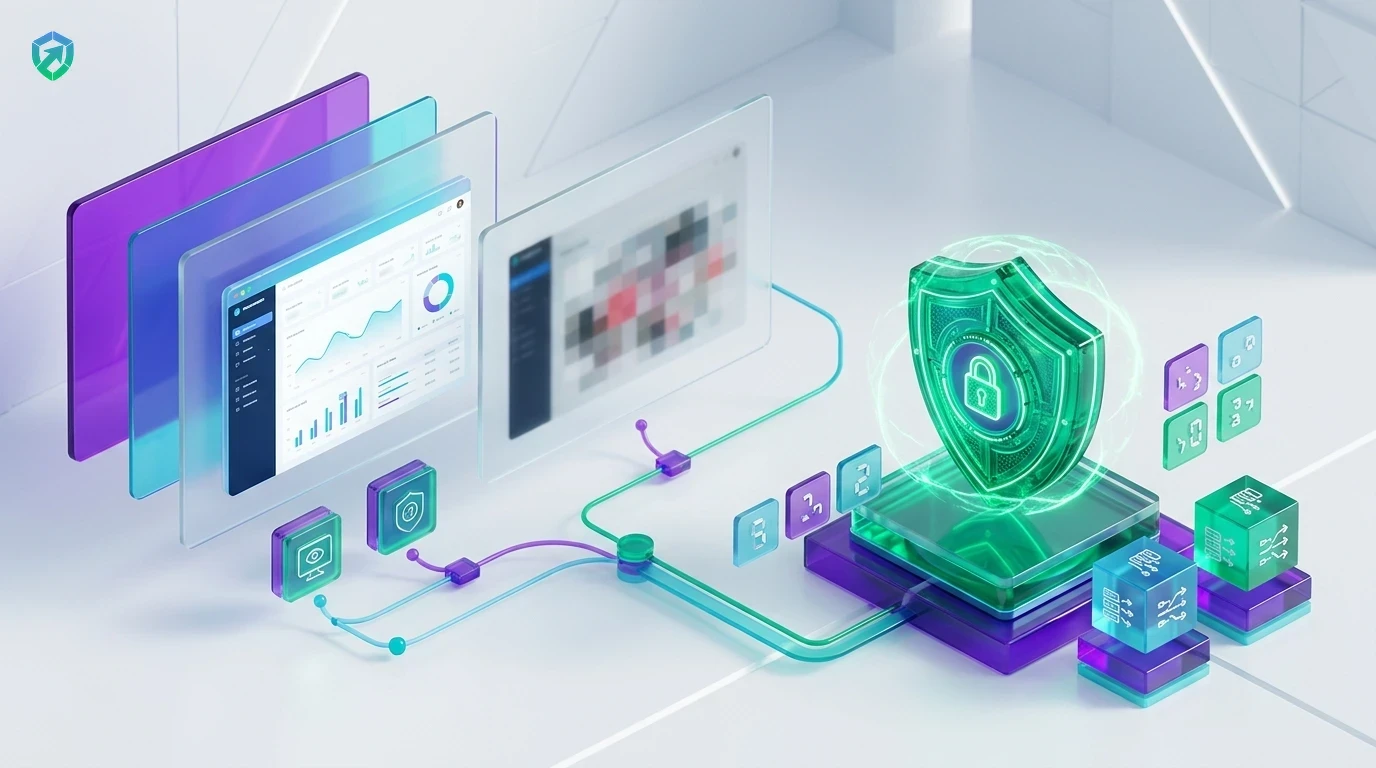
Know Exactly Which Tools Your Team Uses
Clear records of daily desktop programs and websites visited during work hours.
Desktop Application Tracking
See exact hours spent in work programs like Figma, VS Code, Excel, Slack, Zoom, or Photoshop with employee time tracking.
Full Website & URL History
Records full web links and page titles visited during work, so you can tell client research apart from random browsing in employee monitoring.
Active Window Focus Detection
Only logs the program currently frontmost and in use. If a background video runs, it will not count as active work in idle time tracking software.
Daily Productivity Summaries
Get visual reports showing productive work time vs neutral or distracting websites via workforce analytics.
Direct Timesheet & Payroll Sync
Route verified active software hours directly into employee timesheet software and generate accurate monthly payouts with automated payroll.
Encrypted Cloud Activity Vault
Store tamper-evident application logs, URL histories, and audit records securely inside team cloud storage.
We believe employee trust is everything. Tracknesty never records keystrokes, personal passwords, or private bank pages. When the work timer is paused, tracking turns off completely. For instant visual check-ins during critical project sprints, TrackNesty's live screen monitoring software provides supervisors with real-time stream visibility with full employee consent.
Track Full Website URLs, Not Just Domain Names
Many tools only show that someone opened Google or YouTube. Tracknesty logs the full web address and tab title, so you can see if an employee was watching a tutorial or reading work documents.
- Deep Web Telemetry: Logs full URLs like docs.google.com/project-brief.
- Universal Browser Support: Works across Chrome, Edge, Firefox, Brave, and Safari with employee monitoring.
- Proof of Research: Helps employees prove how much time client research really took.
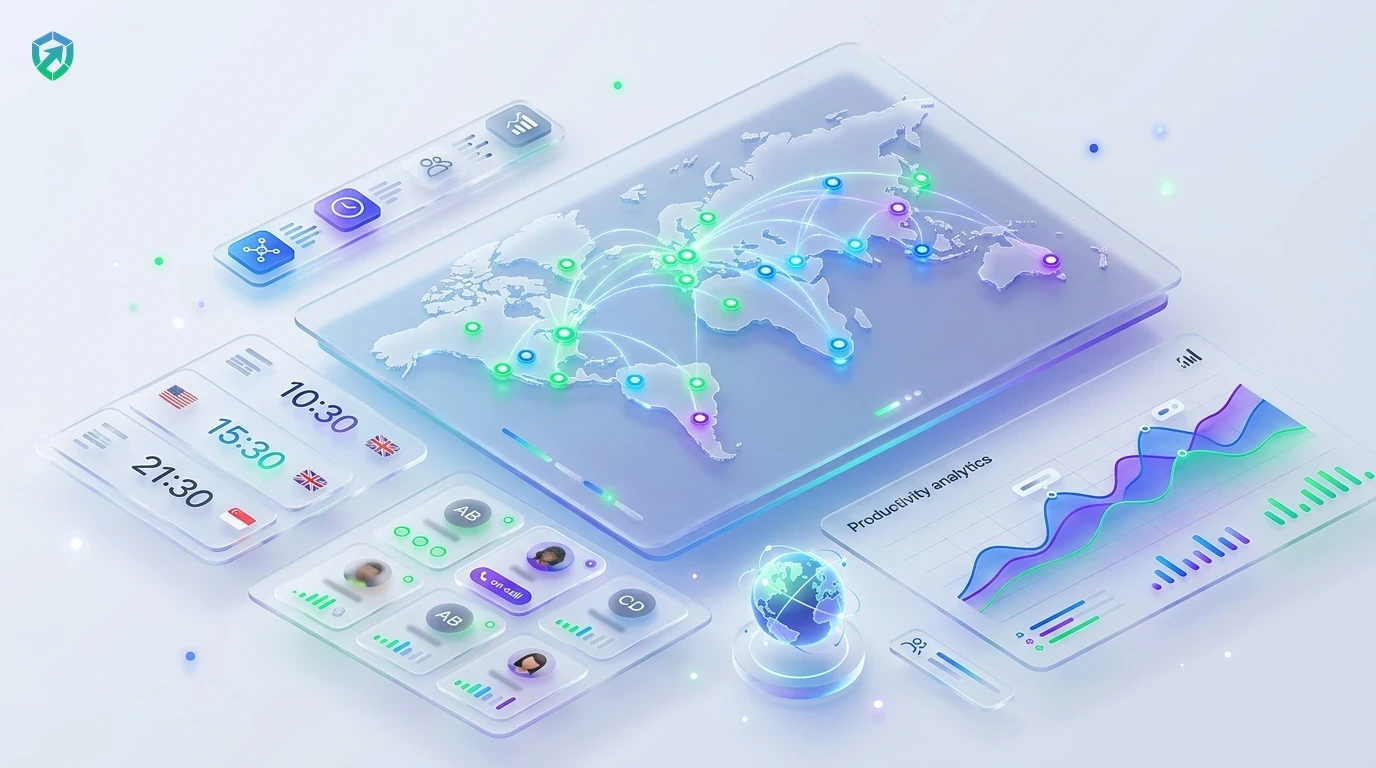
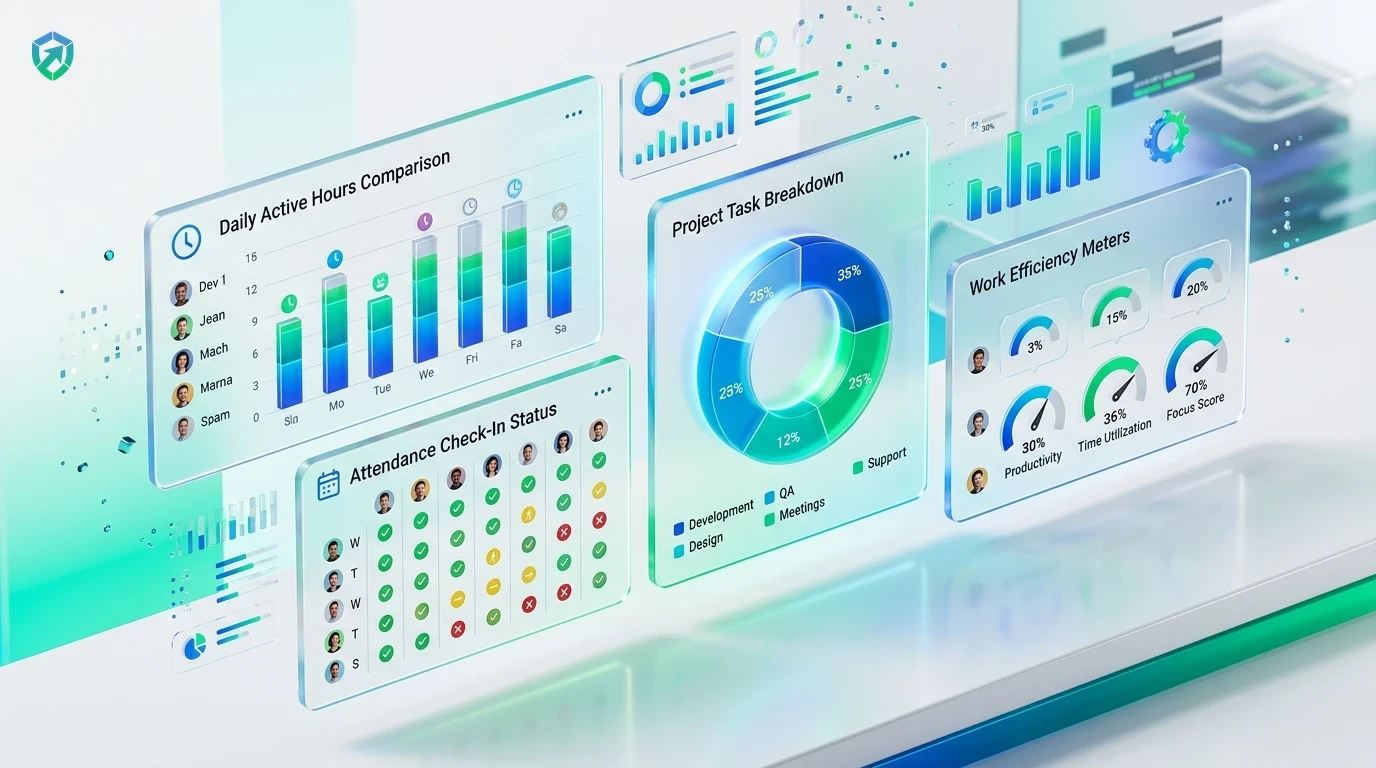
Easy Daily & Weekly Software Summaries
Get simple visual reports showing hours spent per program. See if designers spend enough time in Figma, or if managers are stuck in too many video calls.
- Department Scoring: Clean percentages of productive work vs personal apps via workforce analytics.
- 1-Click Export: Export PDF or Excel summaries for client invoicing in time report software.
- License Optimization: Spot expensive software licenses that your team rarely opens.
Privacy-First Activity Verification & Timesheet Sync
Connect validated application usage directly to project timesheets and payroll. Tracknesty ensures only genuine productive intervals are logged for wage calculations.
- Timesheet Alignment: Sync active software hours directly into employee timesheet software.
- Cheat Defense: Filter out robotic clickers with anti-bypass protection.
- Role Privacy: Protect financial data with role-based access control.
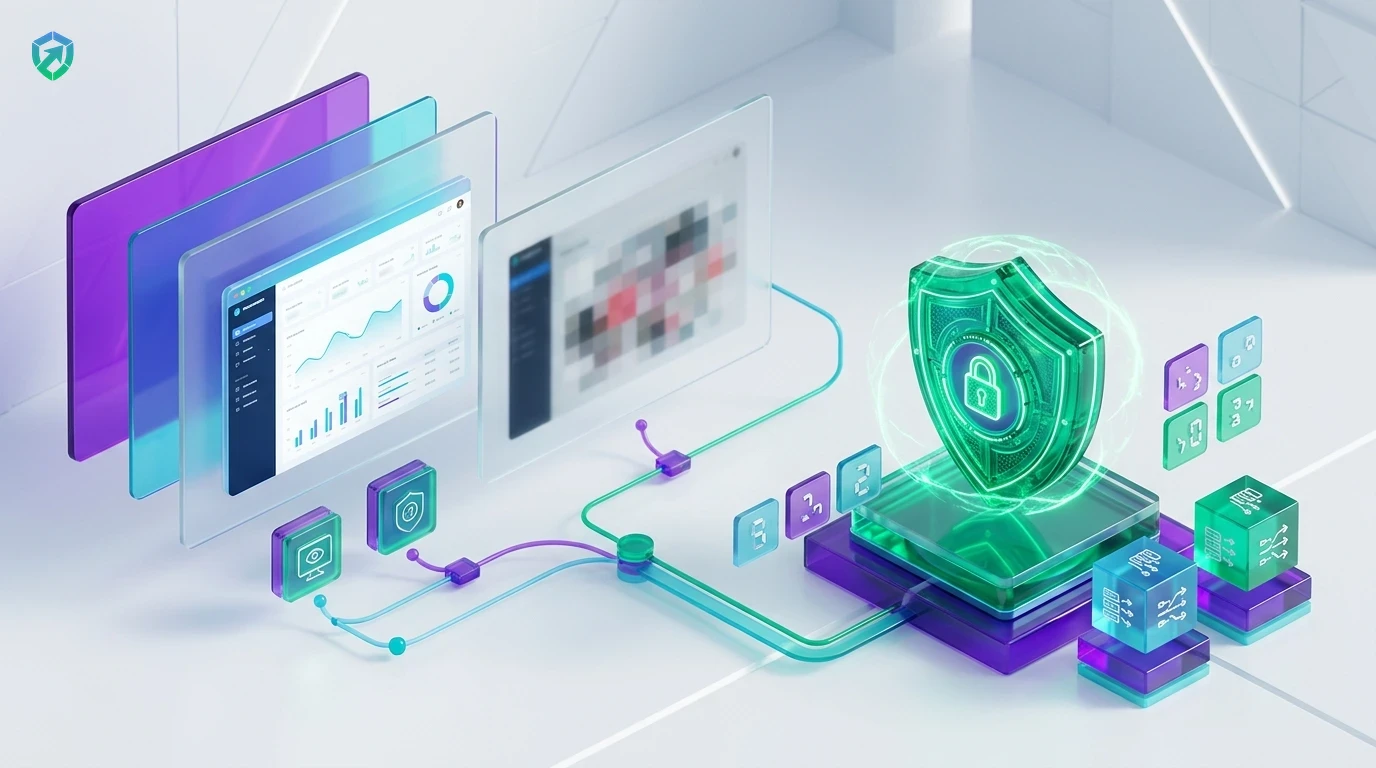
4-Step Application & URL Tracking Pipeline
From initial window telemetry capture to clean, dispute-free timesheet records.
Window Telemetry
Lightweight desktop client senses when the active work window gains focus.
URL & Title Capture
Captures the exact browser URL and program title without logging passwords.
Auto-Categorization
Classifies activity as Productive, Neutral, or Distracting per department rules.
Timesheet Sync
Productive hours route straight into project timesheets and payroll with zero guesswork.
Tracknesty vs Old Paper Timesheets vs Invasive Spyware
See why modern companies choose Tracknesty for clean, respectful activity tracking.
| Activity Tracking Feature | Tracknesty App & URL Tracking | Old Paper Timesheets | Invasive Spyware |
|---|---|---|---|
| Full URL Level Tracking | Exact webpage links & tab titles logged with privacy filters | Zero proof of website usage or work research | Logs URLs, but records personal passwords & banking |
| Active Window Focus | Counts only the frontmost active window receiving inputs | Vague employee estimates prone to inaccuracies | Counts inactive background apps as active work |
| Privacy When Paused | 100% stopped when timer is paused; personal browsing private | Private, but zero verifiable productivity data | Spies 24/7 on private family screens after work hours |
| Keystroke Privacy | Zero keystroke recording; key presses are only counted | Safe, but zero digital visibility | Logs every keystroke, credit card, and private message |
| Productivity Classification | Custom Productive / Neutral / Distracting rules per team | Manual categorization with zero validation | Rigid one-size-fits-all scoring that frustrates teams |
| Anti-Bypass Protection | Flags mouse jigglers during active app sessions | Zero protection against fraudulent hours | Easily tricked by cheap hardware mouse movers |
| Monthly Price per User | $5.00 / user / month (all tracking features included) | Wasted hours and unverified billing disputes | $25.00 to $45.00 / user / month |
Engineered for High-Productivity Workplaces
See how software engineers, marketing agencies, and BPO operations use app tracking with Tracknesty.
IDE & Repository Activity Tracking
Log exact hours invested in VS Code, IntelliJ, GitHub, and terminal environments with time tracking for software development.
Design Suite & Campaign Research Proof
Differentiate client campaign research from social distractions and verify design hours in time tracking for marketing agencies.
Helpdesk & CRM Tool Utilization
Ensure customer support agents spend designated shift hours in Zendesk, Freshdesk, and internal portals via time tracking for BPOs.
High-Trust Culture & Autonomous Output
Empower remote employees with transparent personal activity dashboards that celebrate high output in remote workforce software.
Frequently Asked Questions About App & URL Tracking
Everything you need to know about desktop software tracking, browser link history, and privacy.
Does Tracknesty track apps or websites when the timer is off?
Never. Tracknesty only tracks apps and websites when the work timer is turned ON by the employee. When the timer is paused or stopped, all tracking stops immediately. Personal browsing is 100% private.
Can Tracknesty see full website URLs or just the root domain?
Tracknesty records full website links (such as docs.google.com/project-brief instead of just google.com). This helps managers and clients see real task progress and genuine research.
Does Tracknesty record keystrokes, personal passwords, or bank data?
No. Tracknesty is NOT creepy spyware. It does not record keystrokes, passwords, or private chats. It only logs the active app name, browser URL, and window title.
What happens if someone leaves a video running in the background?
Tracknesty tracks the active frontmost window you are typing and clicking in. If a video is playing in the background while you write code in VS Code, only VS Code counts as active work.
Can we customize which apps are classified as productive vs unproductive?
Yes! Admins can classify applications and websites into Productive, Neutral, or Unproductive categories per department. For example, LinkedIn can be productive for recruiters and neutral for engineers.
How does live screen monitoring complement app and URL tracking?
Supervisors can view active employee screens in real time via live screen monitoring to verify current workflow context alongside app telemetry.
Does app and URL tracking work when an employee is offline?
Yes! Active application usage and local browser URLs are recorded locally on the desktop agent and sync securely to the central dashboard upon reconnection.
How much does Tracknesty employee app and URL tracking software cost?
It is included in Tracknesty starting at only $5 per user per month (or $4.17/mo billed yearly). Full app and URL tracking, screenshots, timesheets, and attendance are all included.
See Where Your Team’s Work Hours Go
Track desktop apps, browser URLs, and active window time automatically with Tracknesty.