Accurate Employee App Monitoring & Software Analytics
Understand exactly how work gets done. Track desktop software usage, active window titles, and SaaS tool engagement automatically with TrackNesty and our privacy-first employee app monitoring.
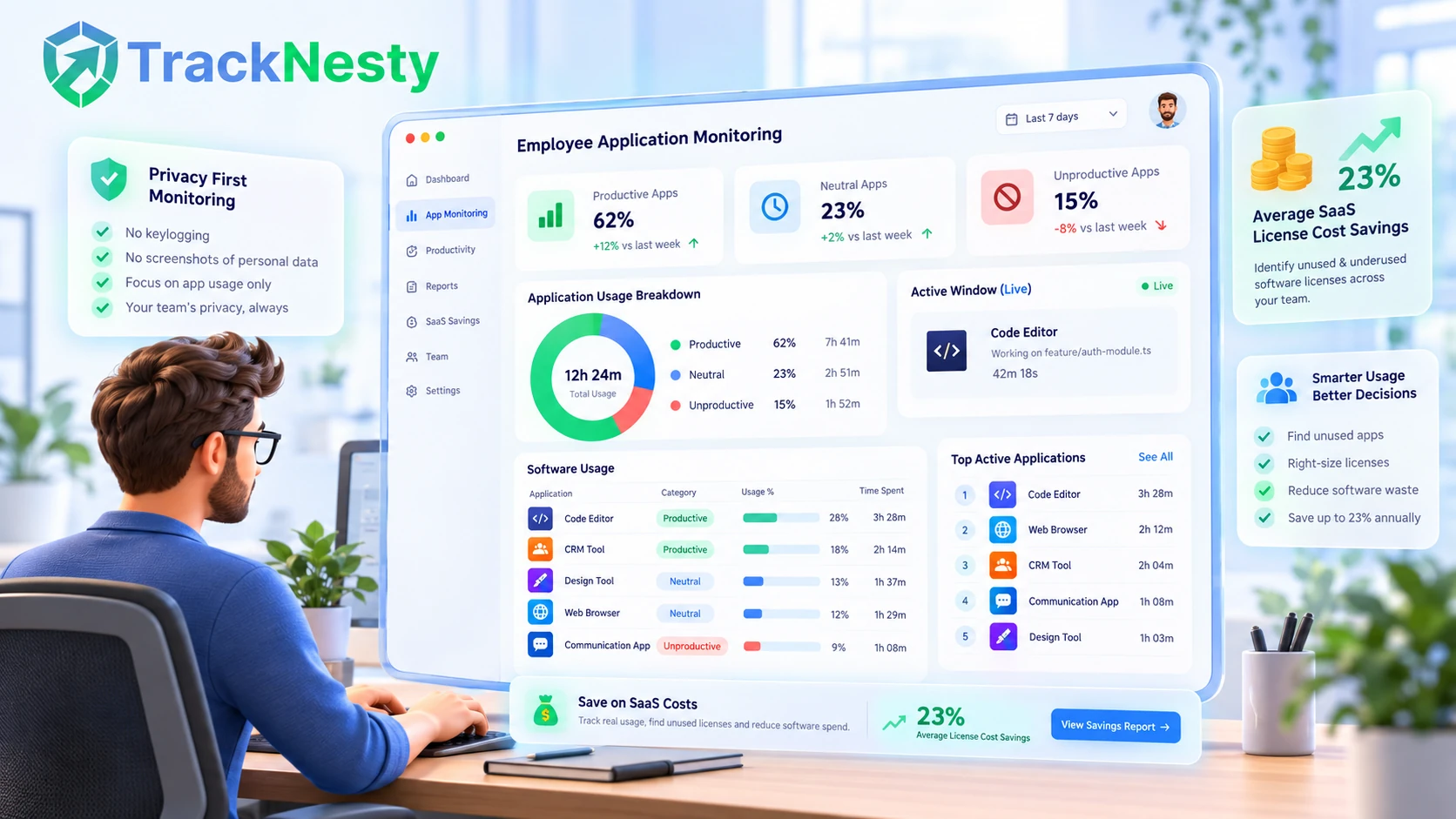
Gain Complete Clarity Over Team Application Usage
Seamlessly coordinate application data with our employee website monitoring, broader employee monitoring software, and deeper employee productivity monitoring.
Foreground Window Title Tracking
Tracknesty only measures time spent on the active foreground window. Minimized programs or apps running passively in the background are never falsely credited.
SaaS License Optimization
Discover which expensive team software subscriptions (Figma, Jira, Salesforce, Adobe) are actively utilized versus those sitting idle across your workforce.
Custom Department Classifications
Set customized application tags tailored to individual team positions using role-based access to distinguish engineering tools from sales platforms.
Synchronized with Screenshots
Pair application names with visual confirmation via our time tracker with screenshots and live screen monitoring to resolve billing disputes instantly.
Objective Productivity Scoring
Evaluate active application velocity percentages automatically with employee productivity monitoring without collecting private keystrokes.
Unified Web & App Analytics
Combine desktop software telemetry with browser tab insights through employee website monitoring and employee app and URL tracking.
Tracknesty is strictly engineered around ethical workplace visibility. We track which software application window is actively focused on screen and calculate total duration. We never intercept passwords, private chat messages, or personal financial details. When the timer is stopped, all monitoring halts immediately.
Categorize Productive vs Unproductive Applications by Role
Different job titles require vastly different software tools. While an engineering team spends hours inside IDEs and terminals, a marketing pod relies heavily on social media schedulers and Figma. Tracknesty enables customized application categorization by department.
- Role-Based Classification: Define distinct productivity tags for developers, designers, sales, and support via role-based access.
- Productivity Ratios: Automatically compute the percentage of time spent on essential vs non-work apps with employee productivity monitoring.
- Contextual URL Tracking: Differentiate productive work research from casual browsing using employee app and URL tracking.
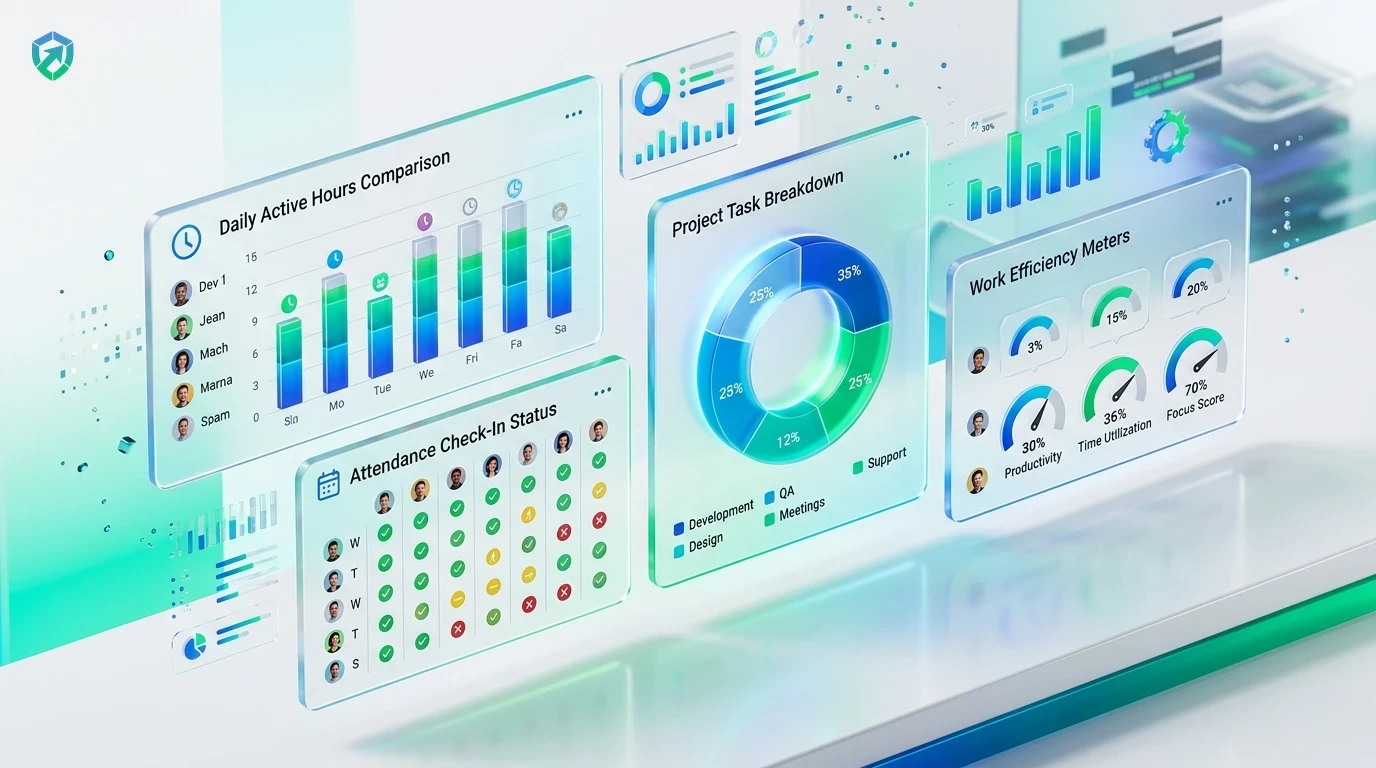
Foreground Window Focus: Zero False Credits for Background Apps
Basic time trackers mistakenly credit time to background applications simply because they remain running in the taskbar. Tracknesty continuously detects active foreground window focus so you only record actual human interaction.
- Active Window Polling: Track solely the desktop program the user is actively clicking and typing in.
- Automated Idle Pause: Detect periods of inactivity and pause logs with idle time tracking software.
- Anti-Jiggler Shielding: Prevent simulated clicks from faking app usage using anti-bypass protection.
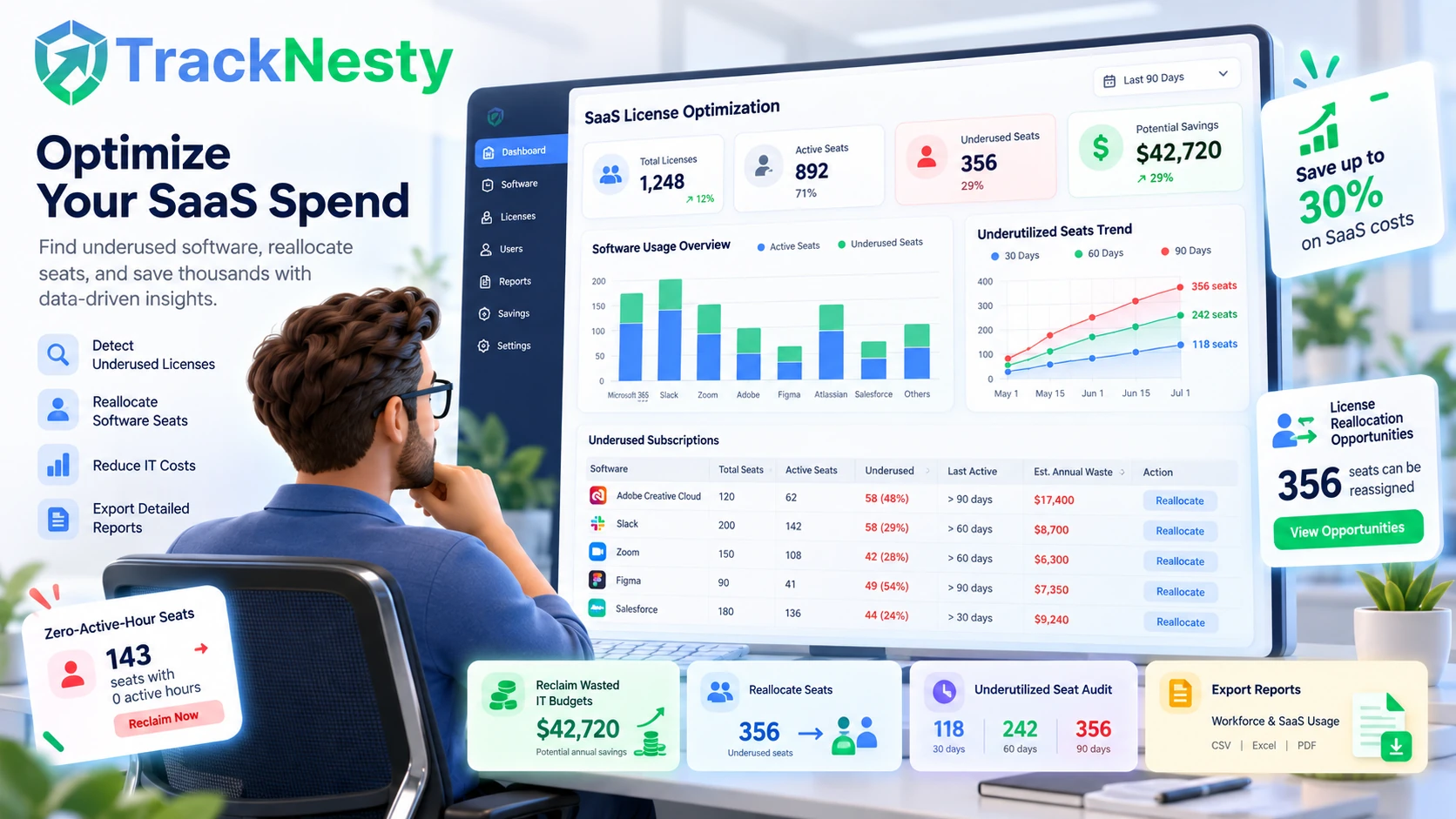
Reclaim Wasted IT Budgets with SaaS License Optimization
Are you paying $50/month per seat for enterprise design or CRM licenses that employees open once a quarter? Tracknesty surfaces granular application usage frequency across your organization, highlighting unused software seats.
- Underutilized Seat Audits: Identify software subscriptions with zero active hours over the past 30, 60, or 90 days.
- SaaS License Reallocation: Reassign active licenses from inactive team members before buying expensive additional seats.
- Audit-Ready Financial Reports: Export software usage analytics into workforce analytics for annual budgeting.
Simple 4-Step App Monitoring Architecture
Deploy transparent application telemetry across Windows and Mac workstations in under 3 minutes.
Quick Agent Setup
Team members install the lightweight client that detects foreground processes with <1% CPU overhead.
Focus Window Polling
Agent records active foreground window titles, filtering out background and minimized programs.
Department Rules
Applications are matched against customized departmental categories (Productive, Neutral, Unproductive).
Timesheet Integration
Verified software hours feed directly into employee timesheet software for reporting.
Tracknesty Smart App Monitoring vs Invasive Spyware
See how Tracknesty provides superior application intelligence while upholding employee trust and privacy.
| Monitoring Dimension | Tracknesty Smart App Tracking | Invasive Workplace Spyware | Basic Time Timers |
|---|---|---|---|
| Window Focus Tracking | Active foreground window focus only | Logs all open background process names | Self-reported manual application logs |
| Keystroke Privacy | 100% Keylogger-free; process names only | Raw keylogging (intercepts passwords/chats) | None |
| SaaS License Optimization | Uncovers unused subscriptions to cut costs | Focuses only on punitive surveillance | None |
| Custom Role Categories | Granular rules per department / position | Global rigid good vs bad definitions | Manual spreadsheet labeling |
| Integrated Screenshots & Live Stream | Syncs with screenshots and live desktop stream | Intrusive continuous screen capture | None |
| System Resource Impact | < 1% CPU; lightweight native client | Heavy resource drain & fan throttling | Lightweight |
| Pricing | $5.00 / user / month (all features included) | $15.00 – $35.00 / user / month | $8.00 – $14.00 / user / month |
Application Monitoring Built for Modern Workforces
Discover how engineering leaders, agency directors, and operations managers utilize Tracknesty daily.
Measure IDE & Code Editor Focus vs Meeting Overhead
Verify deep coding blocks across VS Code, IntelliJ, and terminal sessions with time tracking for software development, helping leads protect developer focus from meeting overload.
Track Figma, Photoshop, and 3D Rendering Sprints
Quantify exact billable hours spent inside creative suites with time tracking for marketing agencies, providing clients with undisputed proof of project production.
Monitor CRM & Help Desk Window Engagement
Keep support agents focused on Zendesk, Freshdesk, and live chat queues with time tracking for BPO, reducing ticket resolution times.
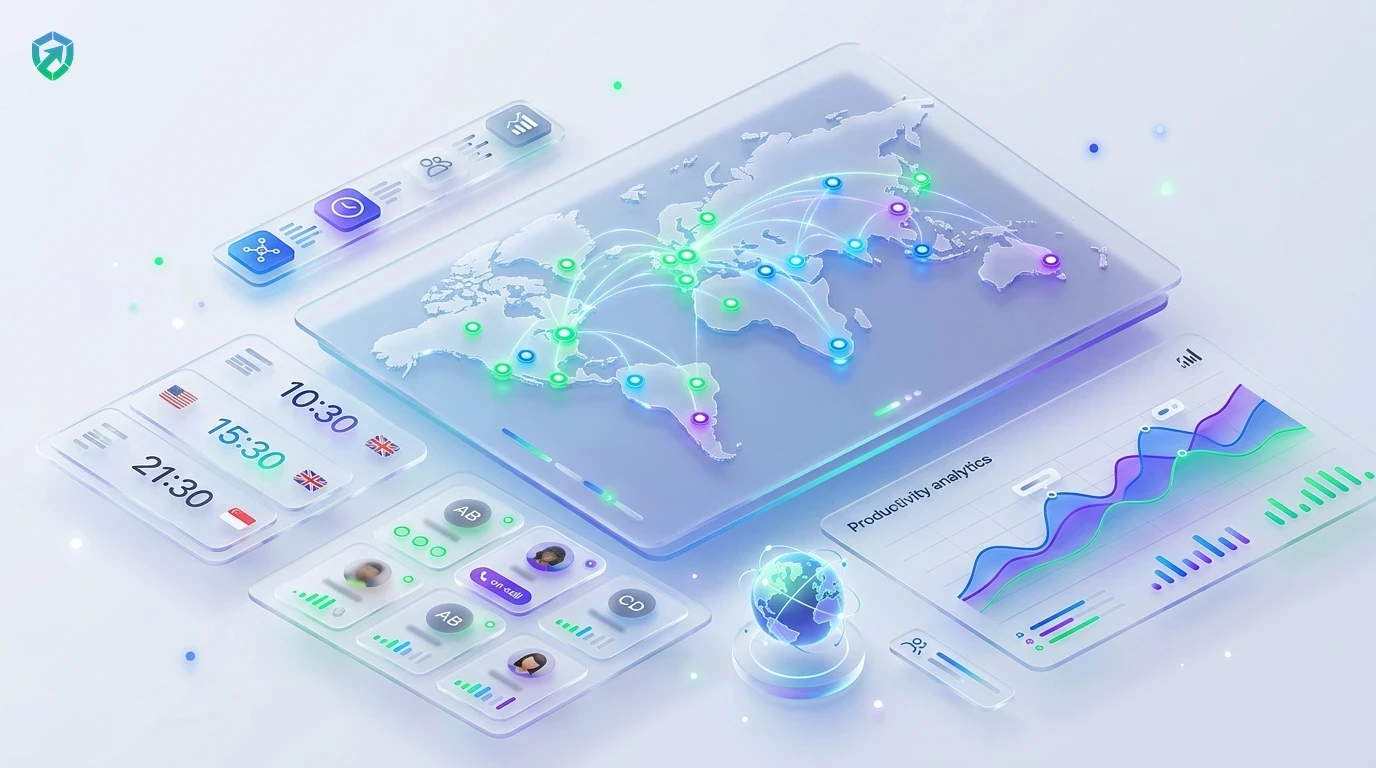
Gain Asynchronous Clarity Across Global Time Zones
Understand operational tool adoption across international departments using remote workforce software without having to micromanage daily workflows.
Frequently Asked Questions About Employee App Monitoring
Learn more about window focus algorithms, keystroke privacy, and software license optimization.
How does employee app monitoring track application usage?
The lightweight desktop agent records the active foreground application window. If an application is minimized or running silently in the background, it is not counted as active work time.
Can managers categorize software into productive and unproductive?
Yes! You can mark IDEs, CRM systems, and design software as Productive, while communication or gaming apps can be marked as Neutral or Unproductive based on departmental roles.
Does employee app monitoring help optimize software license costs?
Yes. By uncovering underutilized SaaS subscriptions and expensive software licenses that team members rarely open, IT managers can reclaim wasted subscription budgets.
How does app monitoring work alongside website monitoring?
Tracknesty links employee app monitoring directly with employee website monitoring, giving a unified breakdown of both desktop programs and browser tab domains in one dashboard.
Does Tracknesty log private passwords or confidential keystrokes inside apps?
Never. Tracknesty records the application process title and active window duration, not raw keystrokes. Passwords, confidential messages, and sensitive inputs remain 100% private.
What happens if background music or podcasts are playing while an employee works?
Because Tracknesty uses intelligent foreground window focus detection, background audio players like Spotify or YouTube Music are not logged as work time unless the employee is actively interacting with that window.
Can app monitoring track software usage when working offline?
Yes. The Tracknesty desktop agent logs application timestamps locally during network outages and securely synchronizes with the company dashboard once internet connectivity is restored.
How much does Tracknesty employee app monitoring cost?
Tracknesty costs just $5 per user per month (or $4.17/mo billed annually) with app monitoring, website tracking, live screen streaming, and timesheet software fully included.
Start Monitoring Software Usage with Tracknesty
Get actionable software visibility in minutes, optimize expensive SaaS subscriptions, and boost team productivity with zero setup friction.