Employee Time Clock App for Remote Teams
Know when work starts, when your team takes a break, and when the day ends. TrackNesty’s employee time clock app helps employees record their work hours and gives managers a clear view of attendance without chasing updates in chat.
Built for teams working on computers, this modern employee time clock app brings clock-in and clock-out records, breaks, and daily work hours together. Employees can focus on their work, while managers have the records they need to review each day.
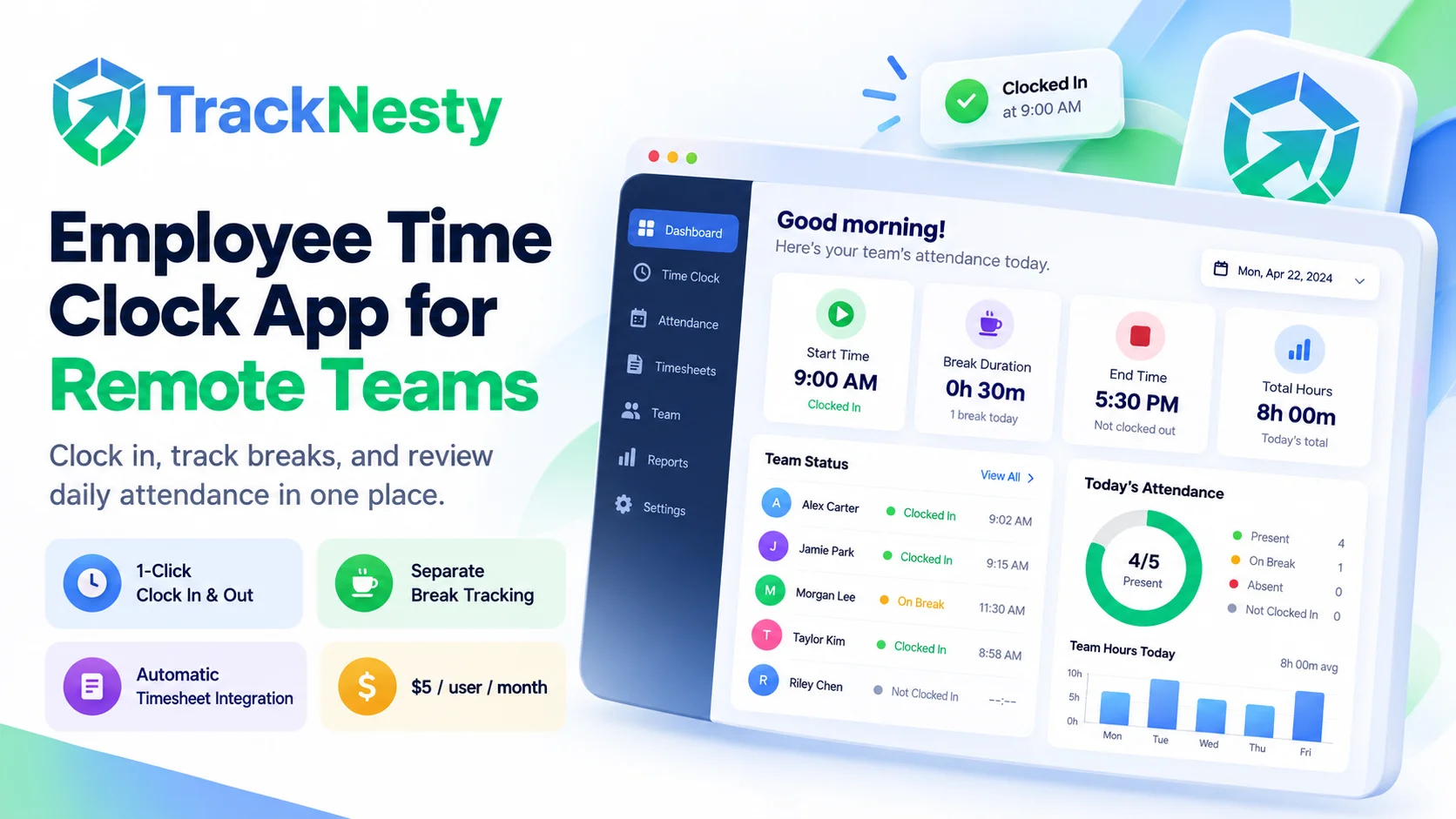
A clearer way to clock in and clock out
A message saying “I’m online” is easy to miss. A spreadsheet updated at the end of the week leaves plenty of room for forgotten start times and missed breaks.
An employee time clock app gives your team a consistent way to record the working day. Instead of piecing together attendance from messages and estimates, you can review the times recorded in one place.
TrackNesty helps you answer practical questions: Who has started work? When did their shift begin? How much work time was recorded? Which attendance entries need a closer look?
Keep the working day easy to record
Explore the core pillars that keep daily clock-ins, lunch breaks, and shift records straightforward for employees and managers alike.
Record the start and end of work
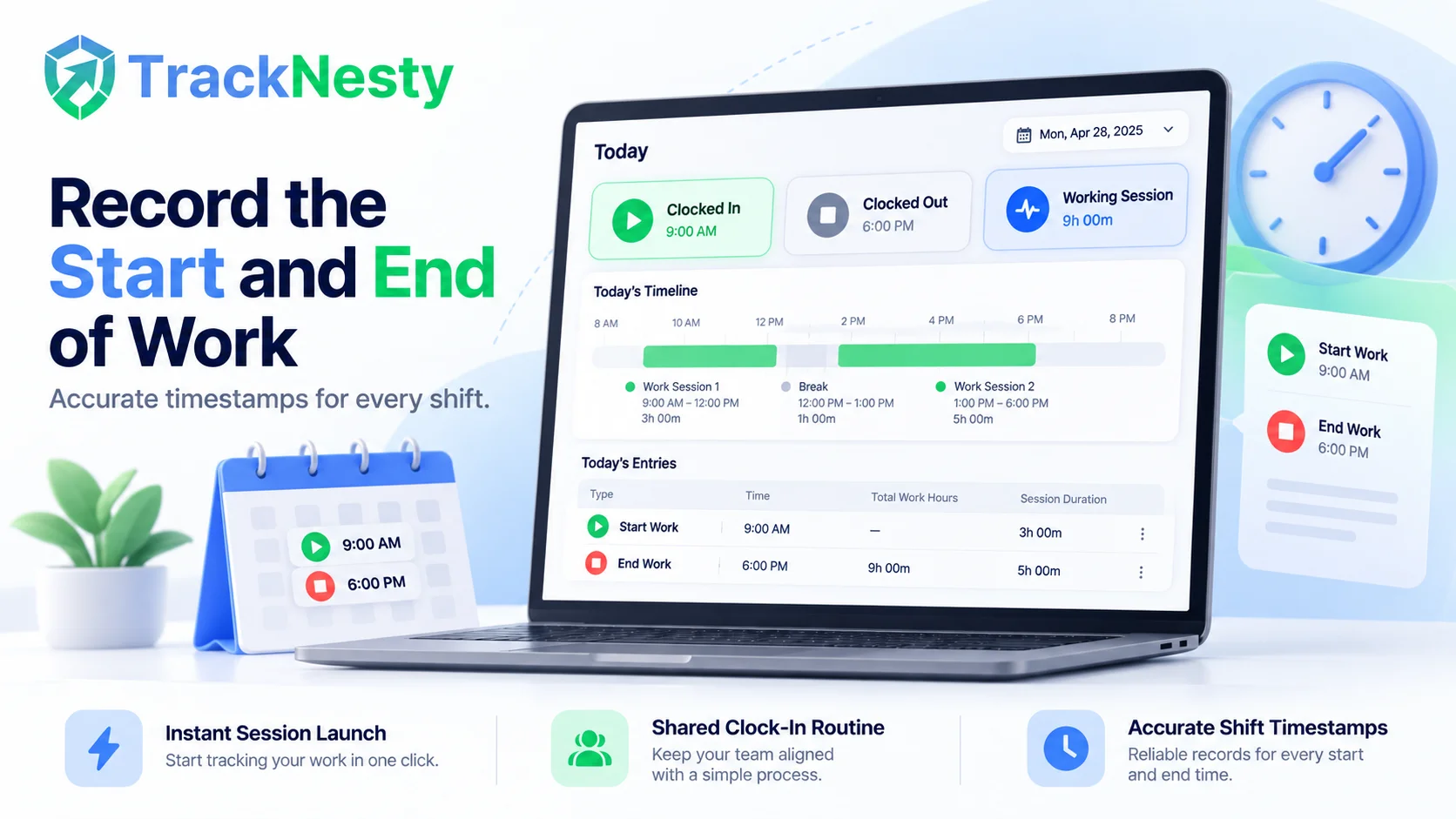
Employees use TrackNesty to start and stop their work sessions. Those timestamps give managers a record of when work began and ended, rather than relying on what someone remembers days later.
For teams spread across locations, a shared clock-in process makes the daily routine easier to follow. Everyone knows how to record their time and where those records belong.
- Instant Session Launch: Start work with a single tap from the desktop tray.
- Shared Clock-In Routine: Standardize attendance across remote time zones.
Keep breaks separate from work sessions
Lunch, a short break, and the end of a shift are different events. Your time records should make that distinction clear.
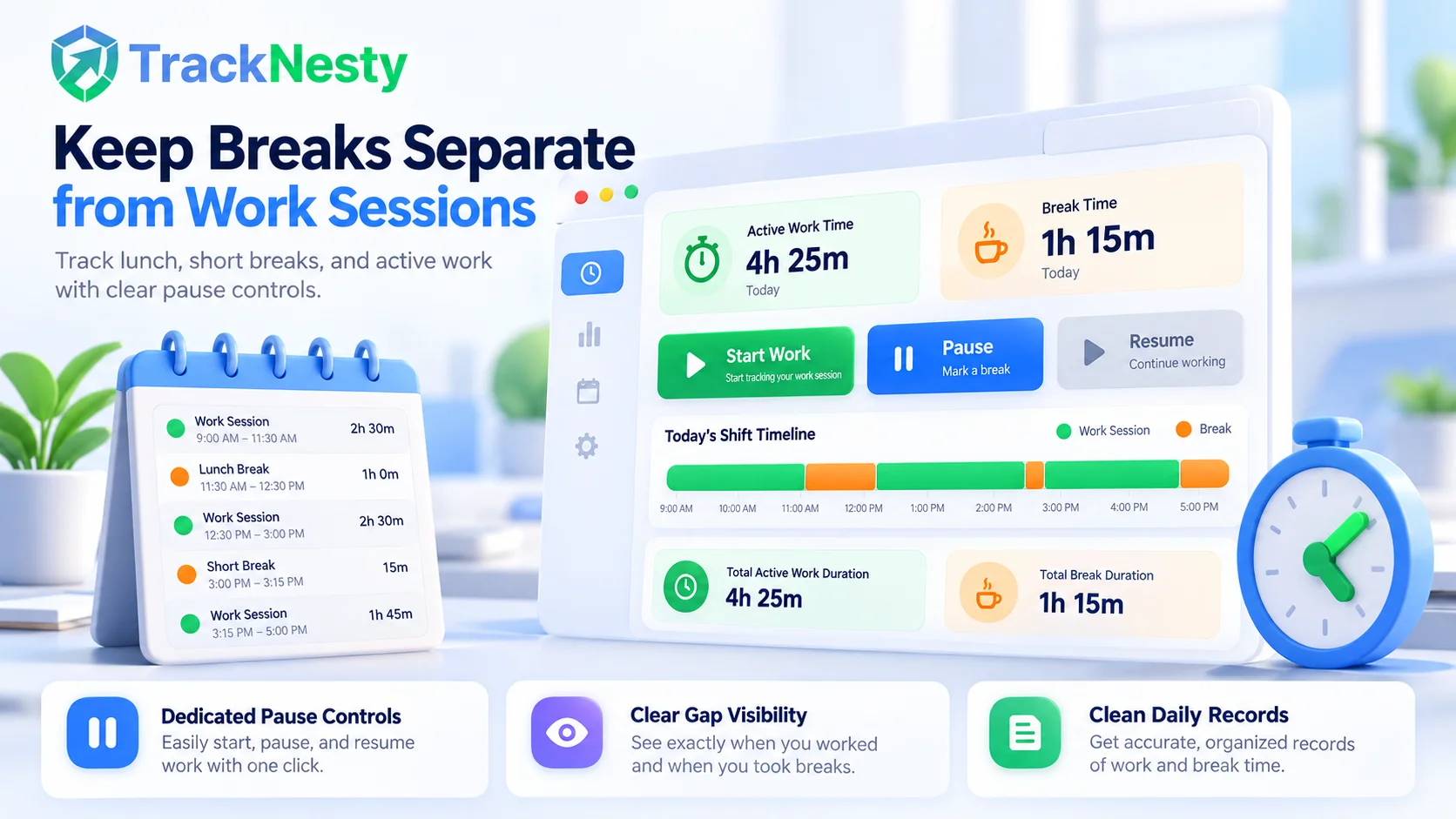
Employees can pause their work sessions when taking a break and resume when they return. Managers can review recorded work and breaks together, with less back-and-forth about gaps in the day.
- Dedicated Pause Controls: Employees pause for coffee or lunch with zero confusion.
- Clear Gap Visibility: Review active work alongside break durations seamlessly.
See attendance alongside recorded hours
A daily total is useful, but it does not explain the whole shift. Someone may record several hours and still start later than expected.
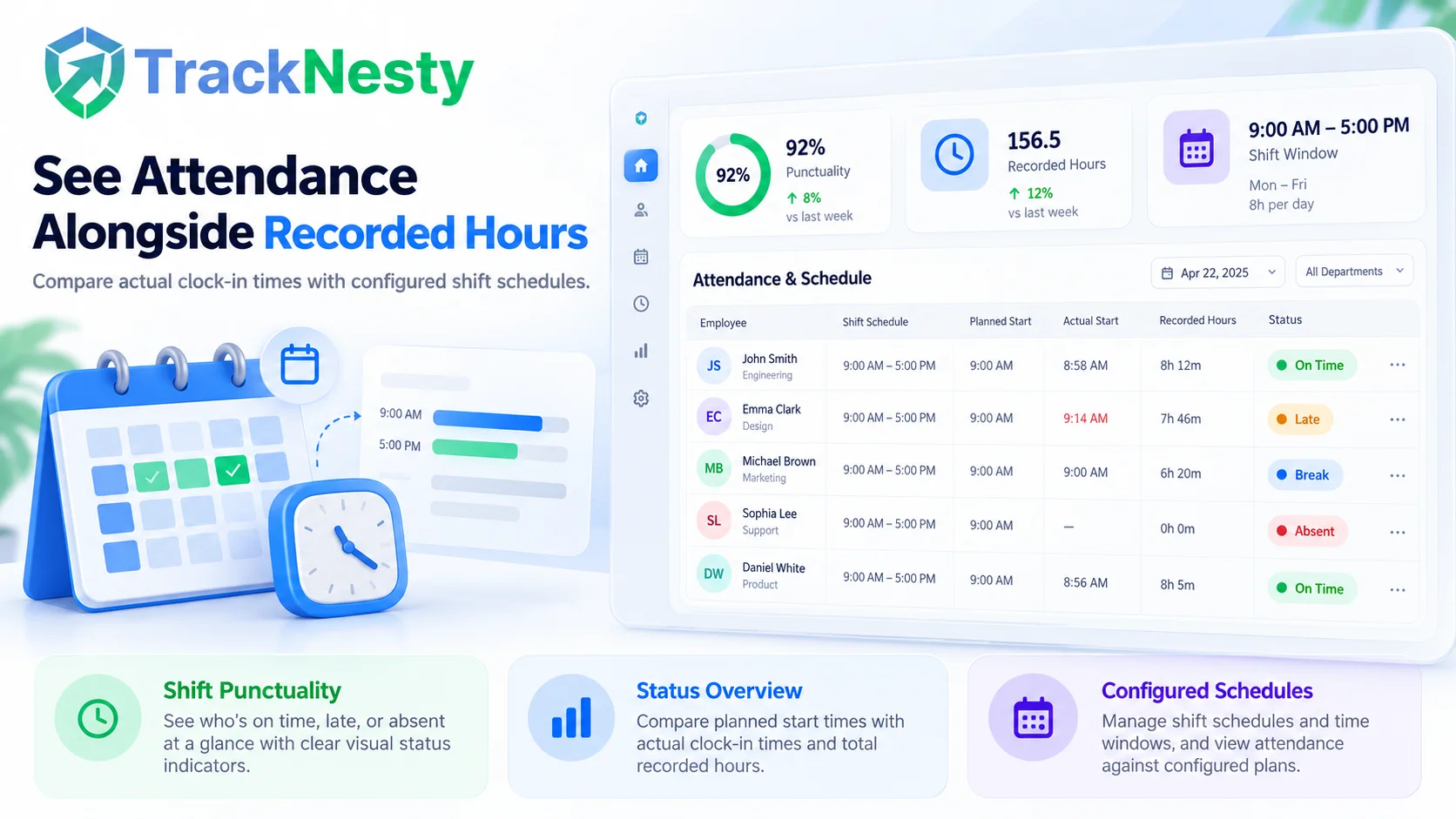
TrackNesty connects time records with shift attendance, helping managers review attendance against the team’s configured schedule. For more detail on attendance statuses and shift rules, explore our employee attendance software.
- Shift Punctuality: Verify actual clock-in times against assigned shift windows.
- Status Overview: Surface on-time arrivals, late starts, and missed shifts automatically.
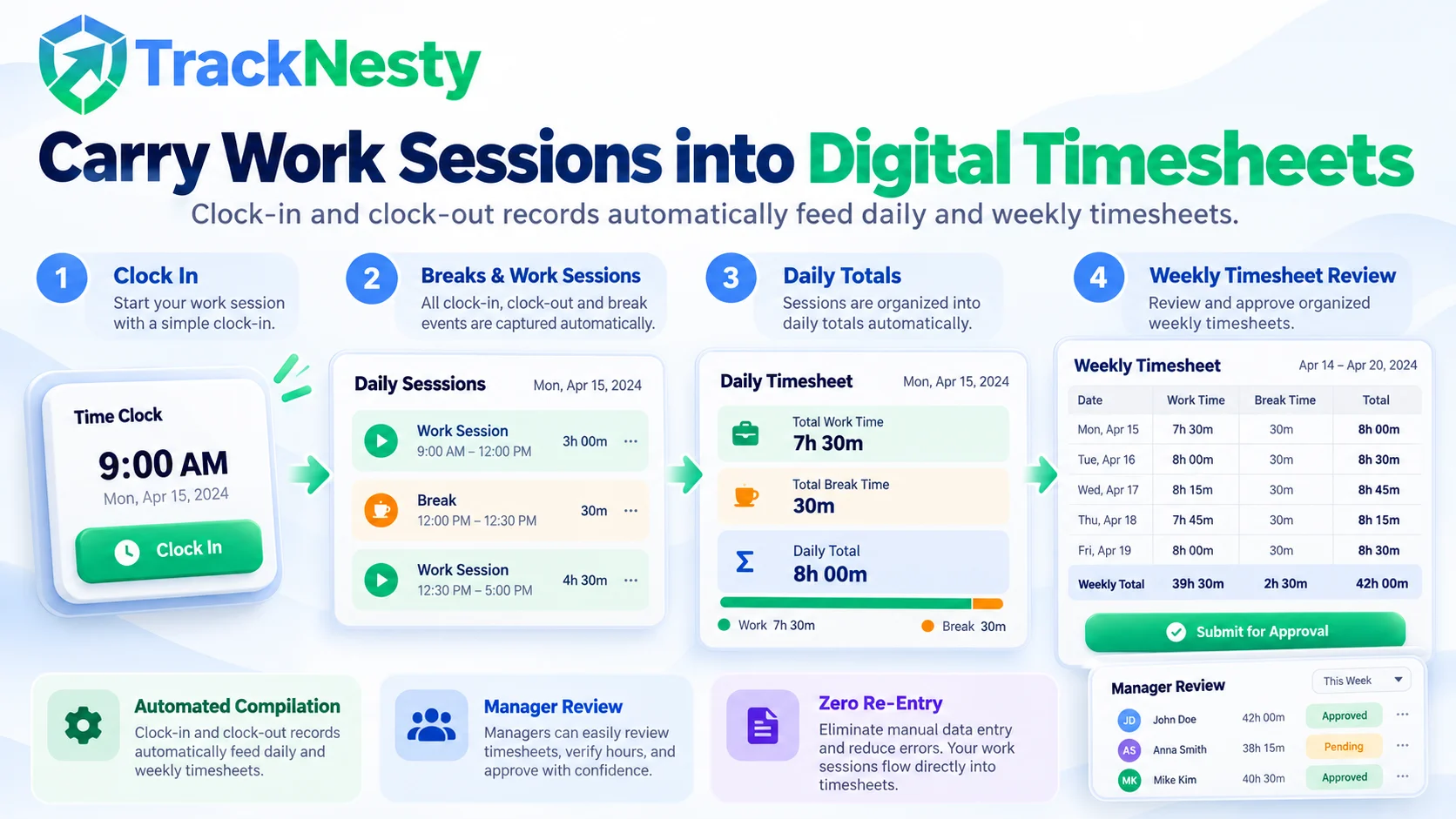
Carry work sessions into digital timesheets
Clock-in and clock-out records become more useful when employees do not have to enter the same information again.
Recorded sessions feed into employee timesheets, giving your team a daily and weekly view of work hours. Managers can review the records and follow up on entries that need clarification.
- Automated Compilation: Daily clock sessions roll automatically into weekly totals.
- Manager Review: Inspect timesheet entries before processing approvals or payouts.
How TrackNesty’s employee time clock app works
A straightforward process that gets your entire team recording work hours in minutes using our intuitive employee time clock app.
Set up your team
Create your workspace and invite the people whose work hours you need to track. Configure their schedules so managers have a reference when reviewing attendance.
Get employees ready to record work
Install the Windows desktop agent on the computers your team uses for work. Show employees how to start a session, pause for a break, and finish their working day.
Record work sessions and breaks
Employees start tracking when work begins, pause when taking a break, and stop when they finish. A consistent routine helps keep daily records understandable for employees and managers alike.
Review the day’s records
Check recorded hours, attendance, and timesheets from the dashboard. Discuss missing or unexpected entries with the employee before using those records for decisions about pay or attendance.
A desktop employee time clock app that fits remote work
A team working from home needs a practical way to record attendance without sending a separate message for every arrival, break, and departure.
TrackNesty is designed around computer-based work. As a lightweight employee time clock app, it is a natural fit for remote employees, office teams, support staff, developers, and agencies whose working day already happens on a desktop.
For example, a manager overseeing a remote support team can review the start of each person’s work session alongside their scheduled shift. If a record looks unusual, they have a specific entry to discuss rather than a vague question about the entire day.
Time records still need context. Meetings, approved breaks, and work away from the computer may need a conversation, so use the records as a starting point for review.
Time clock records and task tracking serve different purposes
Both can matter, but your team should not have to confuse attendance with project progress.
What a Time Clock Answers
“When did this employee start and finish work?”
Focuses on shift punctuality, break duration, daily attendance, and total working hours. Keeps the daily clock-in routine simple and predictable for every team member.
What Task Tracking Answers
“Where did their work hours go?”
Keep a clear clock-in process for the working day, then use broader employee time tracking when you need to understand how recorded hours relate to client deliverables and project budgets.
That separation also makes expectations easier to explain. Employees know how to record attendance, and managers know which records to use when reviewing shifts or project work.
What to look for in an employee time clock app
Choose a system your team can use consistently. A long feature list means little if employees struggle to record a normal working day.
| Evaluation Criteria | TrackNesty Time Clock App | Manual Spreadsheets & Chat | Complex Legacy Clocks |
|---|---|---|---|
| Start / Stop Controls | 1-Click desktop tray agent with clear visual status | Chat messages like 'I am online' easily lost in threads | Complex multi-step forms before clock-in begins |
| Break Separation | Dedicated pause button separating lunch from work | Gaps unrecorded, leaving managers to guess | Clocking out completely, resetting session counters |
| Attendance Schedule Sync | Auto-compares actual start times against shift rules | Manual cross-referencing between chat and spreadsheets | Stand-alone time clock with zero scheduling context |
| Digital Timesheet Feed | Clock events automatically compile daily & weekly totals | Friday rush of manual data entry and estimations | Manual CSV export/import required between modules |
| Platform Focus | Native Windows desktop agent for computer workers | Scattered notes across email, WhatsApp, and chat | Clunky web portal timeouts requiring repeated logins |
| Transparent Pricing | $5 per user / month (7-day free trial included) | High hidden cost of lost hours and payroll errors | Expensive enterprise tiers with per-clock fees |
Look for straightforward controls, understandable break records, schedule settings that fit your team, and timesheets managers can review. Check platform support before choosing an app, especially if your employees use different operating systems.
It is also worth showing the workflow to a few employees before rolling it out. Ask them to record a work session and a break, then check whether the resulting records make sense to everyone involved.
Frequently asked questions
Answers to common questions about desktop time clock apps, remote shifts, and timesheet records.
What is a time clock app?
An employee time clock app records when employees begin and end work. Depending on the product, it may also record breaks, connect with schedules, and organize work sessions into timesheets.
How does a clock in clock out app work?
An employee starts a work session when work begins and ends it when finished. Breaks are recorded separately where supported. Managers can then review the timestamps and recorded hours instead of collecting attendance through messages or manual spreadsheets.
Can remote employees use TrackNesty?
Yes. TrackNesty supports teams working on computers, including remote employees. Its Windows desktop agent functions as an employee time clock app that records work sessions, while managers review team records through the dashboard.
Is TrackNesty a mobile time clock app?
This page describes TrackNesty’s Windows desktop workflow. If you need phone-based clock-in, GPS verification, or a shared tablet kiosk, confirm those requirements with TrackNesty before choosing a plan.
Does a time clock app replace timesheets?
The two work together. Clock-in and clock-out records capture individual work sessions. Timesheets organize those sessions into a daily or weekly view that employees and managers can review.
Is TrackNesty’s time clock app free?
TrackNesty offers a 7-day free trial for its employee time clock app. Paid plans start at $5 per user per month. Review the pricing page for the features included in each plan and the available billing options.
Give your team a clear way to record the working day
Keep clock-in, clock-out, and break records in one place with TrackNesty’s employee time clock app. Try it with your team and see how the workflow fits your normal working day.