Monitoring
 ▶ Watch demo
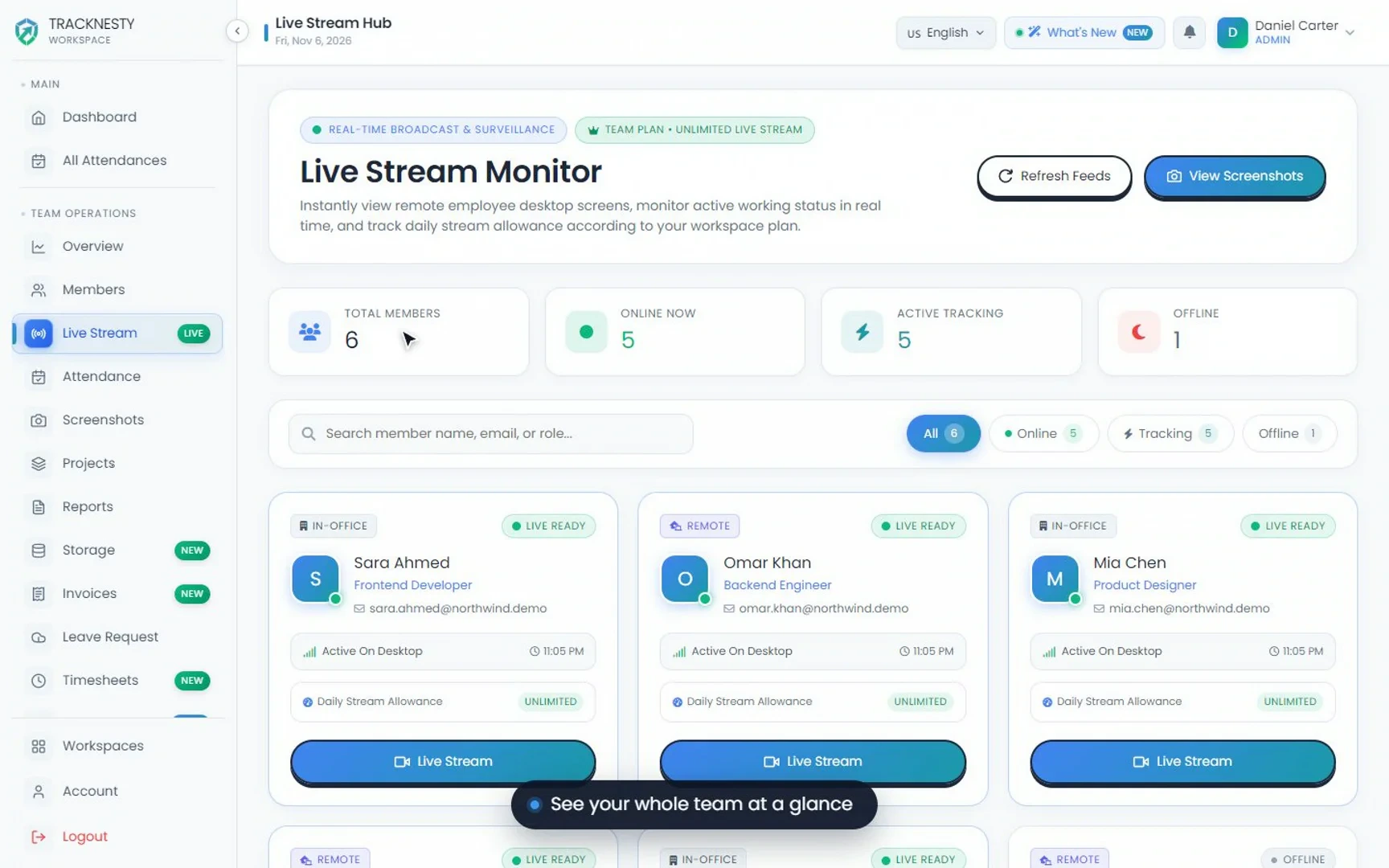
Live Screen Monitoring Demo
Watch how managers view remote employee screens live in Tracknesty, switch between monitors, and use privacy controls during tracked work time.
 ▶ Watch demo
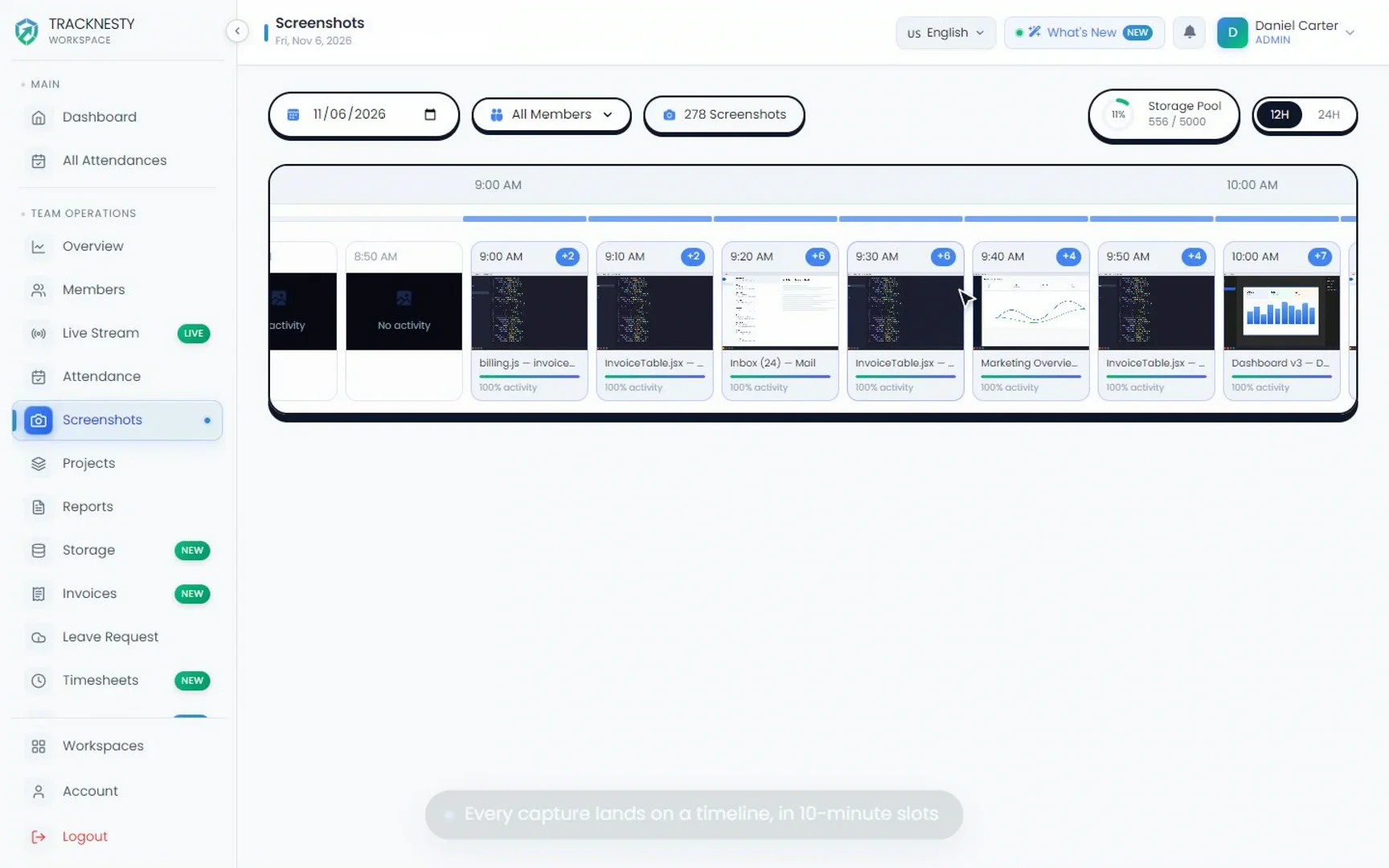
Screenshot Monitoring Demo
See how Tracknesty captures proof-of-work screenshots at the interval you choose, blurs sensitive data, and supports multiple monitors.
 ▶ Watch demo
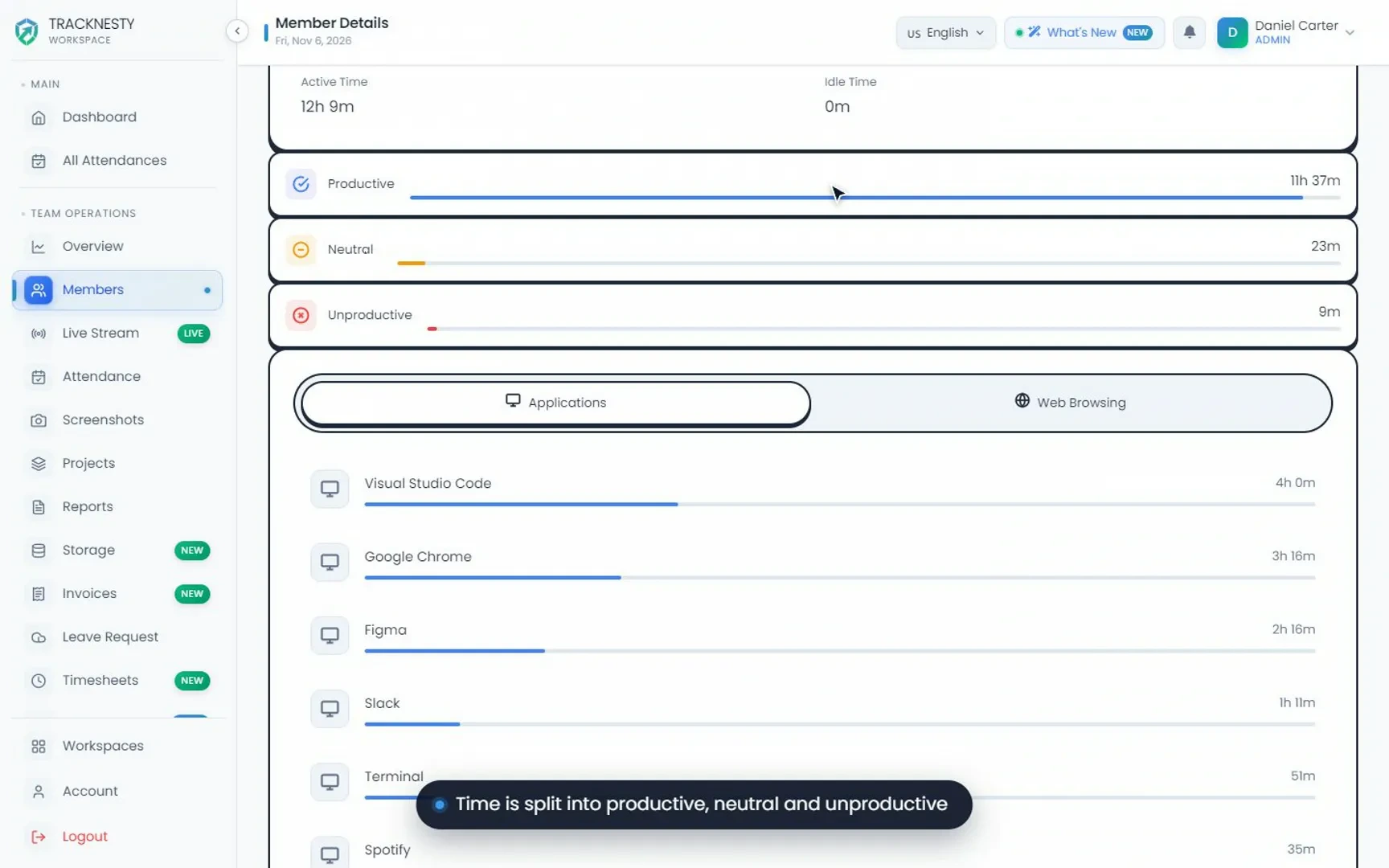
App Usage Monitoring Demo
Watch how Tracknesty tracks which desktop applications are used during work time and sorts them into productive and unproductive, without keylogging.
 ▶ Watch demo
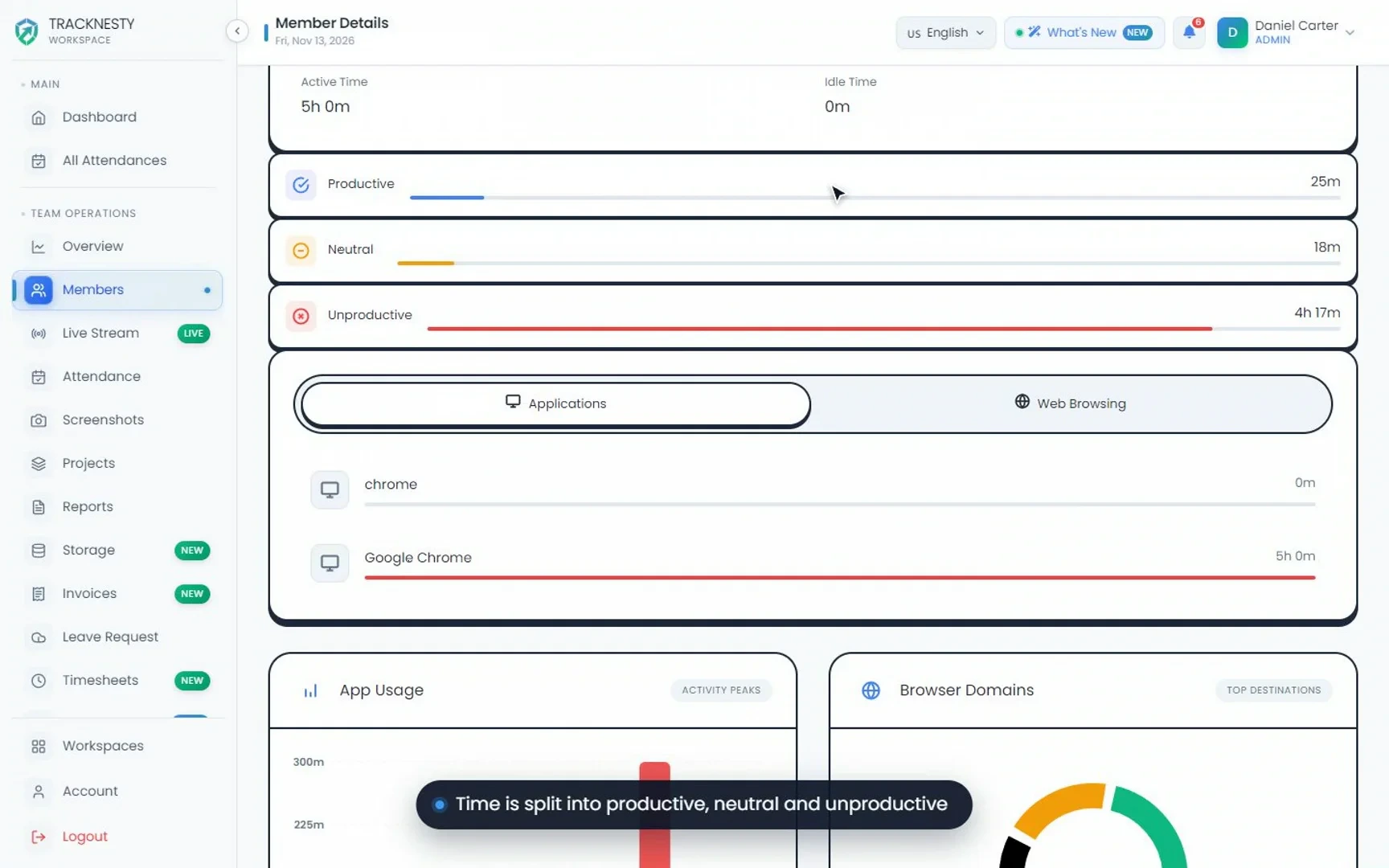
Website & Browser Tracking Demo
See how Tracknesty records active browser tabs and time spent per website, so you can tell work research apart from casual browsing.
 ▶ Watch demo
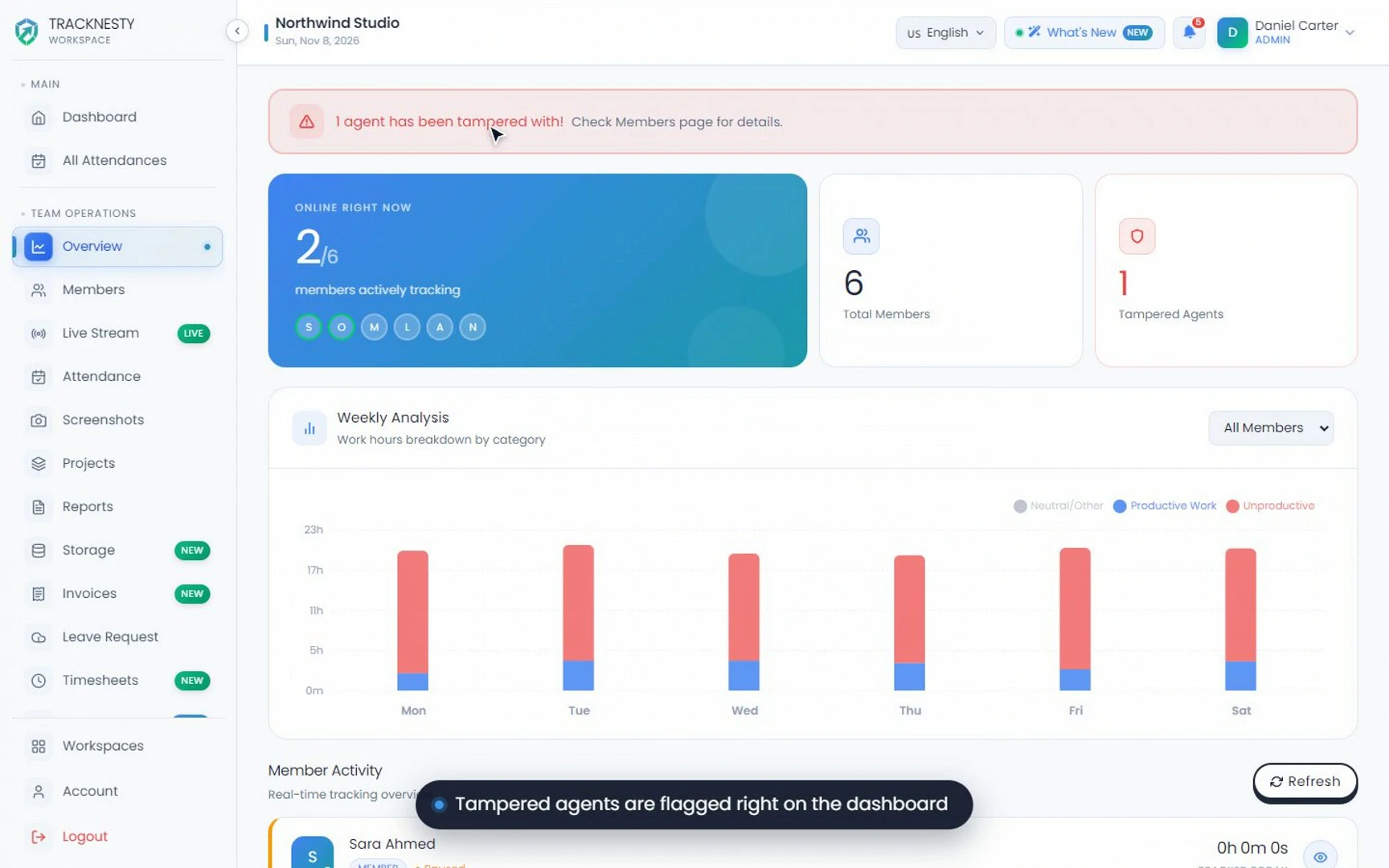
Mouse Jiggler Detection Demo
Watch how Tracknesty flags USB mouse jigglers, auto-clickers and fake activity patterns for manager review, without invasive keylogging.
Attendance
 ▶ Watch demo
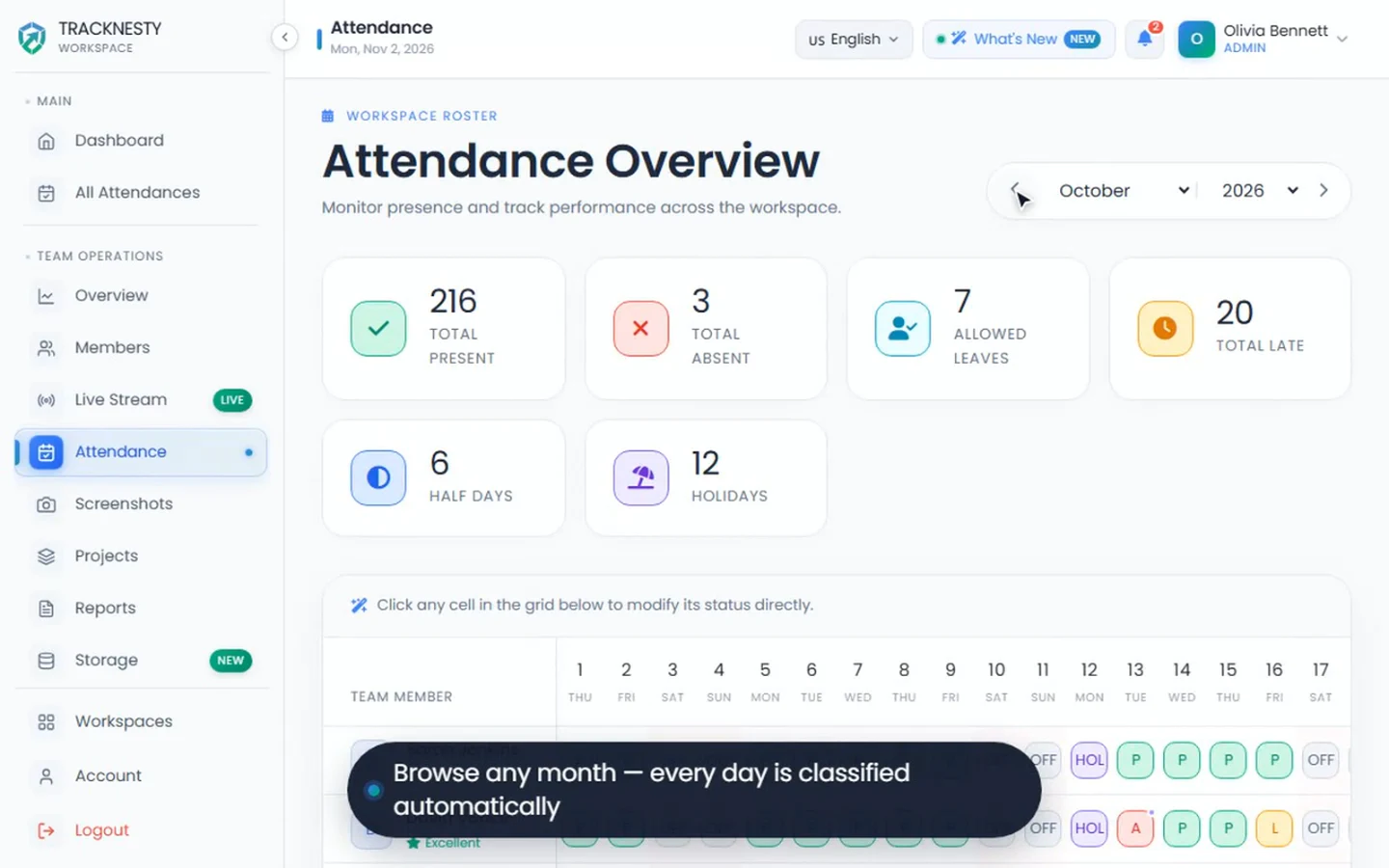
Automated Attendance Demo
See how Tracknesty records check-ins automatically when employees start work and highlights late arrivals and absences against their shifts.
 ▶ Watch demo
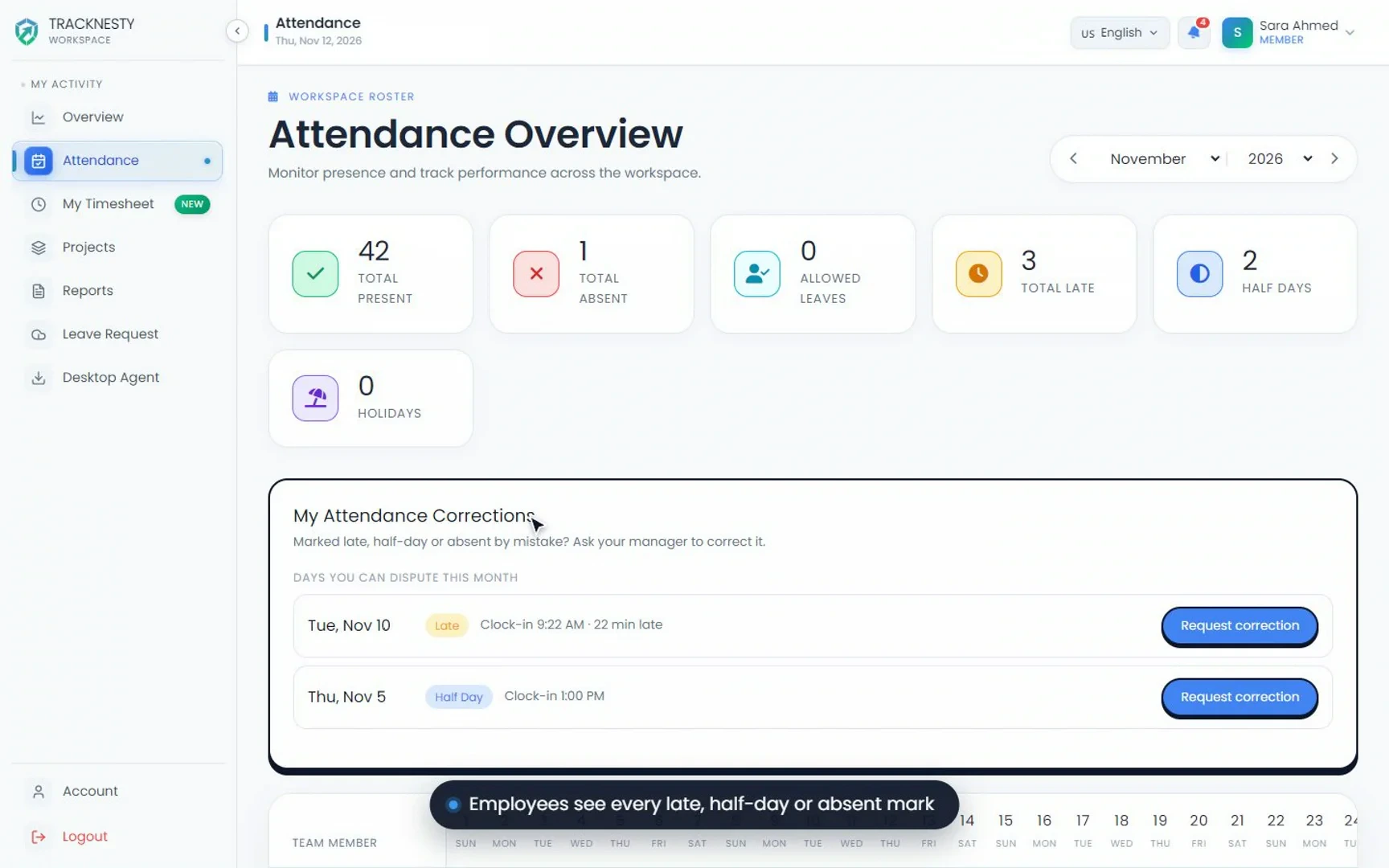
Attendance Corrections Demo
Watch how Tracknesty handles shift grace periods and lets employees raise missed-punch corrections that managers approve in one place.
 ▶ Watch demo
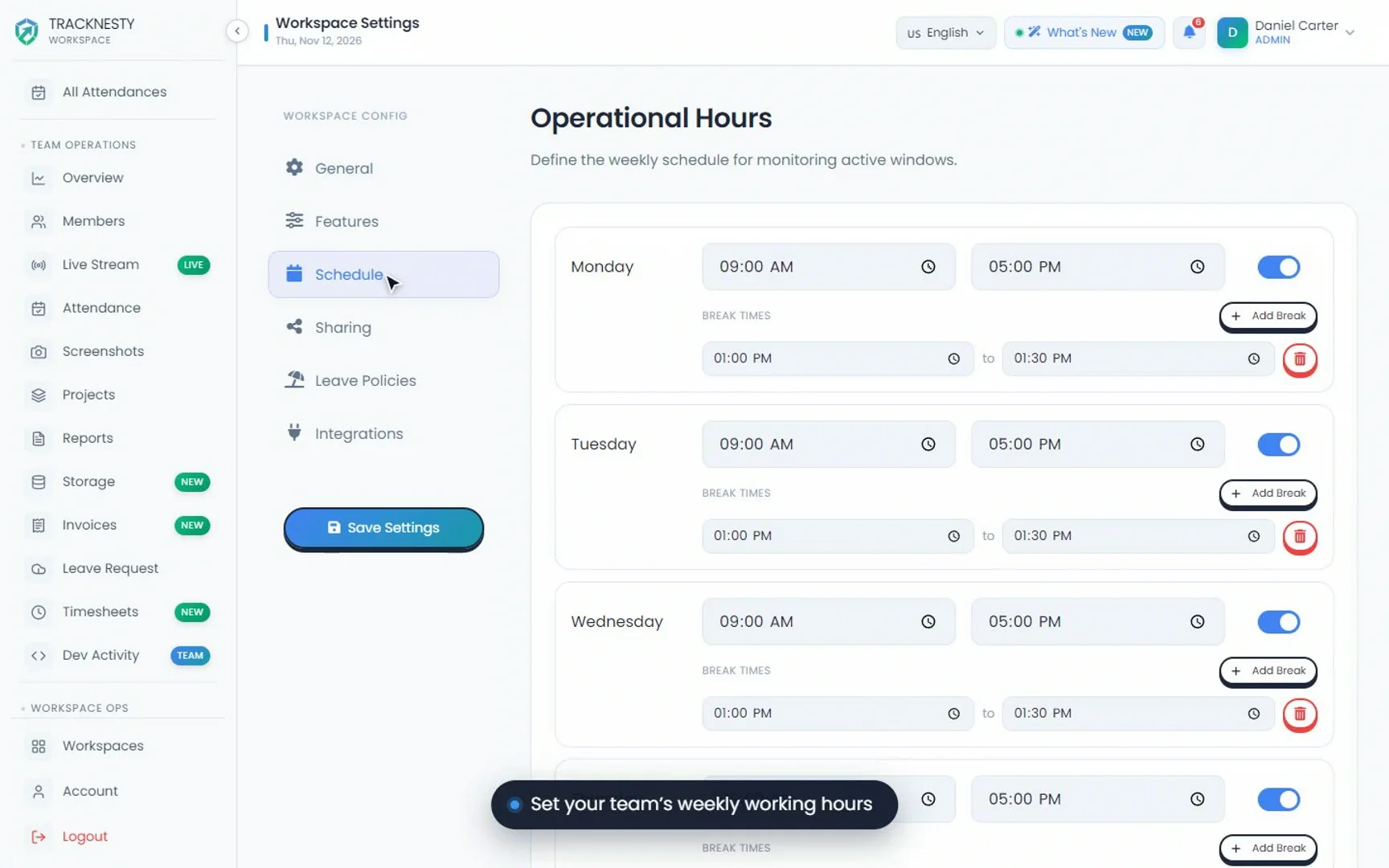
Shift Scheduling Demo
See how Tracknesty sets up flexible shifts, rotating schedules, individual grace periods and break rules for your team.
 ▶ Watch demo
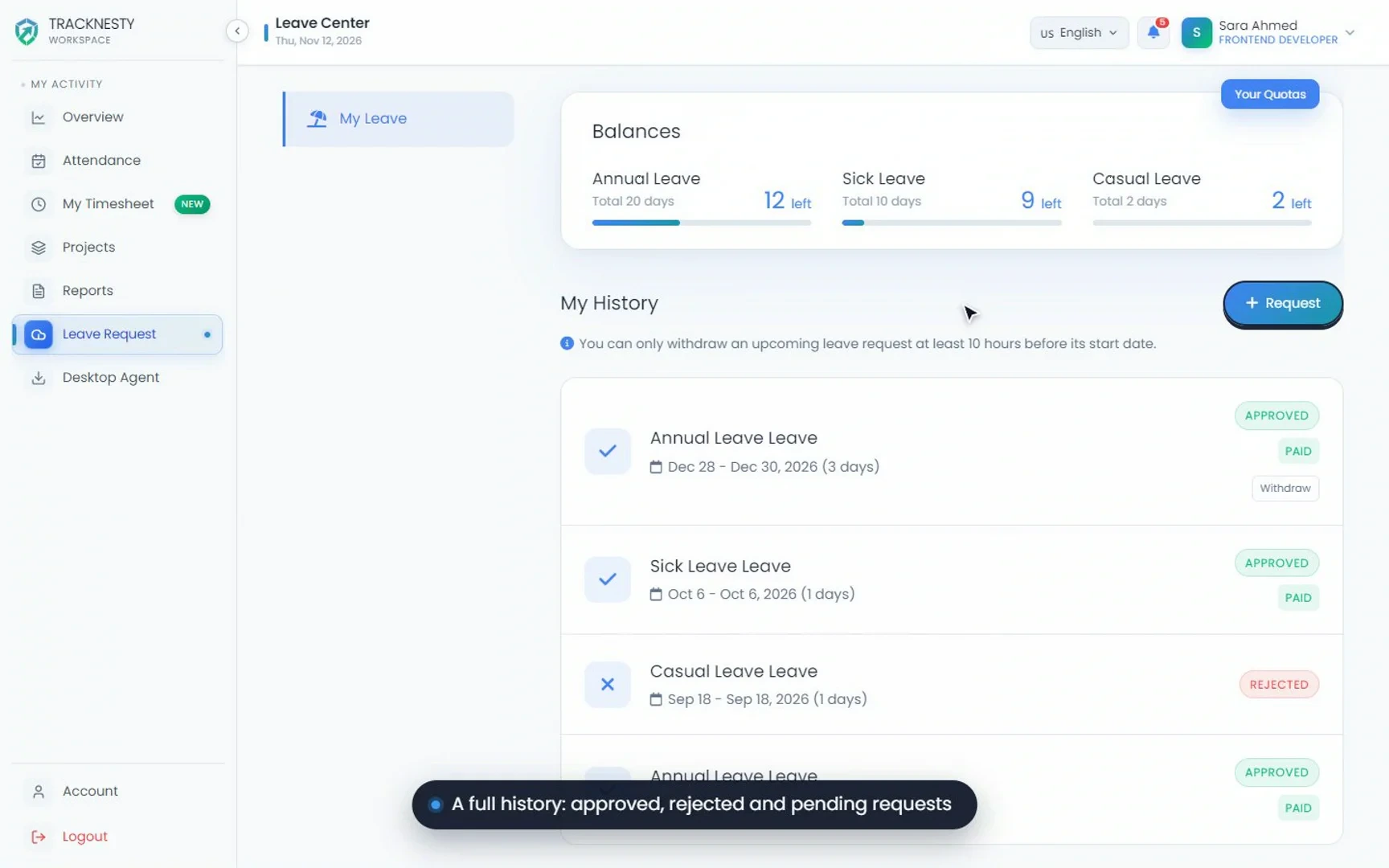
Leave & PTO Requests Demo
Watch how Tracknesty handles employee leave requests, PTO balances and manager approvals, with approved leave synced to payroll.
Time & Projects
 ▶ Watch demo
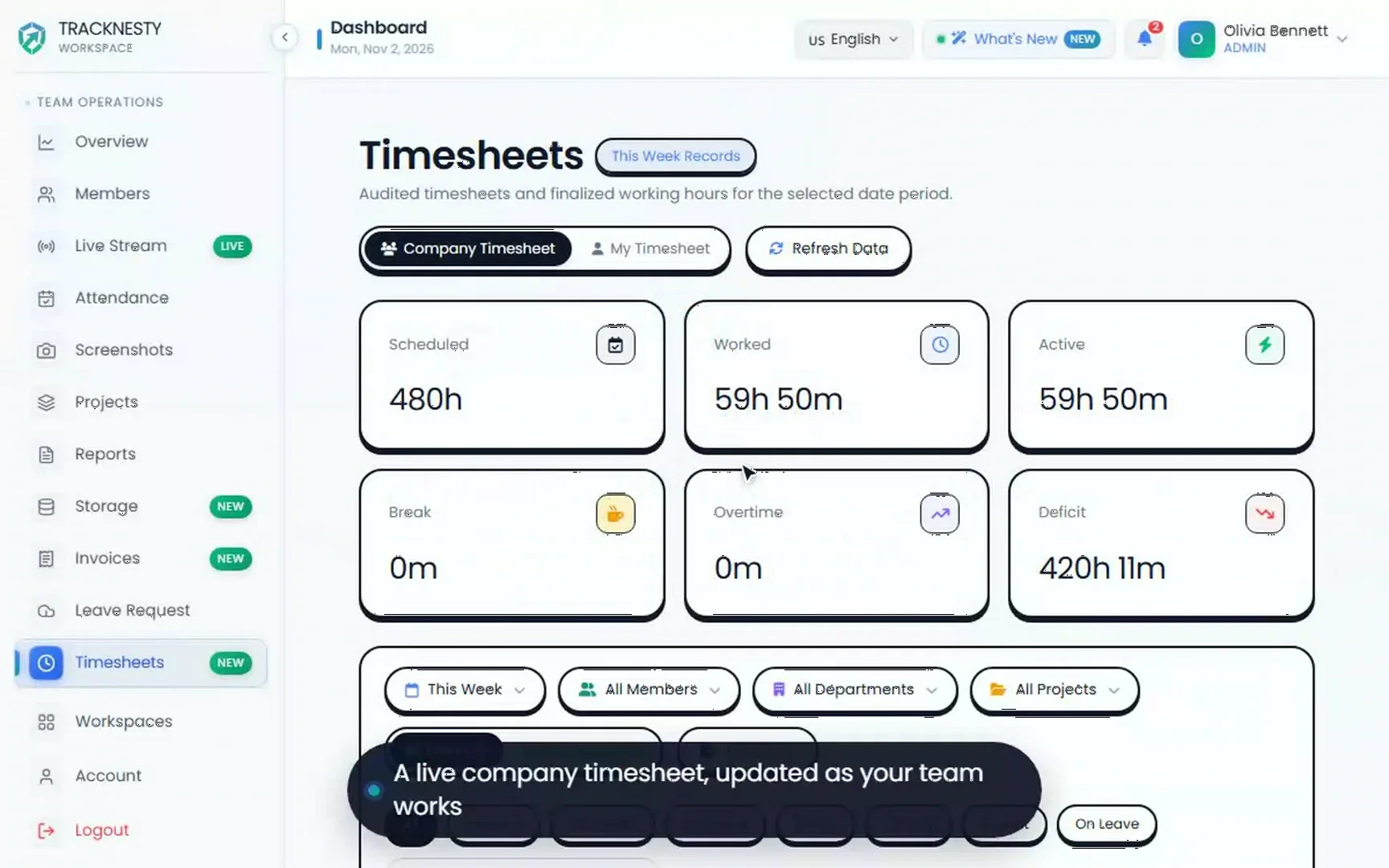
Automated Timesheets Demo
See how Tracknesty builds employee timesheets from tracked time, with list and weekly views, manager approvals and payroll exports.
 ▶ Watch demo
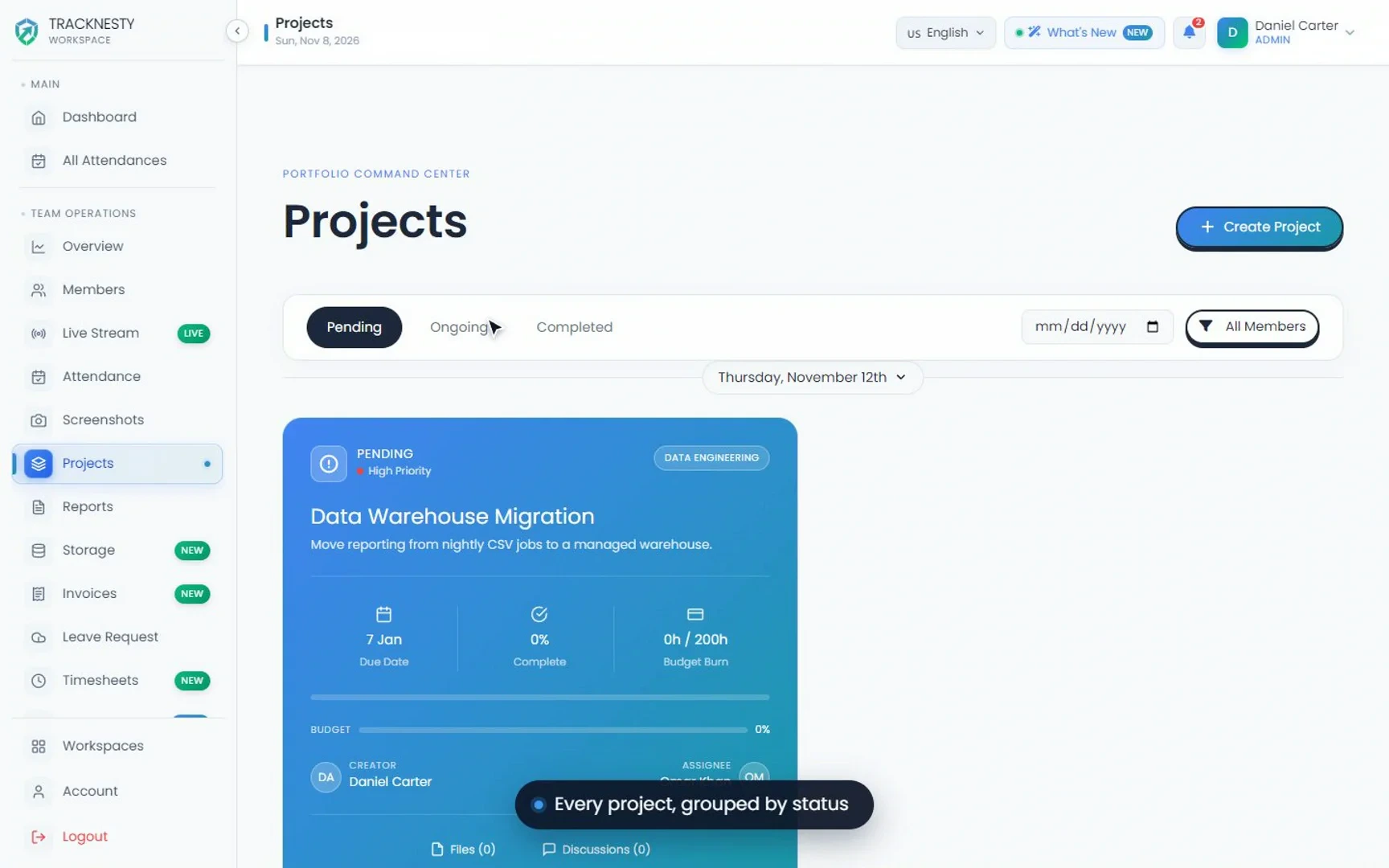
Kanban & Project Tracking Demo
Watch how Tracknesty organizes tasks and milestones on Kanban boards and tracks hours and budget burn for every project.
 ▶ Watch demo
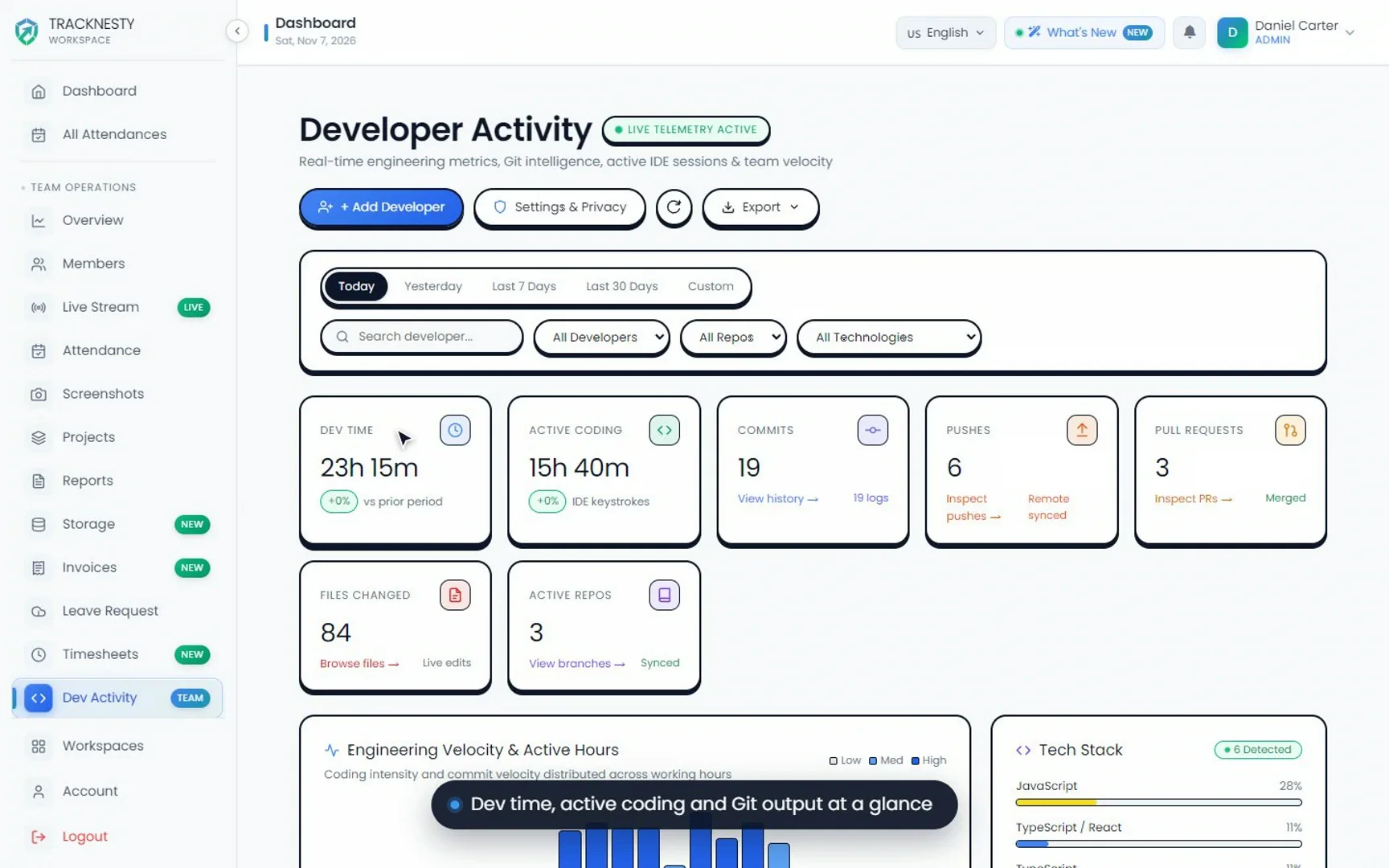
Developer Activity & IDE Tracking Demo
See how Tracknesty tracks developer time across VS Code, JetBrains and Cursor, including active files and Git commits, automatically.
Payroll & Admin
 ▶ Watch demo
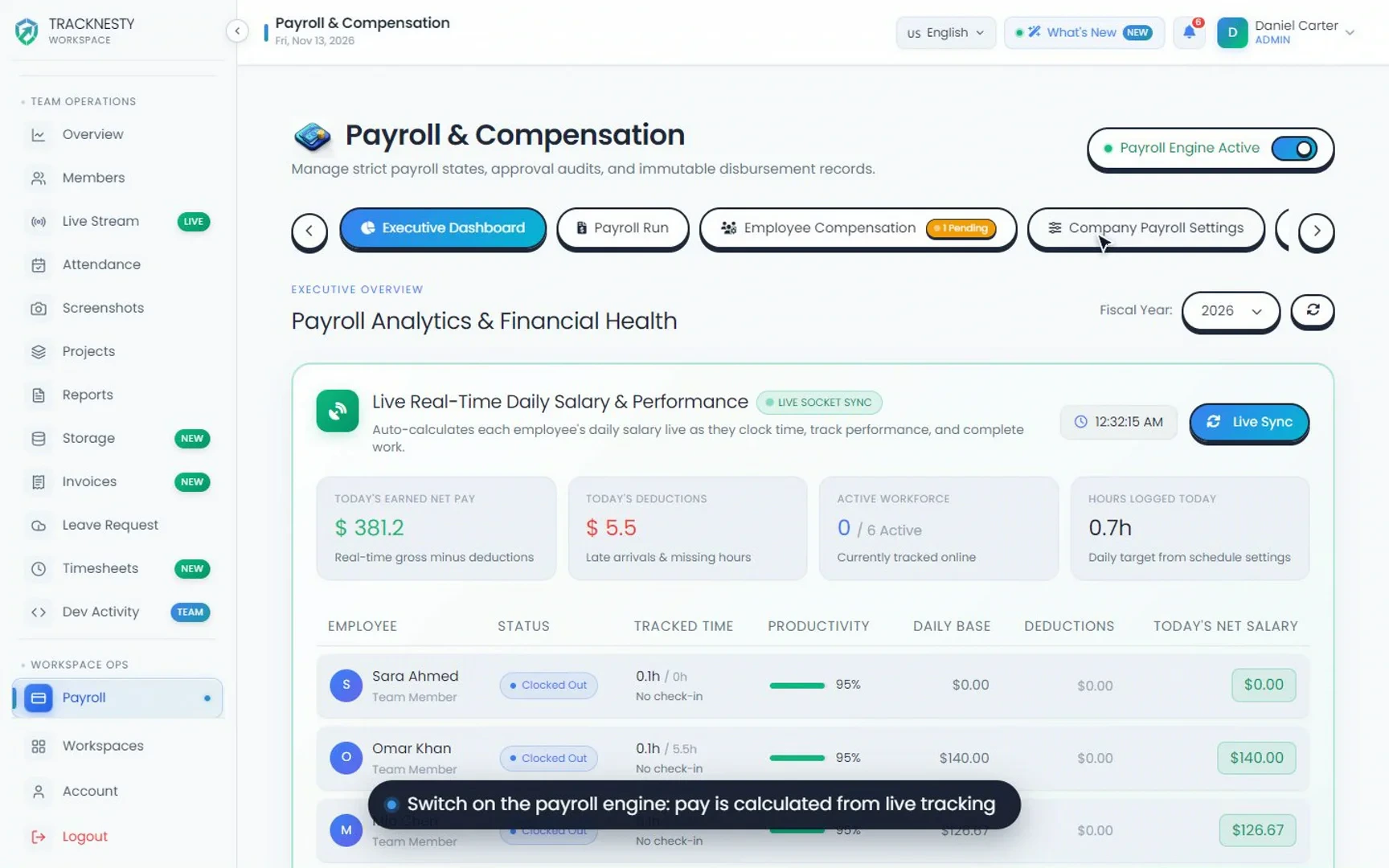
Payroll Calculation & Reports Demo
Watch how Tracknesty turns approved hours into payroll runs, calculates overtime and deductions, and creates PDF payslips in one click.
 ▶ Watch demo
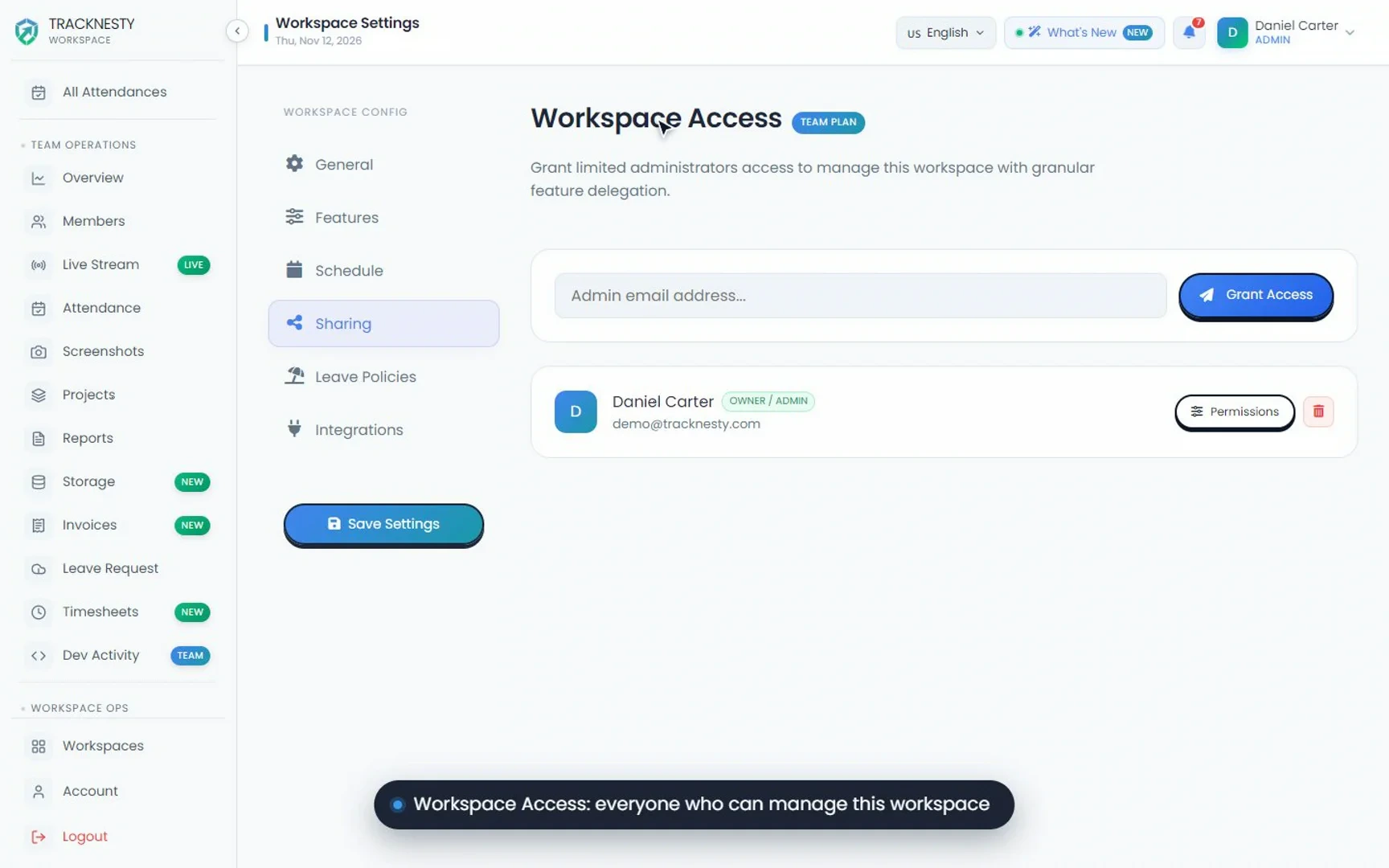
Team Roles & Permissions Demo
See how Tracknesty uses five permission levels to control who can see timesheets, screenshots, billing and team members.