Time and Activity Tracking Software for Teams
Tracking just hours is not enough. Tracknesty records work time and activity levels together, showing how much time was actively spent on the keyboard and mouse without spying on private data.
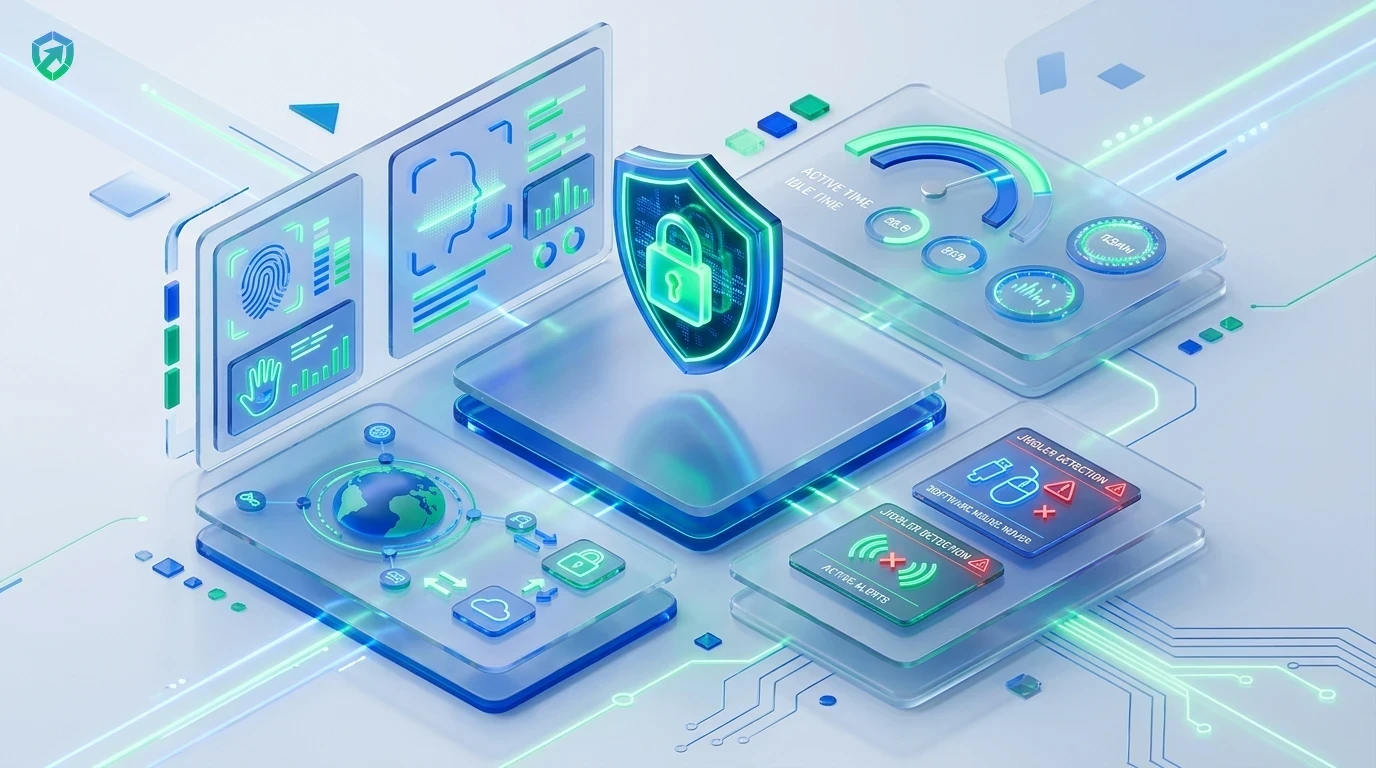
See When Work Happens and How Active Your Team Is
The easiest way to measure honest working hours and ensure payroll accuracy.
Hours & Activity Combined
Do not just see when people clocked in. See honest activity scores for every 10-minute block so you know work was actually happening with employee time tracking.
Mouse & Keyboard Cadence
Calculates activity percentages based on natural mouse moves, scrolling, and typing without invasive keylogging in employee monitoring.
Auto-Pause When Idle
When someone steps away for coffee or lunch, the timer pauses automatically. Say goodbye to paying for empty desks with idle time tracking software.
Clean Client Proof & Invoicing
Share transparent activity reports with clients. They see proof of real work in time tracking and invoicing software so you get paid without debates.
Direct Timesheet & Payroll Sync
Route verified active software hours directly into employee timesheet software and generate accurate monthly payouts with automated payroll.
Encrypted Cloud Activity Vault
Store tamper-evident application logs, URL histories, and audit records securely inside team cloud storage.
Time and activity tracking is not meant to micromanage people. It is designed to prove that remote workers are working honestly, helping them build trust with clients and managers. For real-time review of team progress without invasive spying, TrackNesty's live screen monitoring software provides supervisors with verified visual context during active shift hours.
Fair Activity Levels Without Spying on Keystrokes
Tracknesty measures how many seconds of each minute had mouse or keyboard input. It never records what you type, steal passwords, or peek into personal chats.
- Objective Percentages: Activity scores are shown as a fair percentage (e.g. 80% active) in employee monitoring.
- Zero Keylogging: Passwords and personal text remain 100% private.
- Employee Self-Audit: Employees review their own scores and daily trends in employee time tracking.
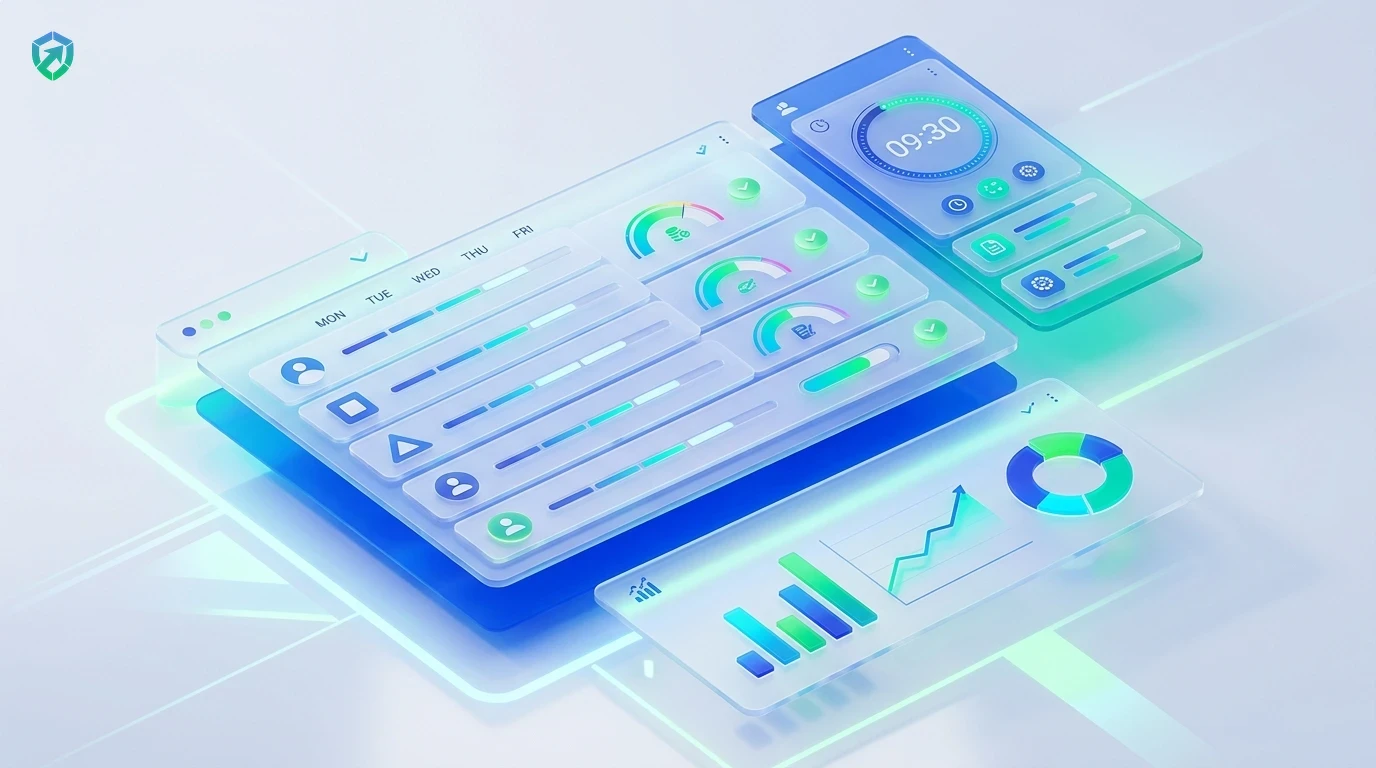
Automated Daily Work & Activity Summaries
Managers can see team progress at a glance. Identify who has too much on their plate and who might need help, all through clean visual summaries.
- Unified Telemetry: Combines project hours with activity percentages via workforce analytics.
- Burnout Prevention: Spot overloaded team members before exhaustion sets in.
- Export Proof: Export clean PDF or Excel reports in time report software.
Transparent Invoicing & Direct Payroll Sync
Transform verified activity hours into accurate invoices and employee payouts. Tracknesty eliminates billing disputes with tamper-evident proof.
- Invoice Generation: Bill clients directly with time tracking and invoicing software.
- Payroll Calculations: Push approved hours straight to automated payroll.
- Cheat Defense: Filter out fake activity tools using anti-bypass protection.
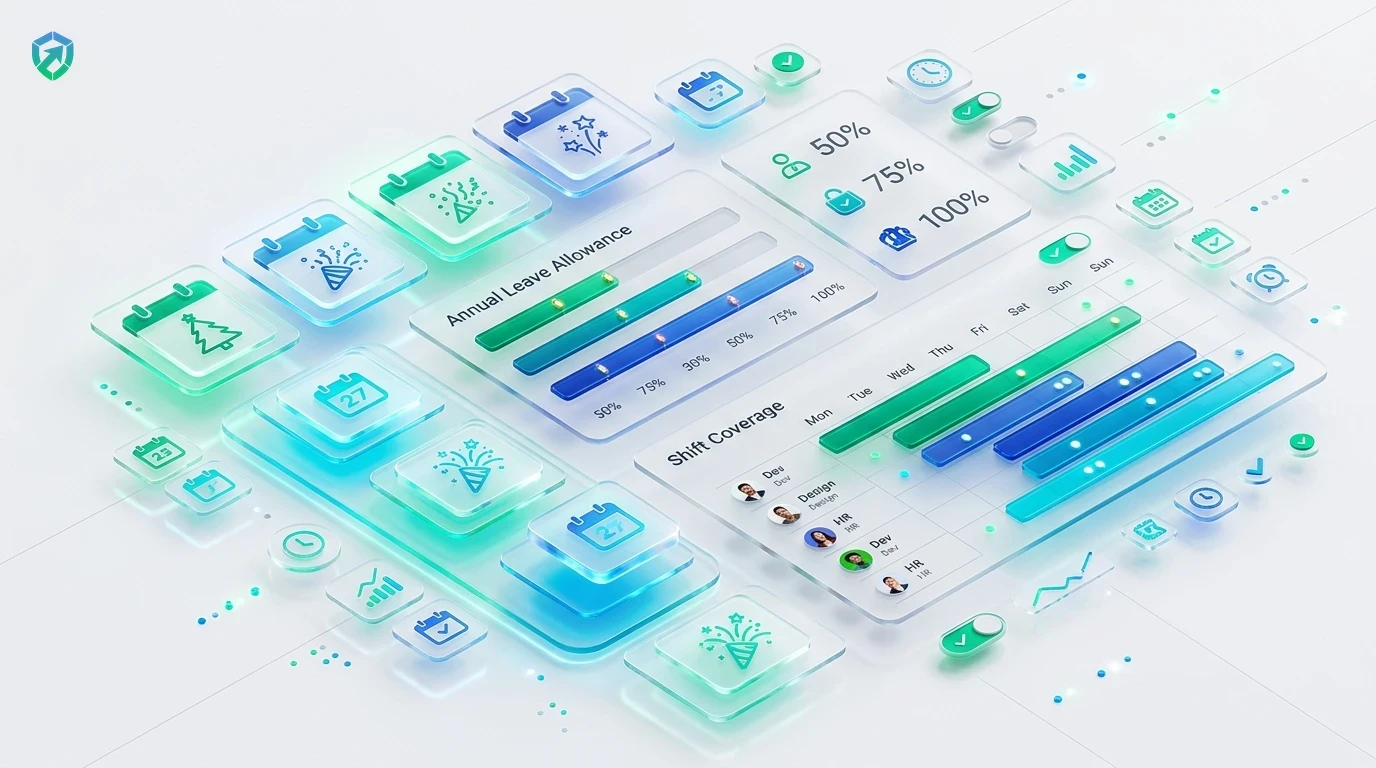
4-Step Time & Activity Tracking Pipeline
From initial single-click timer launch to transparent client invoicing.
1-Click Start
Employee selects a task and clicks start on the lightweight desktop app.
Telemetry & Scoring
Mouse clicks, moves, and key presses calculate 10-minute cadence activity scores.
Automated Summaries
Daily dashboards display active time, idle pauses, and application focus.
Invoicing & Payroll
Verified hours sync directly into client invoices and employee payslips.
Tracknesty vs Simple Clock Apps vs Invasive Spyware
See why modern teams pick Tracknesty for balanced time and activity tracking.
| Tracking Capability | Tracknesty Time & Activity | Simple Clock Apps | Invasive Spyware |
|---|---|---|---|
| Activity Level Scoring | Fair mouse & typing cadence percentage per 10-minute block | Only records start & end time with zero activity proof | Logs raw keystrokes, personal passwords, & private messages |
| Auto-Pause on Idle | Pauses automatically when away from desk; zero ghost hours | Keeps running for hours until manually stopped | Pauses, but aggressively flags natural reading breaks |
| Worker Privacy Safeguards | Zero webcam spying, zero microphone snooping, zero keylogging | Safe, but zero verifiable proof of work for clients | Secret webcam snapshots that destroy employee morale |
| Client Proof of Work | 1-Click PDF & digital report summaries with verified metrics | Manual timesheets that clients frequently question | Messy, invasive logs that clients refuse to review |
| App & URL Context | Tracks active window software & full URLs automatically | Zero software or website visibility | Logs personal banking sites and family browser tabs |
| Anti-Bypass Protection | Flags mouse jigglers and simulated auto-clicker tools | Zero protection against fraudulent hours | Easily tricked by cheap physical mouse movers |
| Monthly Price per User | $5.00 / user / month (all features included) | $3.00 to $8.00 (with zero activity verification) | $25.00 to $45.00 / user / month |
Engineered for Transparent High-Output Squads
See how developers, agencies, and BPOs verify honest effort with Tracknesty.
Deep Focus & Coding Cadence Proof
Verify deep architecture and coding focus hours across VS Code, Git, and terminals in time tracking for software development.
Client Retainer Proof & Design Time
Provide brand clients with clear activity percentages on design, copywriting, and ad management via time tracking for marketing agencies.
Queue Adherence & Agent Activity Scores
Maintain verified agent engagement levels across customer support queues and ticket resolution shifts with time tracking for BPOs.
High-Trust Culture & Output Verification
Eliminate micromanagement anxiety with objective activity telemetry that celebrates top performers in remote workforce software.
Frequently Asked Questions About Time & Activity Tracking
Everything you need to know about activity scores, privacy, and client reporting.
What is an activity level score and how is it calculated?
An activity score calculates how much of each 10-minute interval contained active keyboard typing or mouse movement. For instance, an 80% activity score indicates that the user was actively interacting with their workstation for 8 out of 10 minutes.
Does Tracknesty record individual keystrokes or private passwords?
Never. Tracknesty only measures whether keys were pressed, not what was typed. It never records passwords, bank codes, or confidential chats.
What happens if I am on a phone call or reading a paper document?
If you are attending a client call or reviewing physical documents away from your keyboard, you can log manual offline time or attach an explanatory note so your honest work is fully compensated.
Does activity tracking stop when I step away for lunch or a break?
Yes! Tracknesty automatically detects keyboard and mouse inactivity and pauses the timer after your set idle threshold, ensuring break time is never billed to clients or payroll.
Can client guests view activity scores on invoices?
Yes! You can include activity percentages and proof-of-work summaries on client invoices to validate billed hours and prevent payment delays.
How does live screen monitoring assist activity verification?
Authorized managers can view active employee screens in real time via live screen monitoring to verify work progress during active billable hours.
Does time and activity tracking work when working offline?
Yes! Time intervals and input activity telemetry are cached locally on the desktop application and synchronize with cloud records as soon as internet connectivity is restored.
How much does Tracknesty time and activity tracking cost?
Tracknesty starts at just $5 per user per month (or $4.17/mo billed yearly). You get time and activity tracking, automated timesheets, screenshots, and attendance with a 7-day free trial.
Track Real Work Hours & Activity Together
See real work hours, fair activity percentages, and automated client invoices with Tracknesty.