Big cultural moments affect attendance. You can't stop people being excited, and you shouldn't try. What you can do is plan leave early, keep work hours accurate, and use time tracking software so you know who is working, on what, and for how long.
Why Everyone Is Talking About GTA 6
After more than a decade of waiting, two delays and record-breaking trailers, Rockstar Games has set November 19, 2026 as the release date for Grand Theft Auto VI on PlayStation 5 and Xbox Series X|S. For millions of players, launch week is an event they have been counting down to for years.
Set in the fictional state of Leonida, a modern take on Florida built around a return to Vice City, the game follows two lead characters, Lucia and Jason. After years of trailers and fan theories, it's easily one of the most anticipated entertainment launches ever.
GTA 6 at a glance
| GTA 6 release date | Thursday, November 19, 2026 |
|---|---|
| GTA 6 release time | Midnight local time |
| Platforms | PlayStation 5 and Xbox Series X|S |
| GTA 6 on PC | No PC release date announced yet |
| GTA 6 price | $79.99 Standard Edition, $99.99 Ultimate Edition (US) |
| Preload | Open now for digital pre-orders |
| Download size | Up to 212 GB of free space |
| Setting and characters | Leonida and Vice City, starring Lucia and Jason |
That midnight release time is the detail managers should notice. A lot of players will be up late on launch night, and some will plan a slow morning or a full day off afterwards.
That excitement doesn't stay at home. It shows up in group chats, lunch breaks and, for many companies, in a sudden wave of leave requests for the same few days.
The Workplace Challenge Behind the GTA 6 Hype
None of this is new. Managers see the same pattern around the World Cup, the Super Bowl, major product launches and the holidays. What changes with a big game release is how concentrated it is: many people want the same day off, or plan a late night and a slow morning after.
Without a clear system, a few common problems appear:
- Last-minute absences that leave shifts or client work uncovered.
- Unrecorded late starts and early finishes that throw off payroll and project budgets.
- Unfair leave decisions, where whoever asks first or loudest gets the day off.
- Guesswork for remote teams, where managers can't easily tell who is online and working.
Remote employee productivity is usually the hardest part. In an office you notice an empty desk. On a distributed team, a quiet Slack status could mean deep focus or an early start on the weekend.
The fix isn't stricter rules. It's better information.
Why Attendance Tracking and Time Tracking Software Matter
When attendance and work hours are recorded accurately, busy weeks stop being stressful. You can see leave requests in one place, approve them fairly, plan cover in advance, and pay people correctly for the hours they actually worked.
Good employee time tracking software also protects employees. Accurate records mean nobody is accused of slacking based on a hunch, and overtime worked to cover a colleague's day off is logged and paid.
5 Ways to Manage Your Team More Effectively
These apply during any busy period, not just a game launch. Put them in place once and they keep working all year.
1Automated attendance
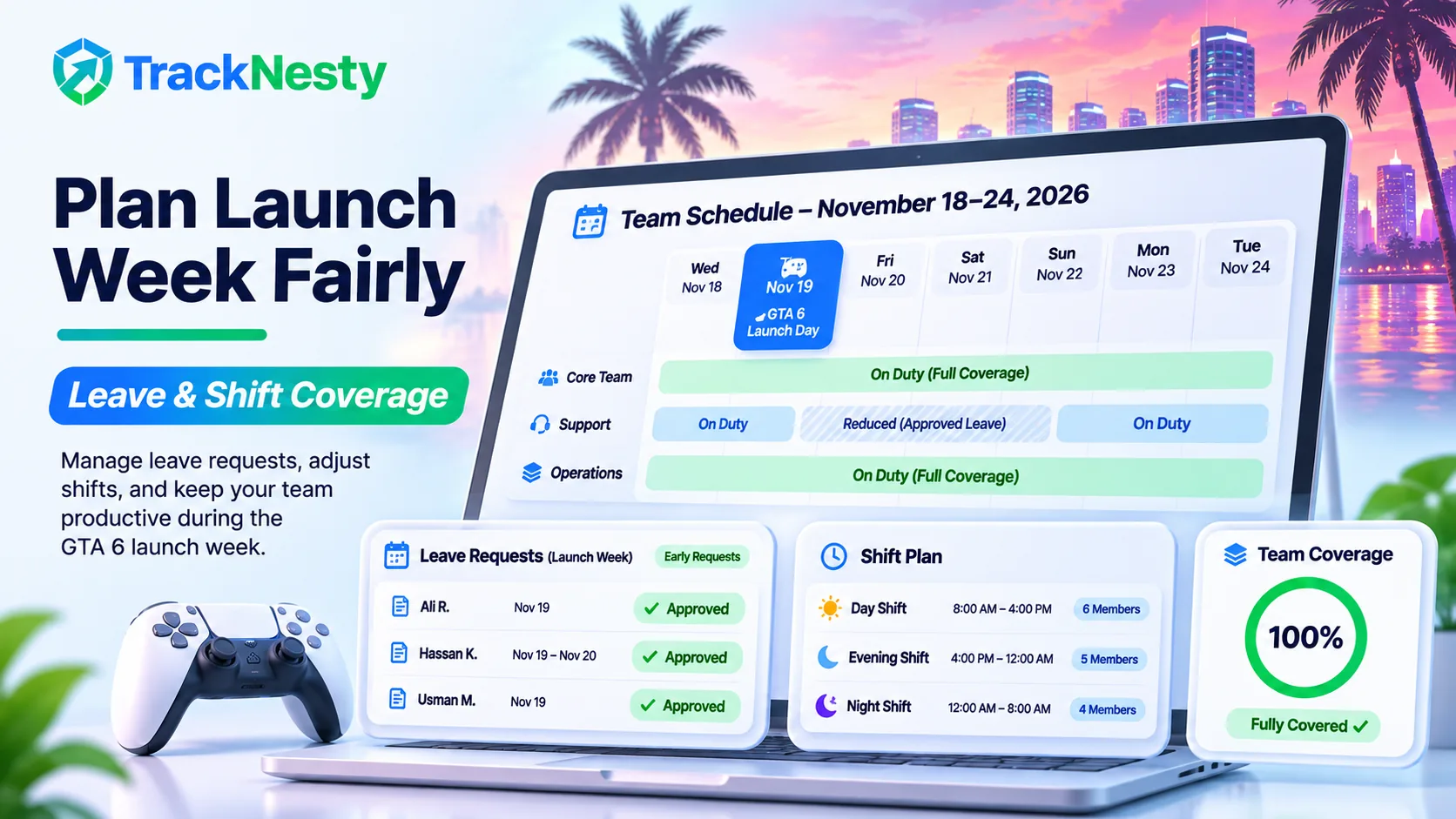
Manual sign-in sheets and "I'm online" messages break down when schedules get busy. With employee attendance tracking, check-ins are recorded automatically when employees start work and compared against their scheduled shifts, so late arrivals and absences are visible without anyone chasing them.
Pair it with a clear leave management process: ask people to request launch-week time off early, approve requests on a fair basis, and the team calendar shows exactly who is out.
2Accurate work-hour tracking
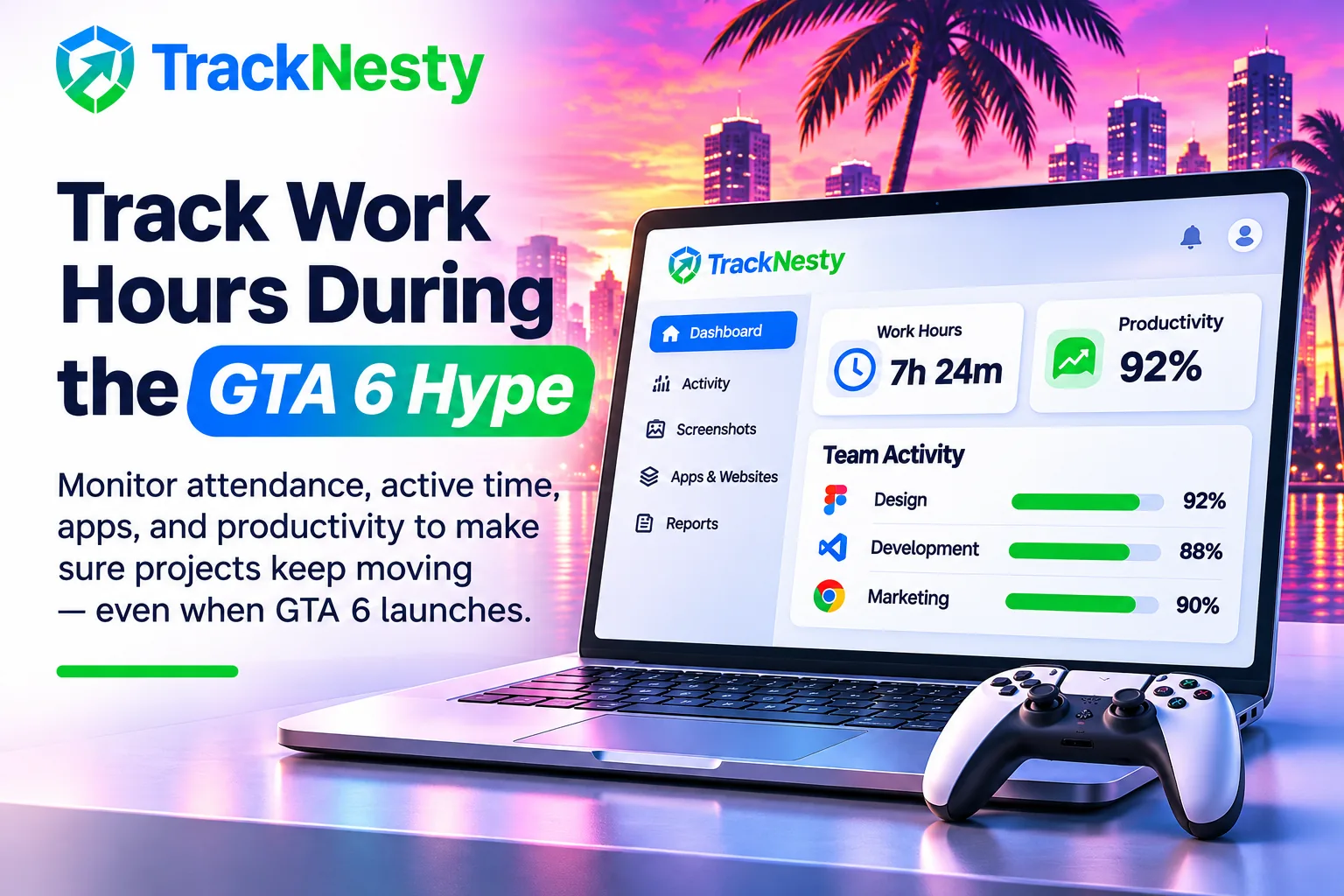
Employee work hours tracking replaces estimates with real data. Each person's logged hours, breaks and overtime are recorded as they work, which makes it easy to spot when cover is thin and to reward the people who stepped up.
Idle time tracking software adds useful context here. If someone stays logged in but stops working, the inactive period is flagged instead of quietly counted as paid time.
If you want people to protect focused work during a distracting week, the time blocking method is a simple, proven way to plan the day.
3Screenshots and activity monitoring
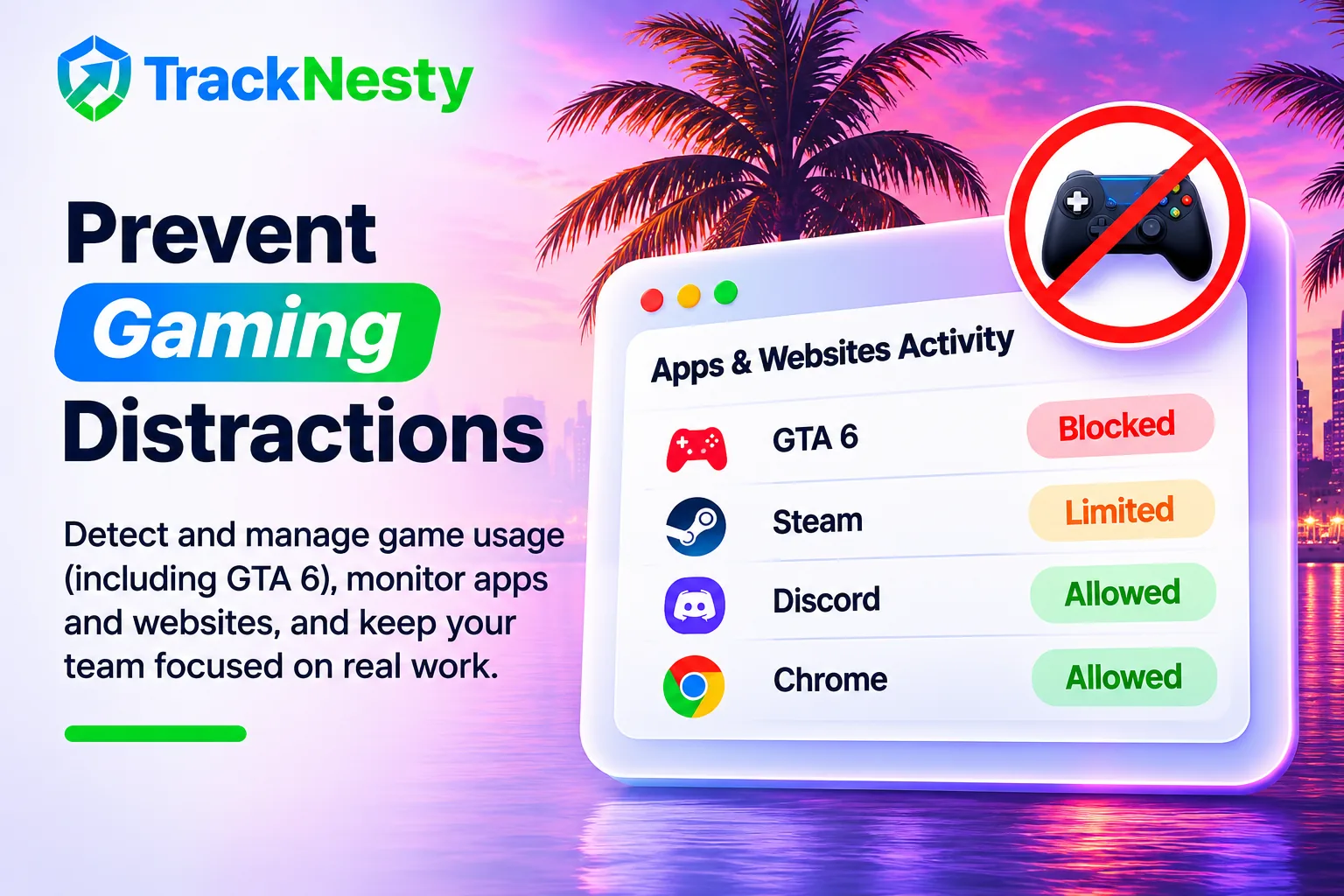
For remote teams, visibility matters. Tracknesty's employee monitoring software can capture periodic screenshots, track which apps and websites are used during work time, and offer live screen monitoring software when a manager needs to check in on urgent work in real time.
For many small businesses, time tracking with screenshots is enough on its own: a periodic snapshot attached to each block of tracked time.
Used transparently, screen monitoring software isn't about catching people out. It gives clients proof of work and gives managers context, and monitoring only runs while the employee is actively tracking time.
4Project and timesheet management
When part of the team is away, deadlines still need to hold. Tracking time against projects shows you which work is on schedule and which needs extra hands. A realistic schedule with buffer around known busy dates helps too. If you need a starting point, use this project schedule example and project timeline template.
Weekly timesheets built from tracked time mean employees don't have to reconstruct their week from memory, and managers can approve them in a few clicks. New to them? Here's a plain-English guide on what a timesheet is.
5Payroll and productivity reports
At the end of the period, all of this feeds into reporting. Automated payroll calculates pay from approved hours, including overtime, and productivity reports show trends over weeks rather than judging anyone on a single day.
How TrackNesty Helps Businesses Manage Their Teams
Tracknesty is time tracking software that brings attendance, work hours and team management together in one platform, so you don't need separate tools for each job:
- Automatic clock-in and clock-out from the desktop app.
- Employee attendance records matched against custom shift schedules.
- Screenshots and live monitoring during tracked work time.
- Application and website tracking to understand how work time is spent.
- Timesheets and project tracking with manager approvals.
- Payroll reports calculated from approved hours.
Plans start at $3 per user per month, and every plan includes a 7-day free trial. See the full breakdown on the pricing page.
Don't let your business operations become a guessing game. Manage attendance, monitor productivity, and organize your team's working hours with TrackNesty.
Final Thoughts
GTA 6 will dominate conversation for weeks, and that's fine. The businesses that handle it best won't be the ones that ban the topic. They'll be the ones that planned leave early, kept work hours accurate, and trusted their data instead of guessing.
Put the right time tracking software in place now and the next big release, tournament or holiday season will be just another well-organized week.
Frequently Asked Questions
When does GTA 6 come out?
Rockstar Games has scheduled Grand Theft Auto VI for release on Thursday, November 19, 2026, at midnight local time, on PlayStation 5 and Xbox Series X|S.
How much does GTA 6 cost?
In the US, the GTA 6 Standard Edition costs $79.99 and the Ultimate Edition costs $99.99.
Is GTA 6 coming to PC?
Not at launch. GTA 6 releases on PS5 and Xbox Series X|S, and Rockstar has not announced a PC release date yet.
Should businesses worry about employees taking time off for a big game launch?
Not worry, but plan. A major release is like any other popular event: some people will request leave or start late. A clear leave request process and accurate attendance records let you approve time off fairly while keeping work covered.
What does time tracking software actually record?
Time tracking software records when people start and stop work, how many hours they log per project, and their attendance against scheduled shifts. Tools like Tracknesty can also capture screenshots and app and website usage during tracked work time.
Does Tracknesty monitor employees outside working hours?
No. Tracknesty only tracks while an employee is actively working with the timer running. When they pause, take a break or clock out, screenshots and activity tracking stop.
How much does Tracknesty cost?
Tracknesty starts at $3 per user per month on the Starter plan, with a 7-day free trial and no credit card required.
Grand Theft Auto VI is a trademark of Take-Two Interactive Software, Inc. Tracknesty is not affiliated with, endorsed by or sponsored by Rockstar Games or Take-Two Interactive. Release details are based on publicly announced information as of November 18, 2026.