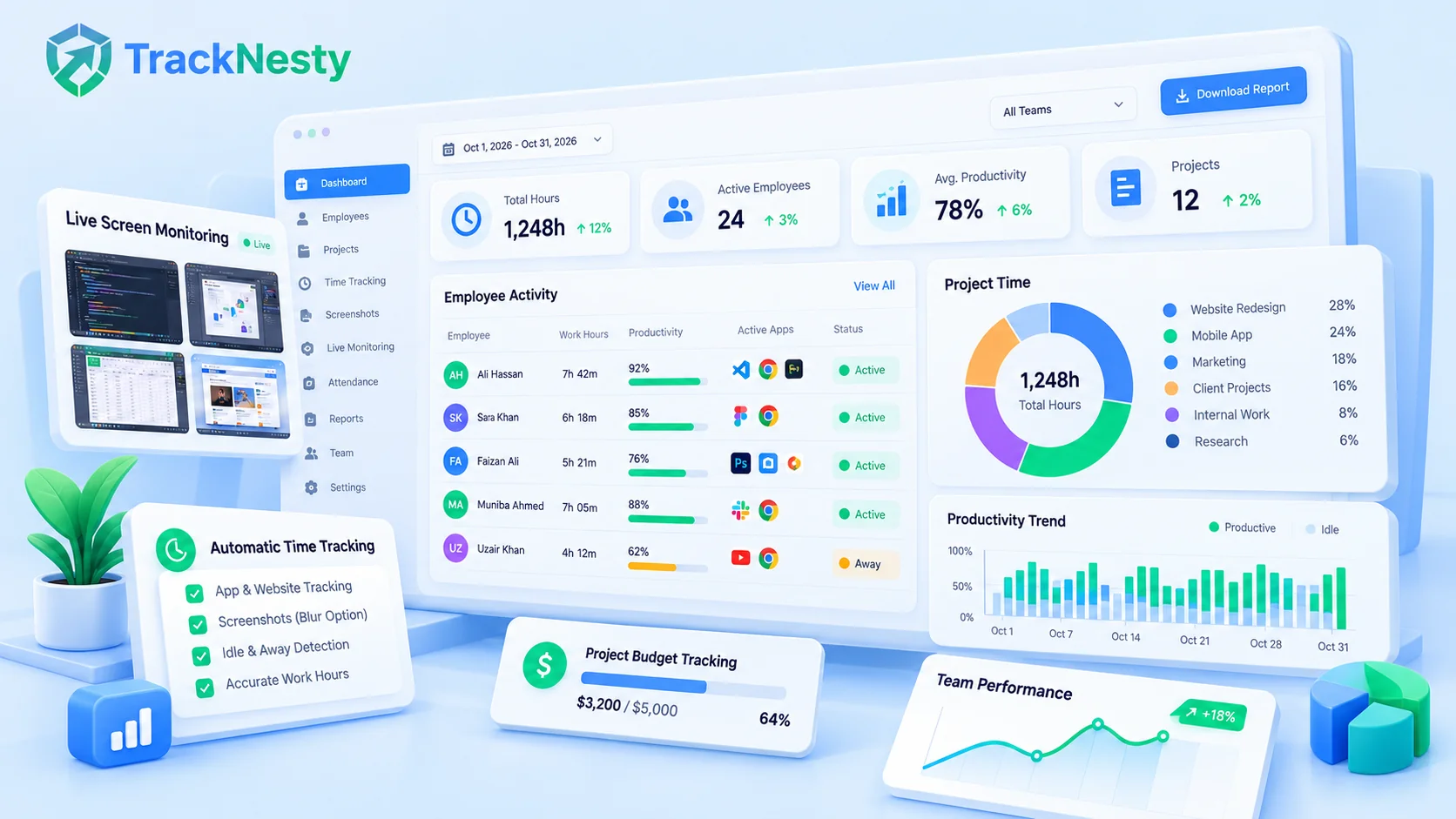
Finding the best time tracking software in 2026 and heading into 2027 is no longer about finding a digital stopwatch that replaces paper timesheets. In an era dominated by distributed engineering squads, remote digital agencies, and outsourced global teams, modern organizations demand tools that provide proof of work, eliminate billing disputes, protect employee privacy, and block fraudulent time theft. If you are researching the best time tracking software 2027 predictions and requirements, automation and zero-latency verification have become table stakes.
Yet the software market is crowded with starkly different philosophies: simple timer buttons (Clockify, Toggl Track), heavy legacy surveillance suites (Time Doctor, Teramind), and modern zero-latency live platforms (Tracknesty).
To help you cut through sales rhetoric, our research team tested the top tools across four critical evaluation criteria: tracking accuracy, remote accountability & anti-jiggler protection, administrative overhead, and transparent per-user pricing.
1. Quick Comparison: The 8 Best Time Tracking Software at a Glance
Here is how the top 8 solutions compare across core capabilities, live monitoring mechanisms, and starting costs:
| Platform | Best For | Monitoring | Anti-Jiggler | Score | Pricing |
|---|---|---|---|---|---|
 | Remote Teams & Agencies | Real-Time Stream + Shots | AI Detection | $5/ user / mo flat | |
| Field Teams & Fleet GPS | Screenshots (10m) | Basic Activity | $7.00/ user / mo | ||
| Mid-Market & BPOs | Screenshots + Cam | Keystrokes Only | $7.00 - $16.70/ user / mo | ||
| Freelancers & Micro Teams | Manual Timer | None | Free - $11.99/ user / mo | ||
| Design & Creative Studios | Manual Grid | None | $9.00 - $18.00/ user / mo | ||
| Productivity Audits | URL & App Logs | None | $7.00 - $20.00/ user / mo | ||
| Consultancies & Billables | Timesheet Ledger | None | $10.80/ user / mo | ||
| Enterprise IT & Security | Periodic Screenshots | Pattern Check | $8.00 - $15.00/ user / mo |
2. In-Depth Reviews of the 8 Best Time Tracking Tools
Tracknesty
Tracknesty is engineered from the ground up for modern remote teams, digital agencies, and tech companies that require complete transparency without heavy administrative micromanagement. Unlike legacy competitors that rely on blurry, delayed 10-minute screenshots, Tracknesty features sub-second real-time live desktop streaming. Managers can verify live work in real time with zero streaming lag.
Tracknesty also solves the rampant problem of remote work fraud. Its anti-jiggler detection flags jiggler and auto-clicker apps, software-generated input, and robotic USB jiggler movement — without recording what anyone types. It balances accountability with ethics through automated Gaussian blur filters for banking and password credentials.
Strengths
- Zero-latency live screen monitoring (no 10-minute delays)
- Built-in anti-jiggler and anti-bypass alerts
- Automated timesheets with 1-click payroll and invoice exports
- Lightweight desktop agent (<25MB RAM consumption)
- Unmatched transparent pricing at just $5/user/month
Limitations
- Focused on desktop and remote work (no physical vehicle GPS)
- Requires initial team onboarding conversation about proof-of-work culture
Learn more: Check out our honest breakdown of Clockify alternatives for live screen monitoring and our direct head-to-head comparison in Tracknesty vs. Clockify.
Hubstaff
Hubstaff is an established player in the workforce tracking space. It is particularly strong for organizations that manage roving mobile employees, construction crews, and field service technicians thanks to its native GPS location tracking and geofenced automated clock-ins.
However, for digital knowledge workers and software teams, Hubstaff feels dated. Its desktop monitoring relies on periodic screenshots captured every 10 minutes, which creates a disjointed paper trail that can easily be spoofed by mouse jigglers between capture cycles.
Strengths
- Outstanding GPS location tracking and job-site geofencing
- Extensive integrations with Asana, Jira, and Trello
- Automated payroll disbursement via PayPal and Wise
Limitations
- No real-time live screen streaming (only static 10-minute screenshots)
- Complex pricing tiers with aggressive seat minimums
- Vulnerable to hardware mouse jiggler spoofing
Time Doctor
Time Doctor has long served BPOs and large-scale call centers with rigid shift structures. It tracks websites visited, applications used, keyboard strokes, and includes optional webcam recording.
While feature-rich for massive corporate hierarchies, Time Doctor has developed a reputation for feeling intrusive. Its frequent "Are you still working?" popups disrupt deep focus, and its high pricing tiers (up to $16.70/user/mo) make it expensive for growing agencies. Read our specialized BPO time tracking guide for modern alternative setups.
Strengths
- Detailed poor-time-use alerts (YouTube, social media)
- Comprehensive offline time tracking sync
- Enterprise payroll and multi-level manager approval tiers
Limitations
- Heavy client installation that can slow down older laptops
- Disruptive idle popup modals break creative flow
- Expensive top tier at $16.70 per employee per month
Clockify
Clockify gained widespread popularity by offering a generous free tier for basic manual time entry. Users click a start button, type a brief task description, and click stop when finished.
While ideal for solo freelancers who only need basic hour tallies, Clockify fails as a remote team accountability system. Because hours are entered manually or via basic timers, employees often forget to start their timer or fabricate hours retroactively at the end of the week. It lacks live desktop verification and anti-jiggler protections.
Strengths
- Generous free plan with unlimited users and projects
- Intuitive, clean interface with zero learning curve
- Broad browser extension and calendar integrations
Limitations
- No live screen streaming or proof of work verification
- Susceptible to manual timesheet inflation and forgetfulness
- Advanced features (screenshots, audits) require expensive tiers
Toggl Track
Toggl Track is widely celebrated for its beautiful, designer-friendly UI. It excels at calendar integrations, Pomodoro timers, and visual time blocking, allowing creative agencies to analyze how hours map across branding and design projects.
However, Toggl is strictly a voluntary self-reporting system. It does not provide automated proof of work, background website logging, or screen audits. If your agency needs to manage client caps and prevent over-servicing, read our companion guide on how to track agency retainer hours.
Strengths
- Delightful user experience with keyboard shortcuts
- Seamless integration with Google Calendar and Outlook
- Robust reporting by client, project, and billable status
Limitations
- High pricing ($9 to $18/user/mo) for purely manual timers
- Zero verification, screenshots, or automated proof of work
DeskTime
DeskTime focuses on passive background monitoring. Employees do not have to press start or stop; the desktop app launches automatically on system boot and records every application opened, website browsed, and active duration.
It automatically categorizes activities into "Productive," "Unproductive," or "Neutral." While useful for broad office trend audits, automatic categorization can mislabel developer workflows (e.g., flagging Stack Overflow or Reddit technical forums as unproductive).
Strengths
- 100% automated background tracking without manual timer clicks
- Productivity bar chart breakdown and URL categorization
- Shift scheduling and absence calendar management
Limitations
- Rigid productivity classifications can penalize creative exploration
- Top tiers reaching $20/user/mo make it costly for scaling teams
Harvest
Harvest has been a fixture of professional services and consultancy billing for over 15 years. Its core strength lies in translating logged timesheet hours directly into client invoices with attached expense receipts, Stripe payments, and QuickBooks sync.
However, Harvest remains an entirely manual timesheet ledger. It provides no automated desktop activity logging, no screenshot archives, and no live screen streaming.
Strengths
- Top-tier invoicing and automated payment collection
- Direct expense tracking with receipt photo capture
- Deep integrations with accounting platforms like Xero and QuickBooks
Limitations
- Manual input model vulnerable to retrospective guessing
- No monitoring, proof of work, or anti-fraud capabilities
Insightful (formerly Workpuls)
Insightful targets enterprise IT administrators who require strict endpoint compliance, stealth installation options, and raw audit logs. It allows companies to track active vs. idle computer time and inspect open window titles.
While technically capable, Insightful leans heavily toward top-down corporate surveillance. Its stealth monitoring configurations can create cultural friction with modern software engineers and knowledge workers.
Strengths
- On-premise private cloud deployment options for HIPAA compliance
- Automated shift scheduling and attendance monitoring
- Granular security permissions by department
Limitations
- Can feel invasive and erode team trust if misconfigured
- Lacks real-time sub-second live desktop streaming
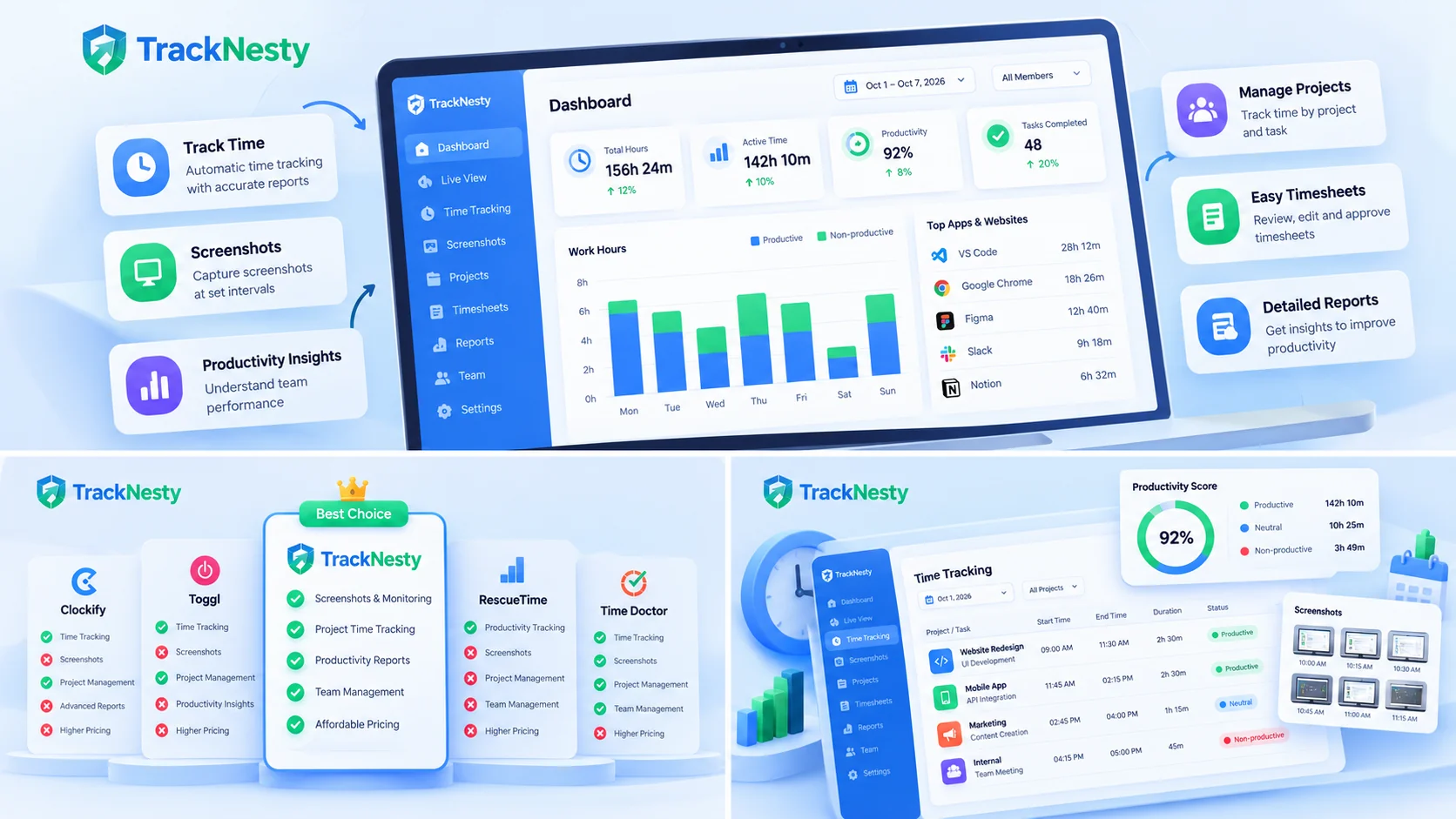
3. How to Choose the Best Time Tracking Software for Your Team
Before committing your organization to a platform, evaluate these five critical operational factors:
- Proof of Work vs. Blind Trust: If you bill clients hourly or manage offshore contractors, manual timer apps will inevitably lead to billing disputes. Choose a tool with automated proof of work—such as periodic screenshots or live screen streaming—so clients can see verified evidence of delivery. Read our deep dive on how screenshot time tracking works.
- Anti-Jiggler & Anti-Fraud Protection: Over 35% of remote contractors report using mouse jigglers or browser auto-refreshers to fake active work hours. Without jiggler detection, you will end up paying full billable rates for ghost hours.
- Streaming Latency: Live Stream vs. Delayed Screenshots: Older tools take a screenshot every 10 minutes, leaving managers blind between intervals. Modern live streaming allows team leads to glance at live screens with zero latency, making standup reviews instantaneous. Compare both approaches in our guide on live screen vs. screenshot monitoring.
- Employee Privacy Safeguards: Surveillance without boundaries destroys team morale. The best time tracking software only tracks during active work shifts and applies automated Gaussian blur filters to passwords, personal chat windows, and banking data.
- Transparent Seat Pricing Without Hidden Tiers: Many providers lure companies with cheap entry prices, only to lock essential features (like screenshots or payroll exports) behind $15+/user tiers. Tracknesty keeps pricing straightforward at a single $5/user/month rate.
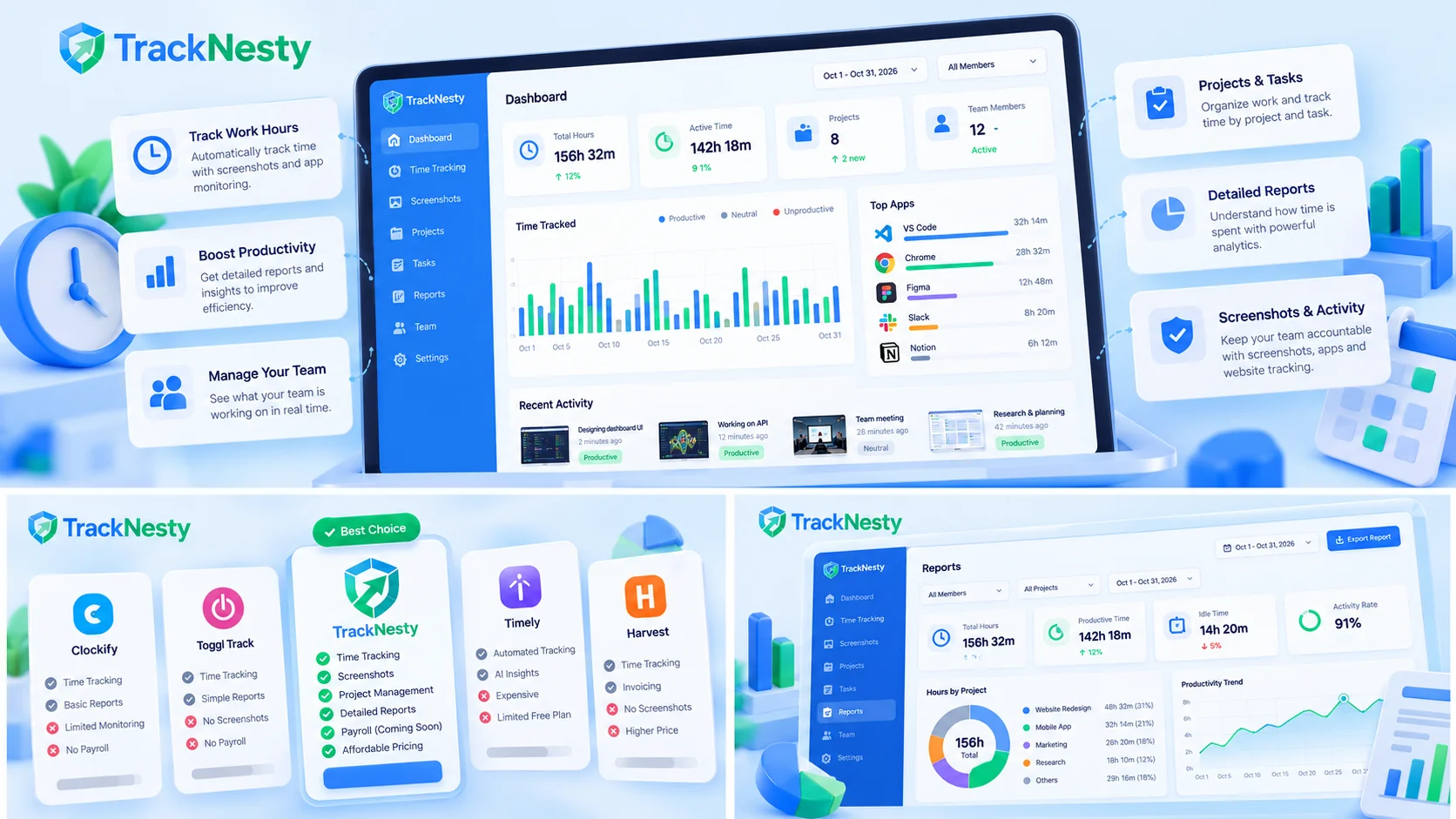
4. Interactive Calculator: Calculate Your Time Leakage & Software ROI
According to industry benchmarks, businesses lose an average of $22,000 to $50,000 annually per 10 employees due to unrecorded billable hours, inaccurate timesheets, and unmonitored idle time.
Use our interactive calculator below to simulate how much revenue your organization leaks every month and calculate the return on investment of switching to automated time tracking:
Time Tracking Software ROI & Revenue Leakage Calculator
Simulate how much unbilled time and unrecorded hours your team loses every month, and test the ROI of automating time tracking.
5. Frequently Asked Questions About Time Tracking Software
What is the best time tracking software overall in 2026?
For remote teams, agencies, and high-accountability workplaces, Tracknesty is the best overall time tracking software. It combines automatic time tracking with real-time zero-latency live screen streaming, anti-jiggler fraud prevention, smart privacy blurring, and transparent $5/user/month pricing.
What is the difference between manual and automatic time tracking software?
Manual time tracking software requires employees to start and stop timers or enter retrospective hours into a weekly grid. Automatic time tracking software runs silently in the background, logging active computer work, measuring keyboard and mouse frequency, and tracking exact software applications without human intervention.
Can employees fake time tracking software with mouse jigglers?
Basic tools that only count raw movement can easily be fooled by mechanical or software mouse jigglers. Tracknesty flags known jiggler and auto-clicker apps, input generated by software instead of a real device, and robotic mouse patterns typical of USB jigglers, then alerts admins to review.
How much does modern time tracking software cost?
Pricing varies significantly across providers. Simple timer apps range from $3 to $8 per user per month. Comprehensive enterprise platforms like Hubstaff charge $7 to $12+ per user, and Time Doctor charges up to $16.70 per user. Tracknesty provides full live screen streaming, app monitoring, and automated payroll for just $5/user/month.
Is employee time tracking software legal and GDPR compliant?
Yes, workplace time and activity monitoring is legal globally provided companies maintain transparency, obtain employee consent where required, and protect personal privacy. Tracknesty adheres strictly to GDPR and labor laws by offering Gaussian blur privacy filters for sensitive credentials and only tracking during active clocked-in shifts.
6. Conclusion: Which Time Tracking Software Should You Pick for 2026 & 2027?
As companies transition into 2027, the standard for the best time tracking software 2027 has shifted away from passive, manual timers toward intelligent, automated proof-of-work systems. The best time tracking software depends on your operational model:
- If you are a solo freelancer who only needs a basic timer button → Clockify or Toggl Track are convenient starting points.
- If you manage mobile field workers or fleet vehicles with physical GPS needs → Hubstaff provides strong geofencing.
- If you are a remote agency, software engineering squad, or high-growth company seeking the best time tracking software 2027 that delivers real-time accountability, zero-lag live screen streaming, anti-jiggler protection, and fair $5/user pricing → Tracknesty is the undisputed #1 choice.
Eliminate timesheet fraud, verify proof of work with zero-latency live desktop streaming, and sync billable hours directly with client invoices for just $5/user/month.